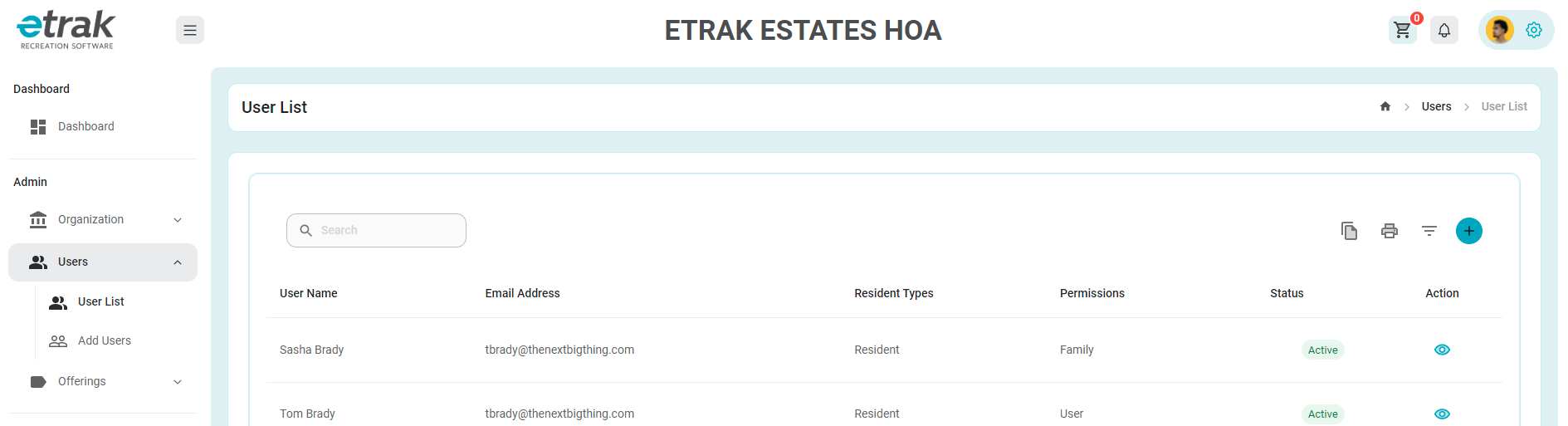
Select user list from the user drop down on the left side of the screen.
Search for the user that needs updated and select the eye icon that corresponds with the user
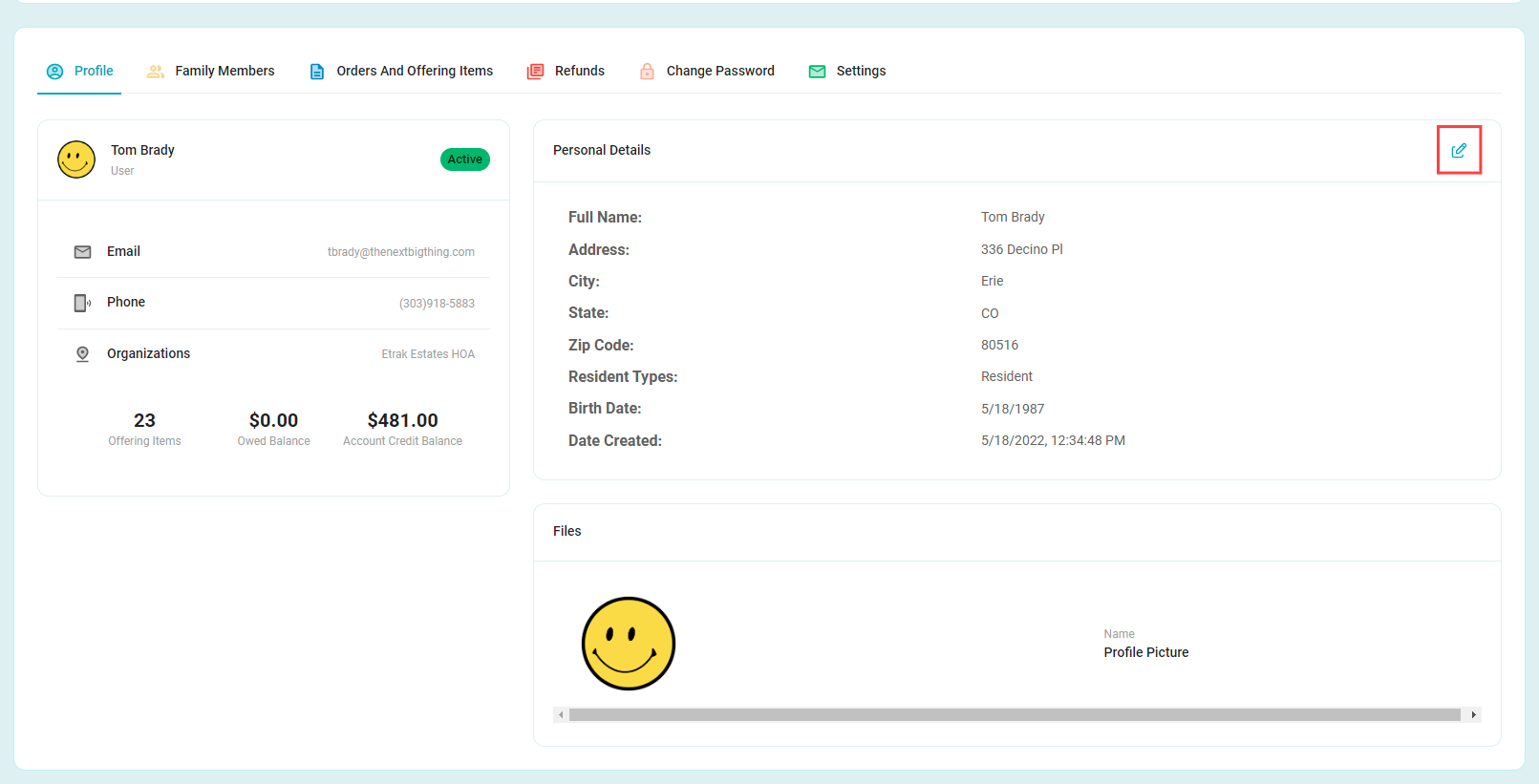
In order to edit, use the pencil icon in the top right of the personal details window.
Make any necessary changes.
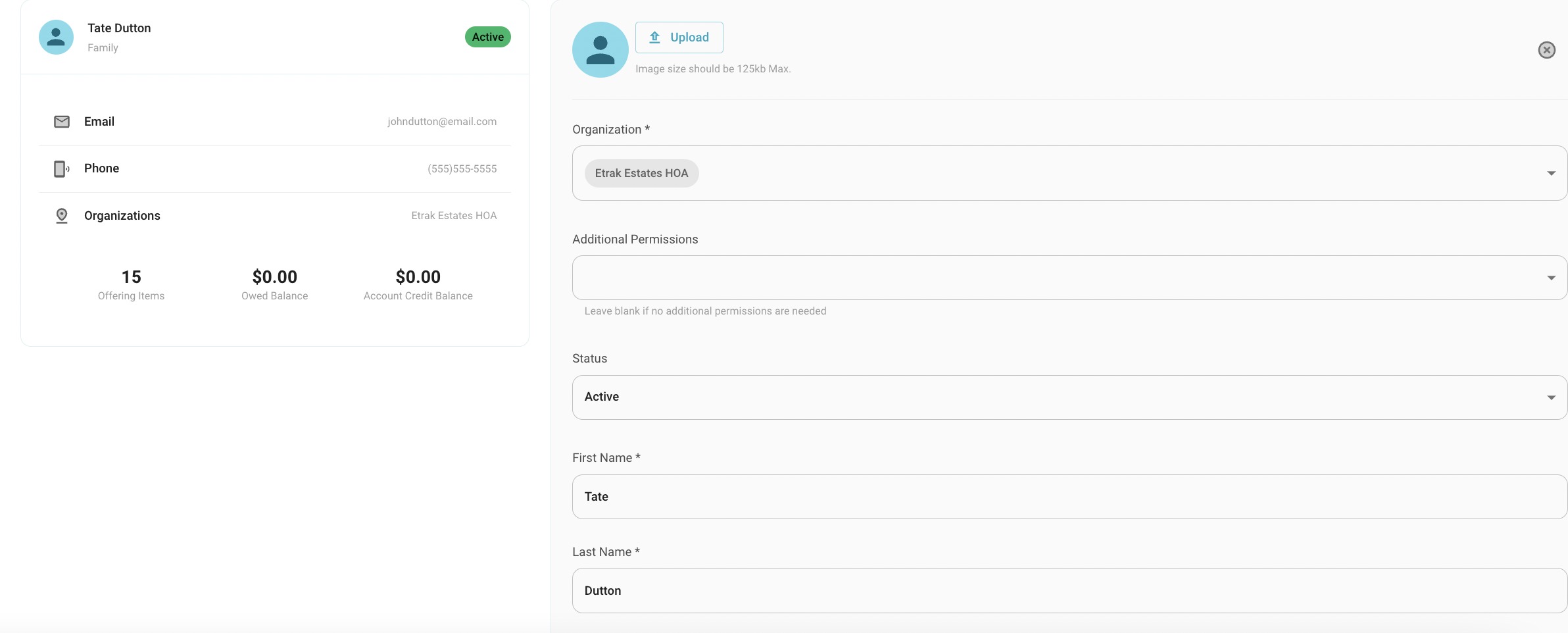
Once you have finished with your edits, select the save button.

Success!
Was this article helpful?
That’s Great!
Thank you for your feedback
Sorry! We couldn't be helpful
Thank you for your feedback
Feedback sent
We appreciate your effort and will try to fix the article