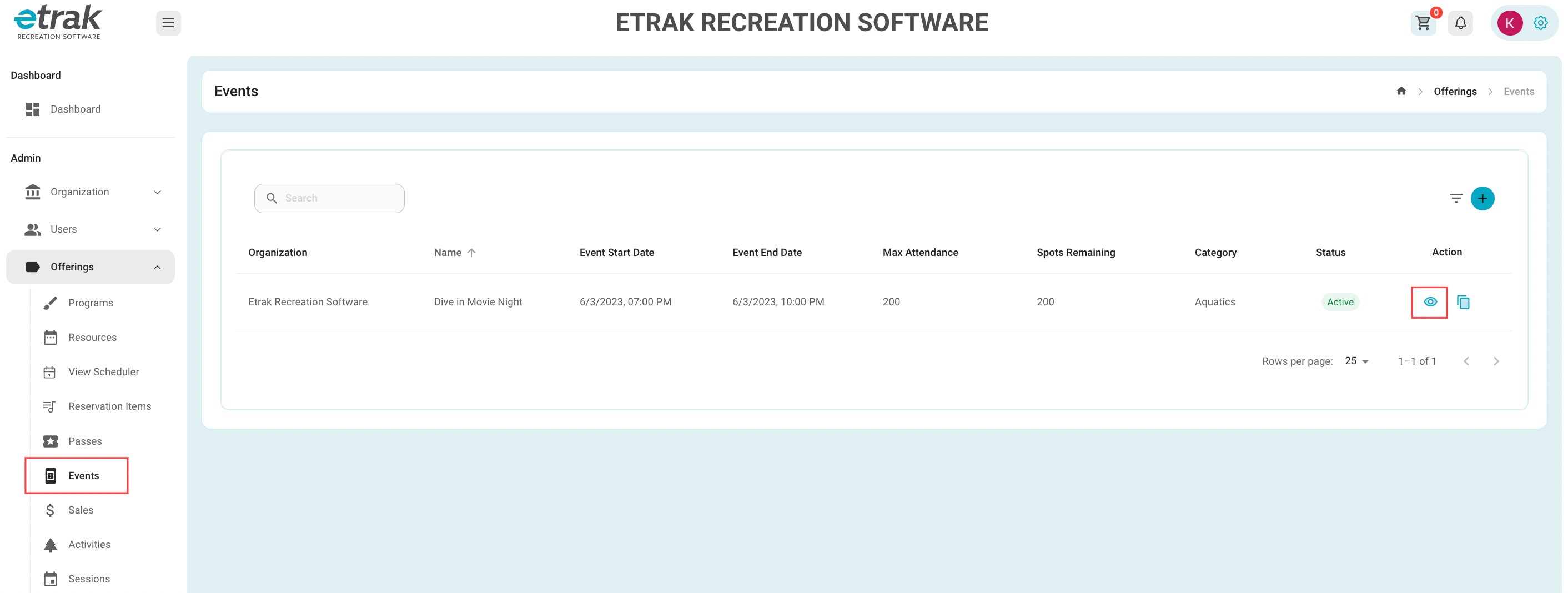
Select 'Events' from the 'Offerings' tab on the left side of the screen.
Select the corresponding "eye" icon to the event that needs edited on the right hand side of the screen.
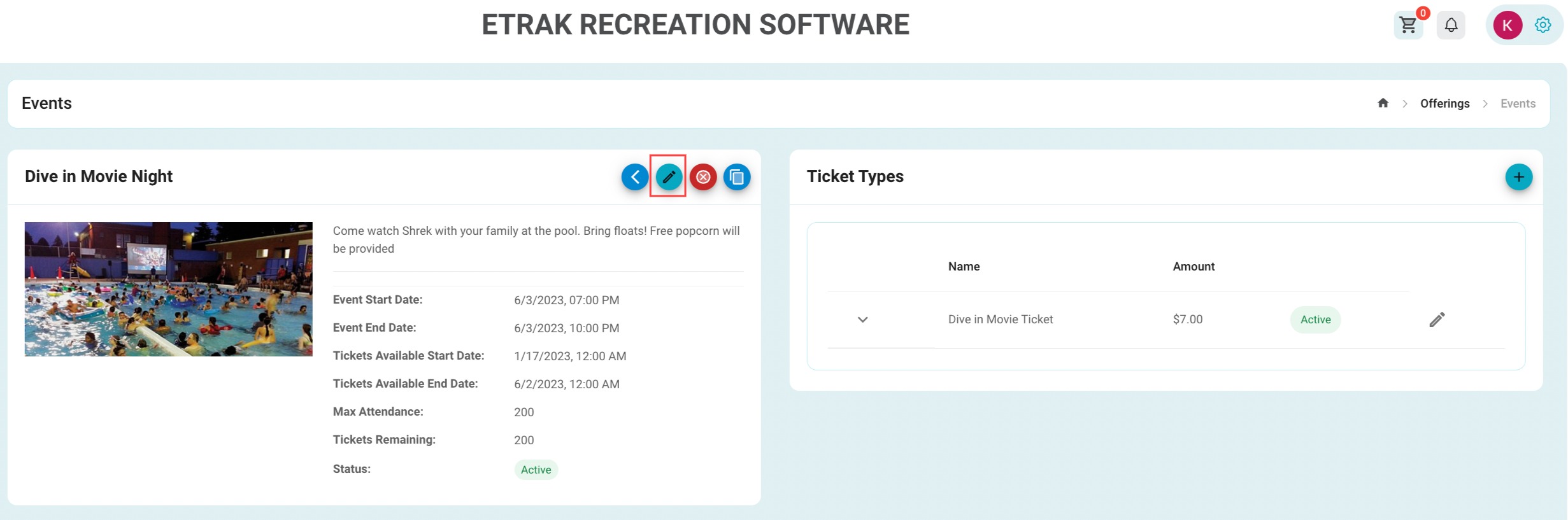
Select the blue pencil icon near the center of the page to edit the event details.
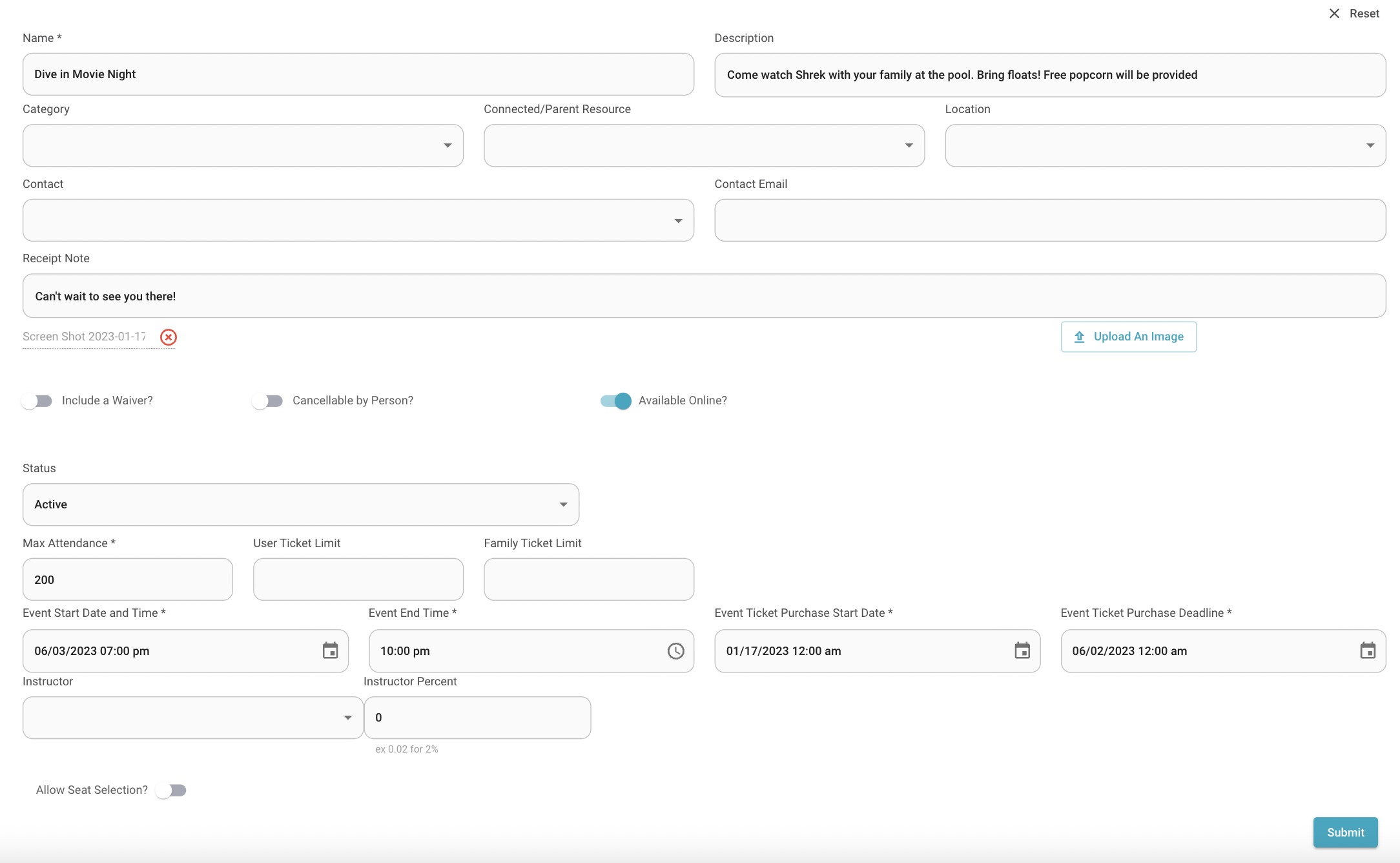
Make any changes necessary and press ‘Submit’ to save.
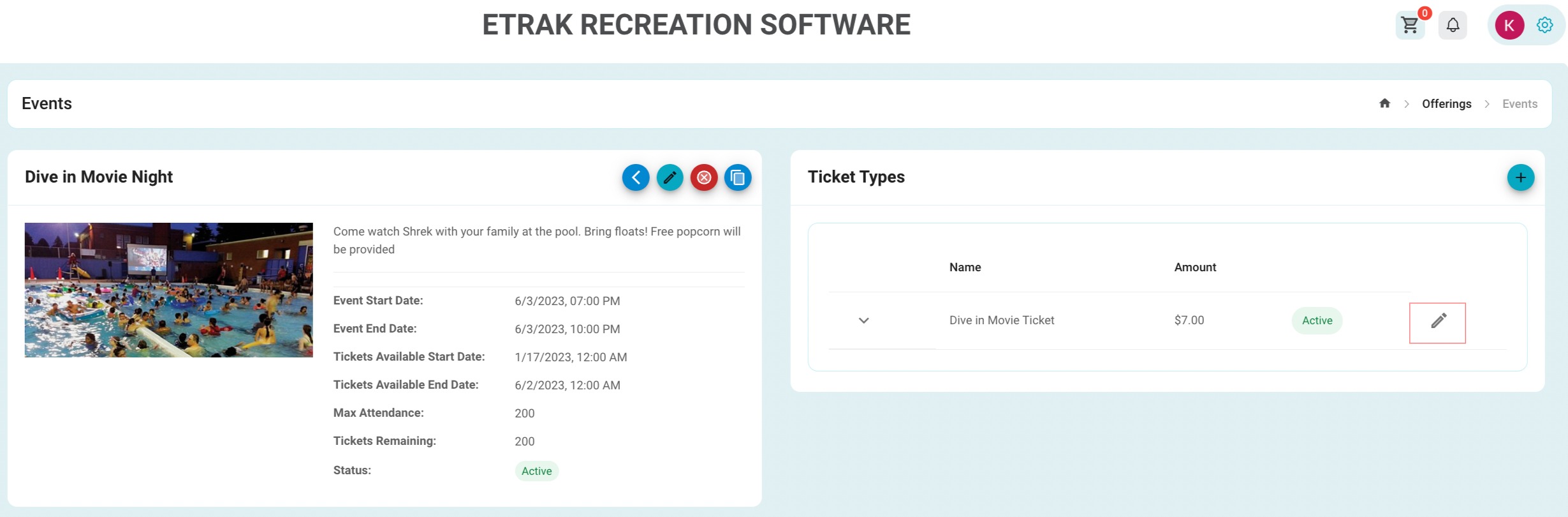
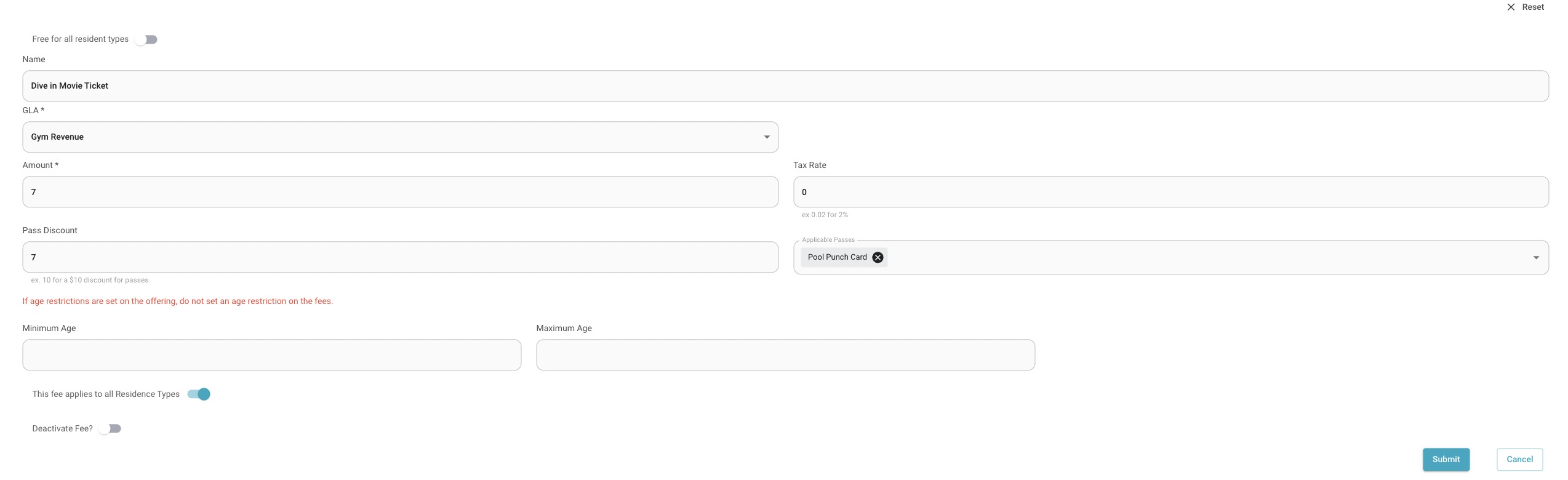
Select the gray pencil icon near the right side of the page to edit ticket type/ fees.
Make any changes necessary or hit the ‘Deactivate Fee’ toggle to remove this specific ticket type.
Press ‘Submit’ to save any changes
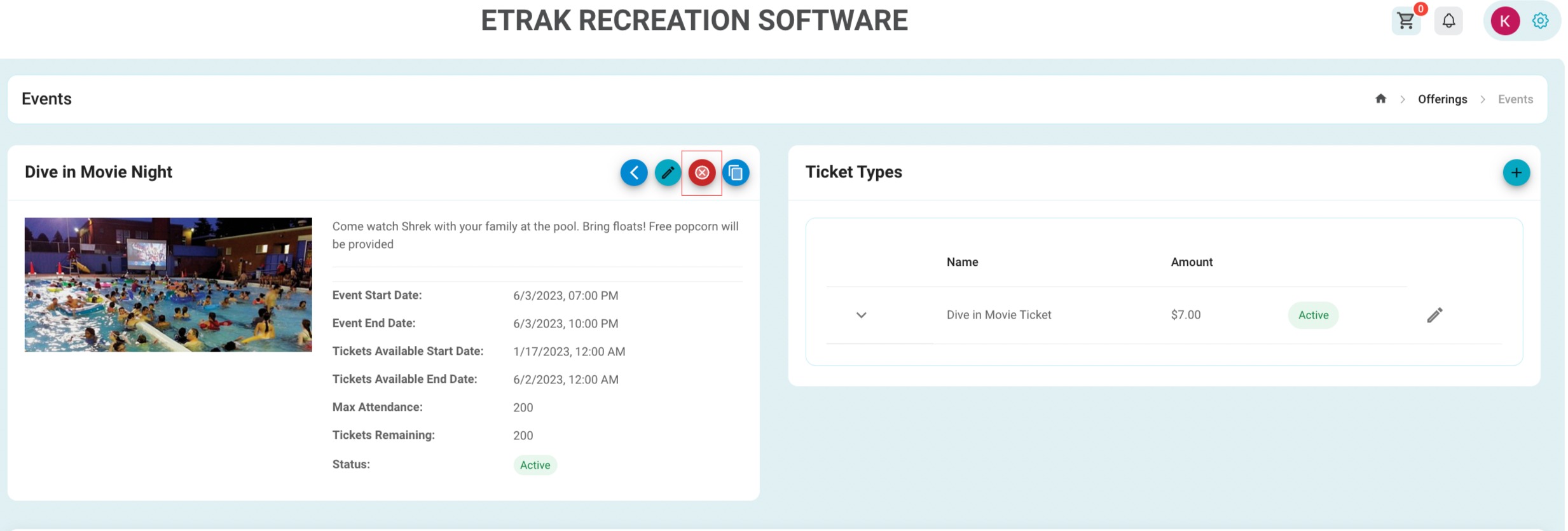
Hit the red X icon towards the center of the screen to cancel the entire event.
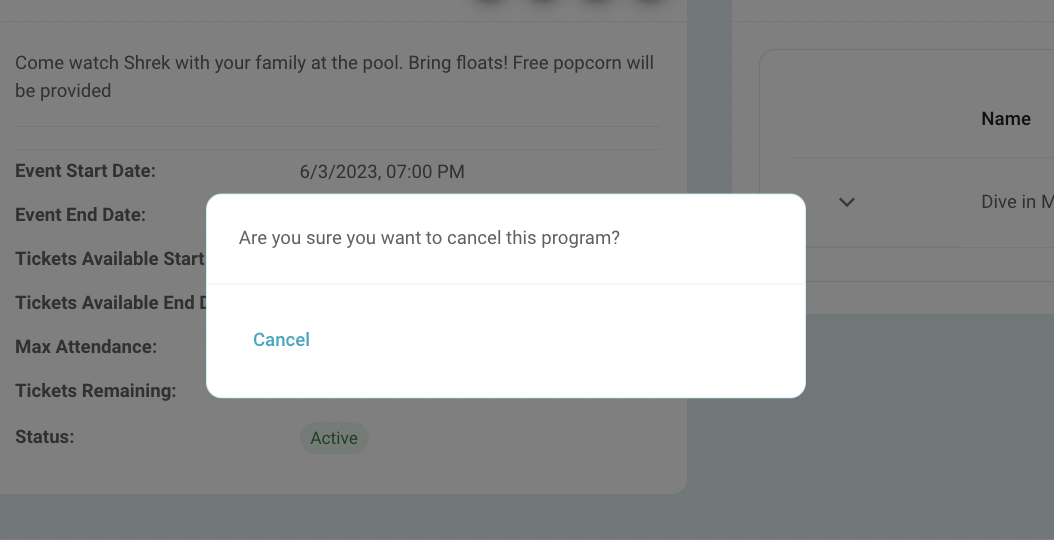
You will be asked if “you are sure you want to cancel?”
Select ‘Cancel’ to complete this process.
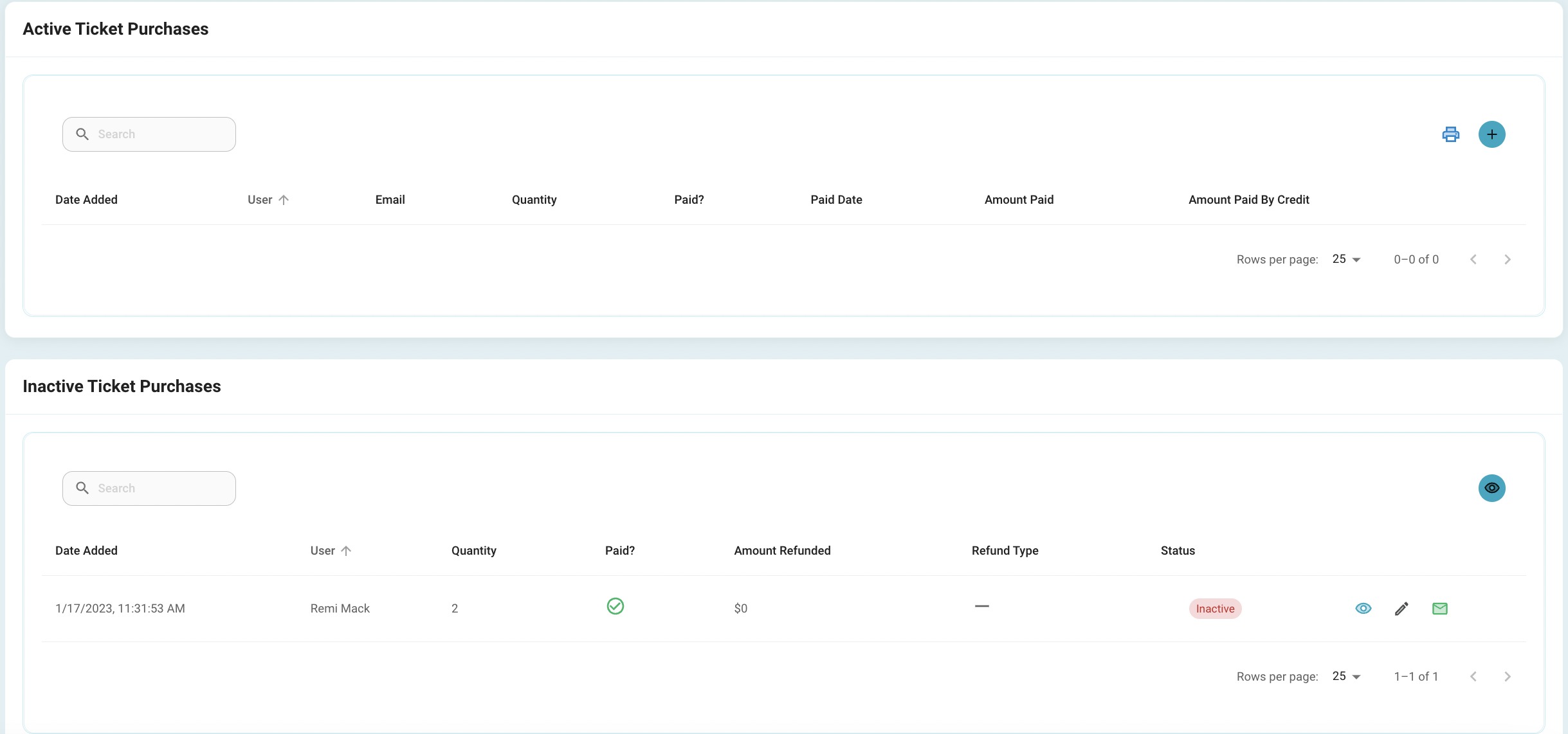
Anyone that had an active ticket purchase will be moved to an inactive state. Manual refunds will have to be run. Click here to learn how to run a refund.
Click here to learn how to set up an automatic email for cancelled offerings.
Success!