From the dashboard select ‘My League Teams’
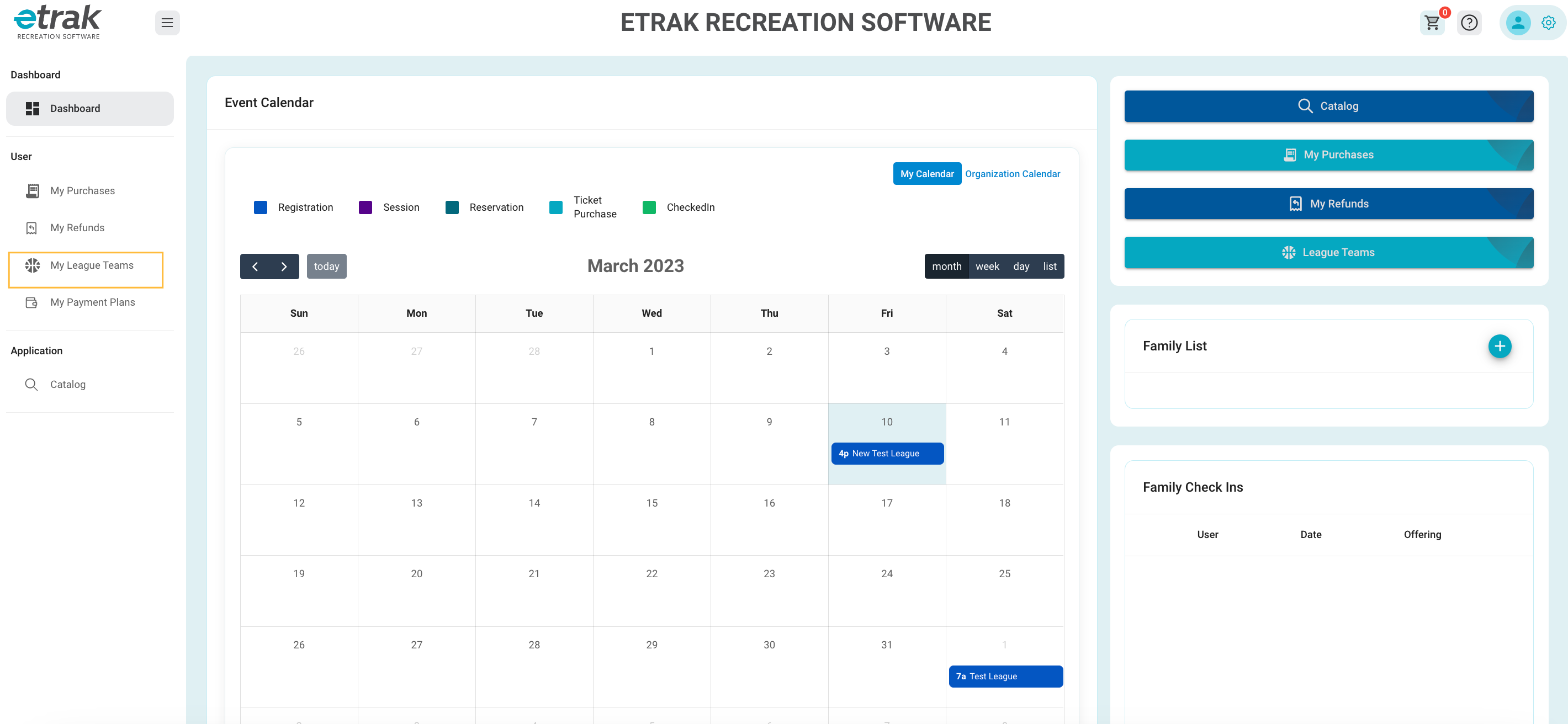
Any leagues that your children are registered for will appear.
Select the Calendar icon that coordinates with the league name you wish to view to view the teams schedule.
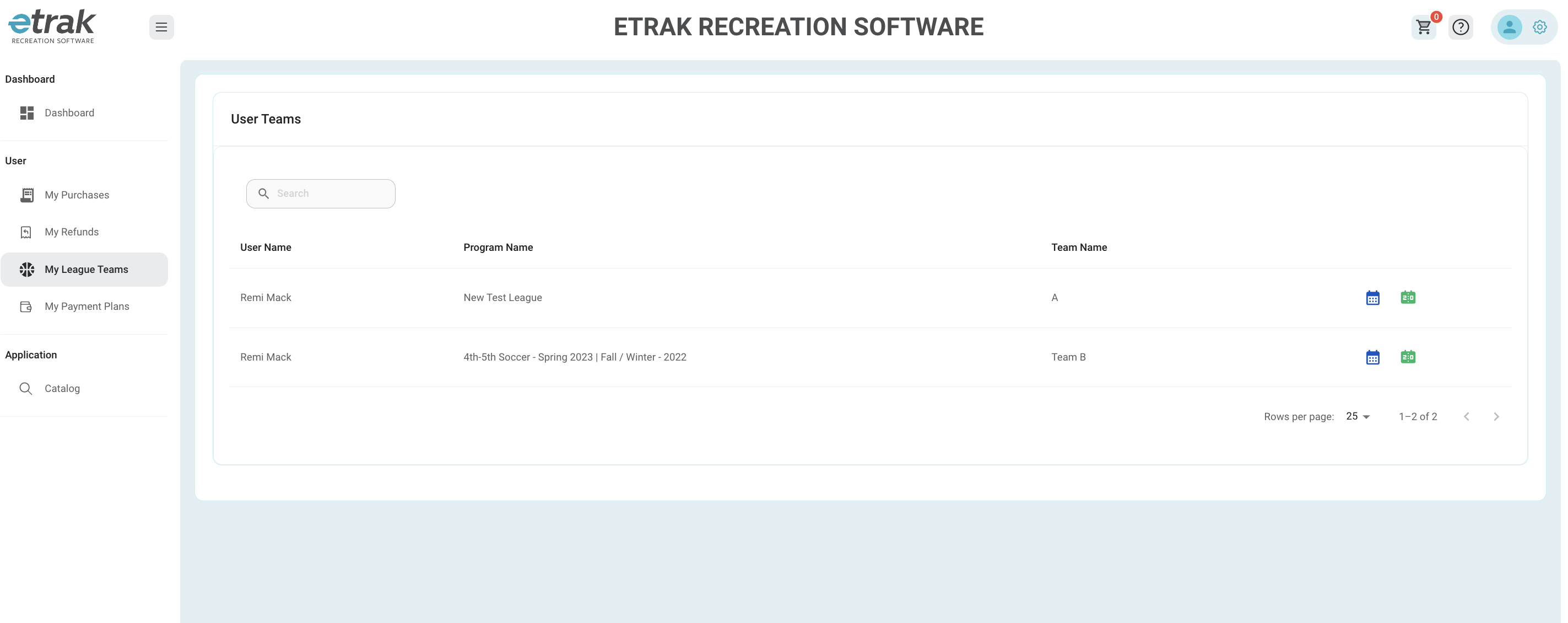
The team schedule will appear and show game start/end time, location, home/away team status and if the game has passed it will show the score.
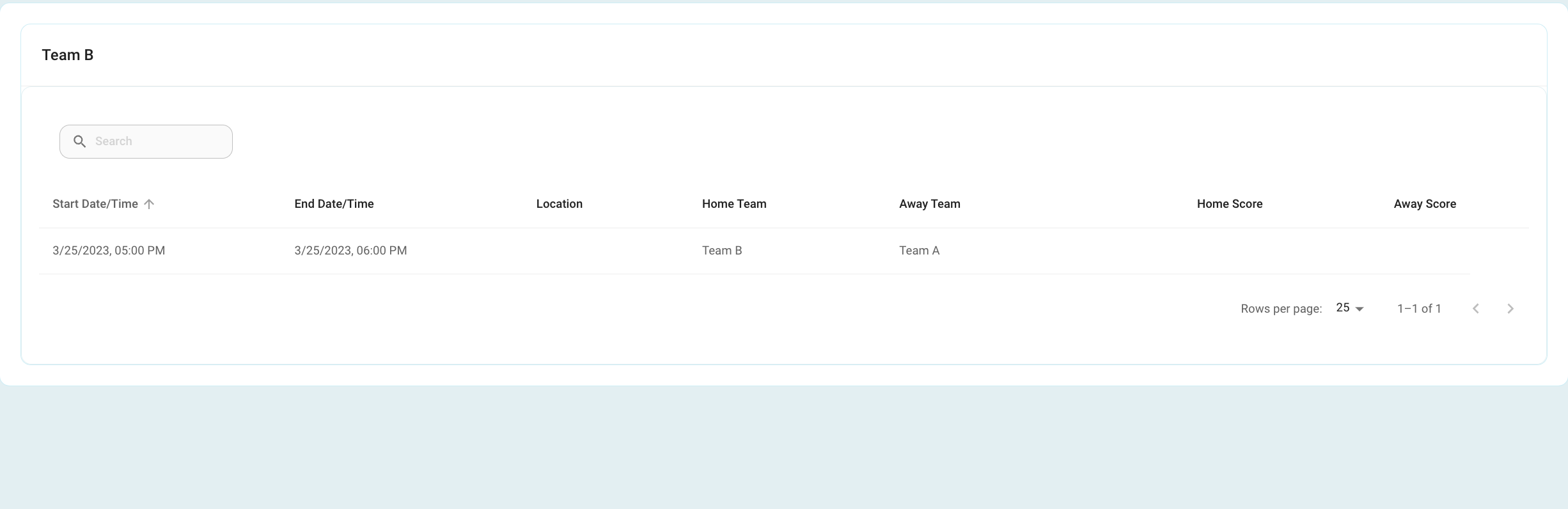
Select the score card icon to view the teams scores.
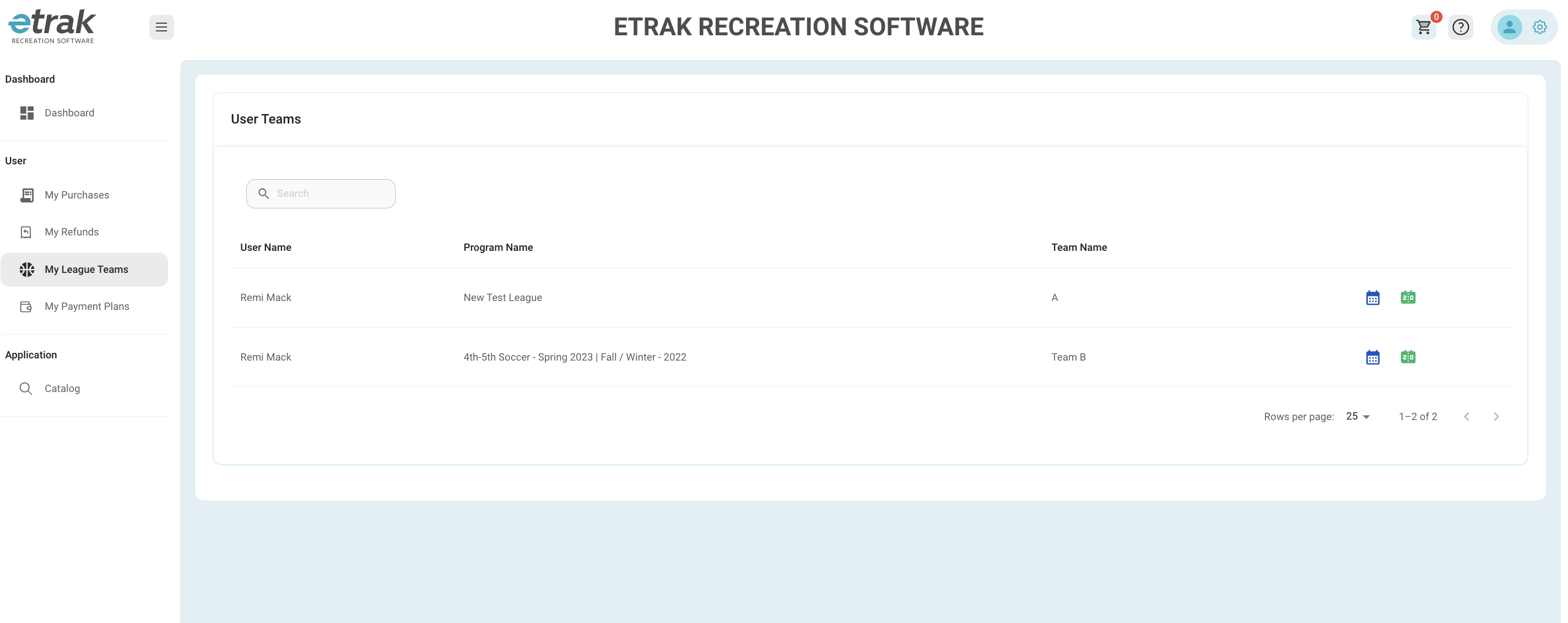
Any past games and scores will show.

Was this article helpful?
That’s Great!
Thank you for your feedback
Sorry! We couldn't be helpful
Thank you for your feedback
Feedback sent
We appreciate your effort and will try to fix the article