Select the blue catalog button on the right side of the screen OR the catalog button from the navigation menu on the left side of the screen.
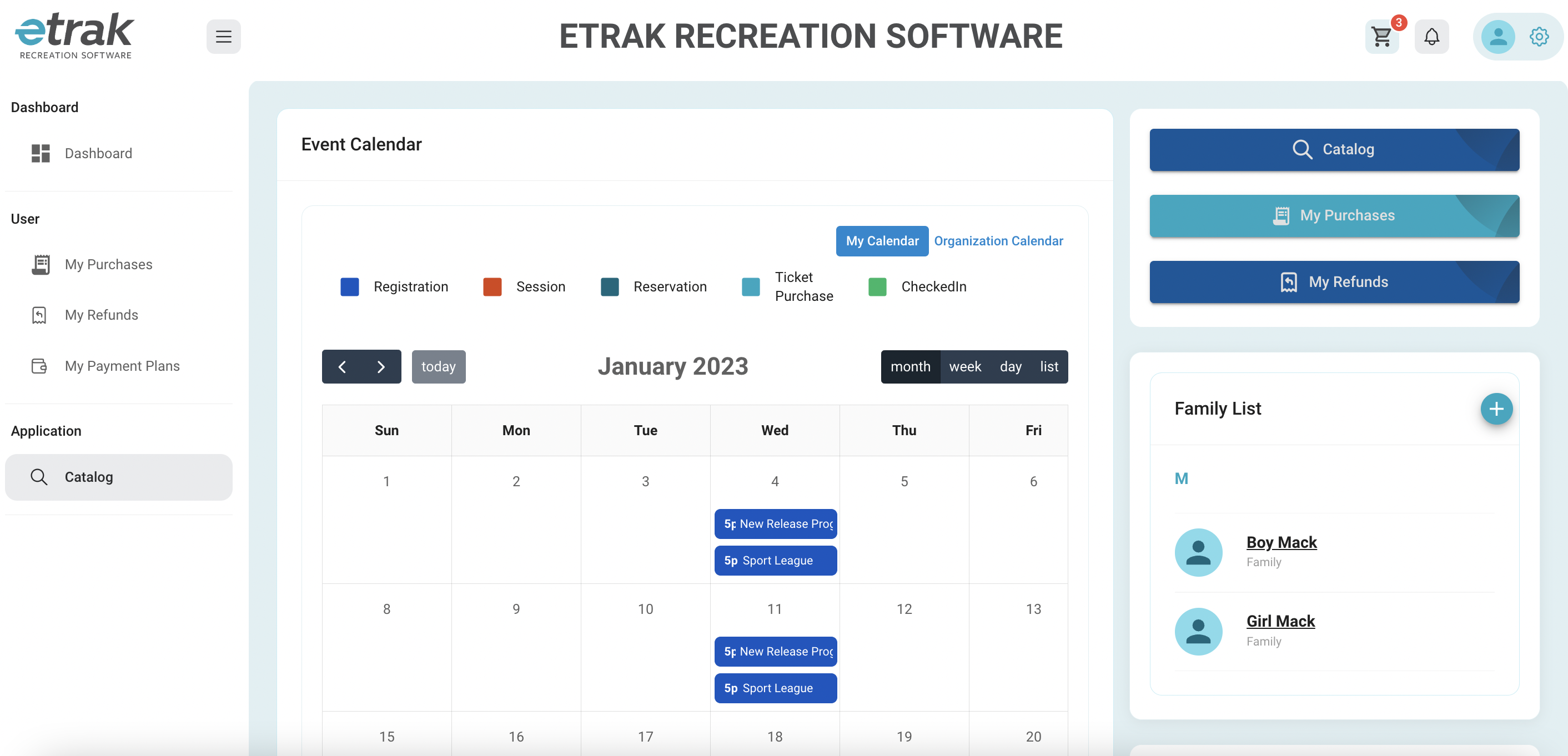
Use the search bar to find a specific program
Use the filter menu to narrow down options
Select the blue cart button on the specific program that you are registering for
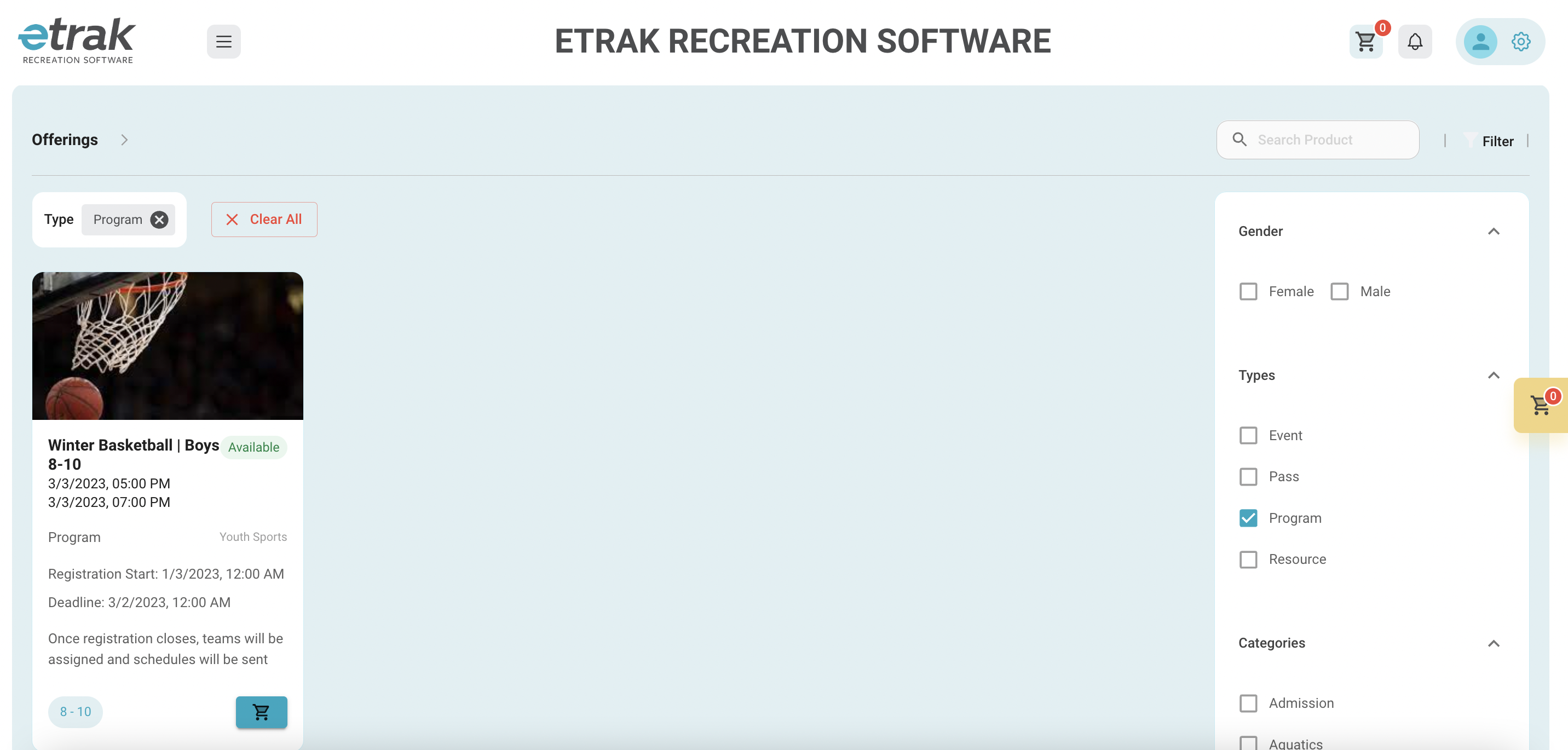
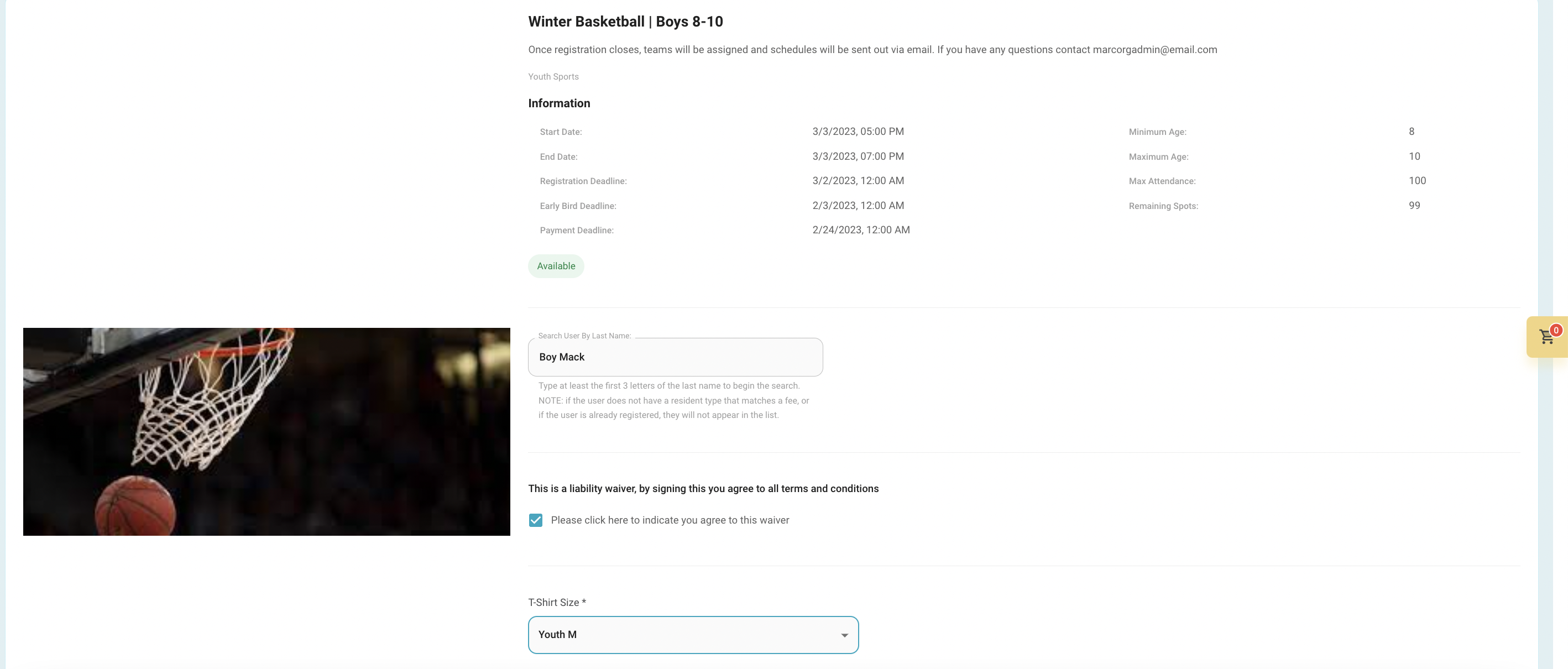
A new window will open that shows program details
Type in the first 3 letters of the last name of the family member you are registering
If required, agree to the waiver
Enter pant or shirt size, if required
A new window will open that shows program details
Type in the first 3 letters of the last name of the family member you are registering
If required, agree to the waiver
Enter pant or shirt size, if required
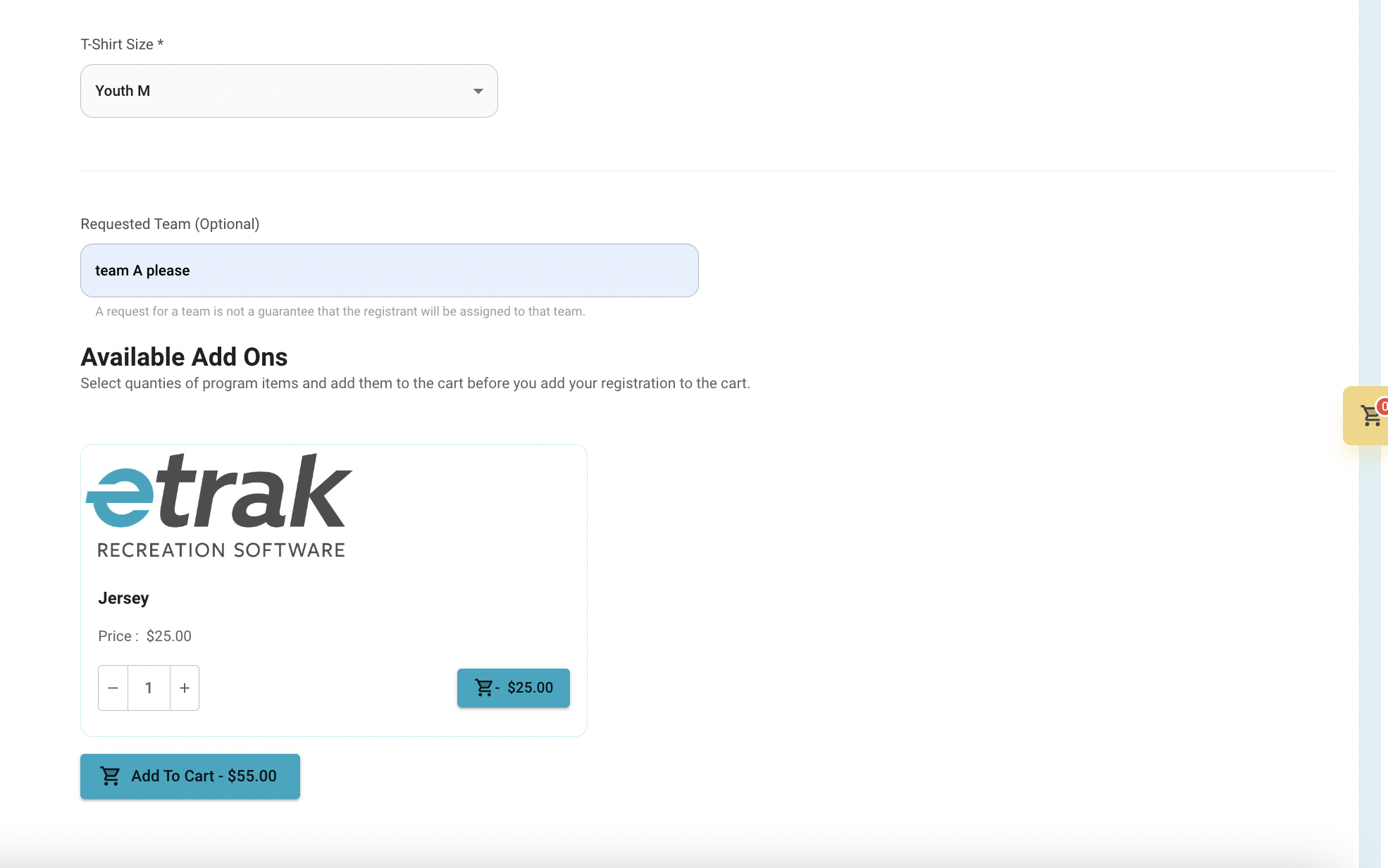
The quantity on the cart buttons will update
Hit either button to checkout
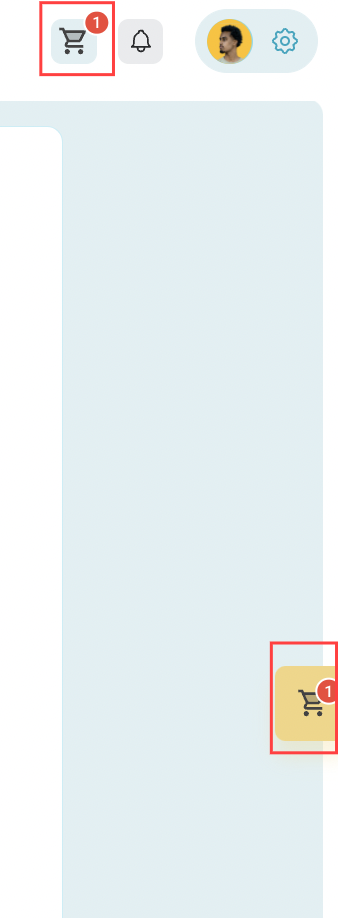
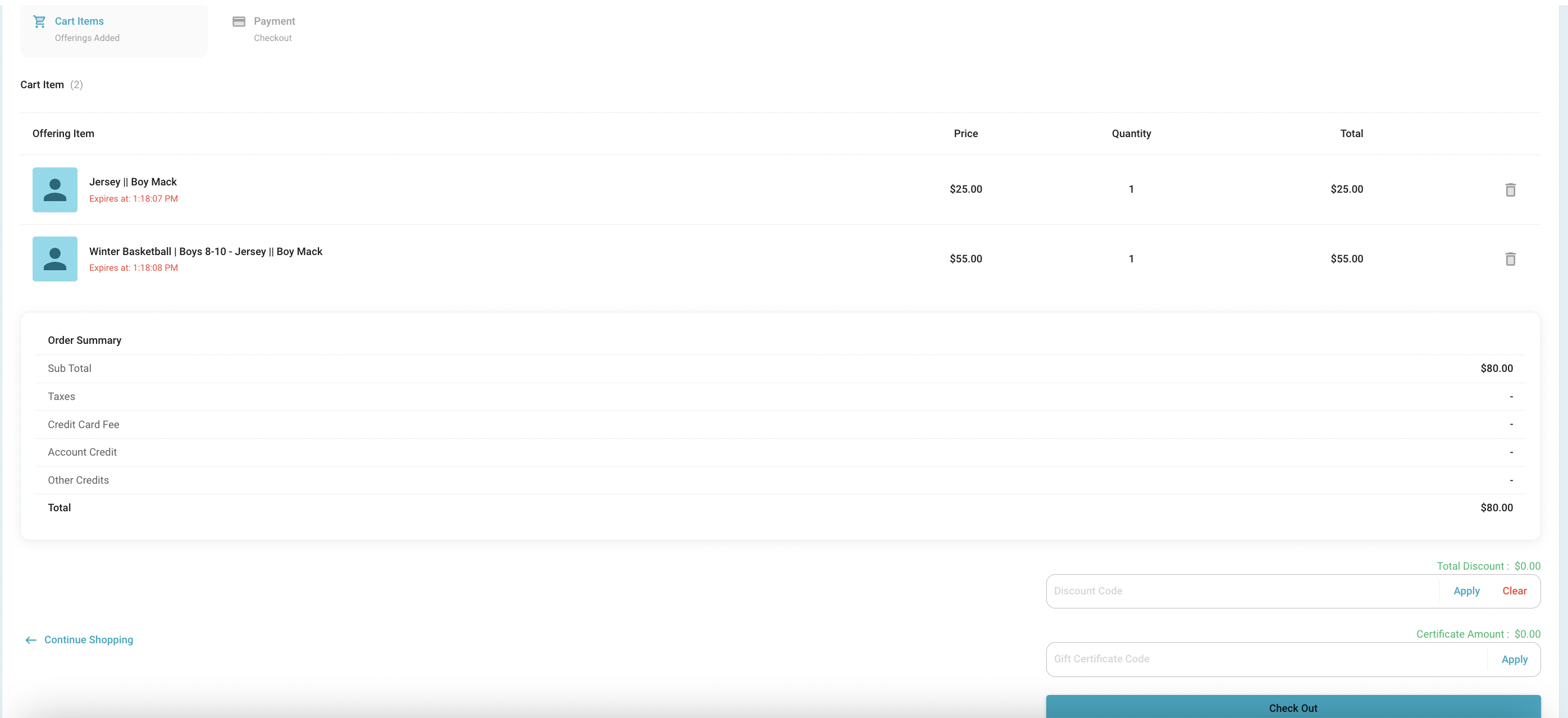
Items will save in the cart for 30 minutes, after 30 minutes the cart will empty.
*registration spot is not yours until payment is complete
Discount code, account credit, or gift cards can be entered at the bottom of this screen. Click ‘Apply’ after entering details before moving to payment information.
Use the trash can button to remove any unwanted items
Hit the checkout button to move on to payment information
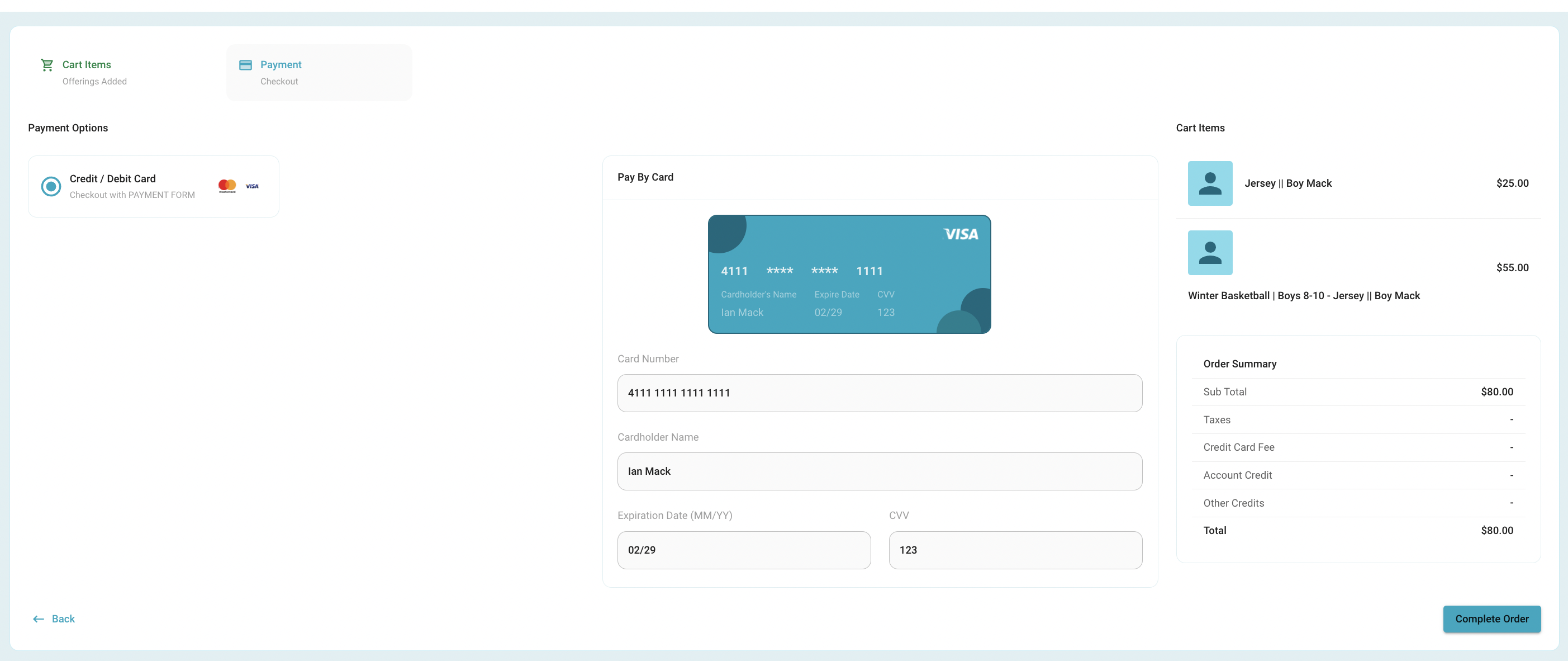
As you enter card information the card picture will update
Hit the "complete order" button to complete the registration payment
A receipt will pop up and can be printed or will be saved to the order page on your profile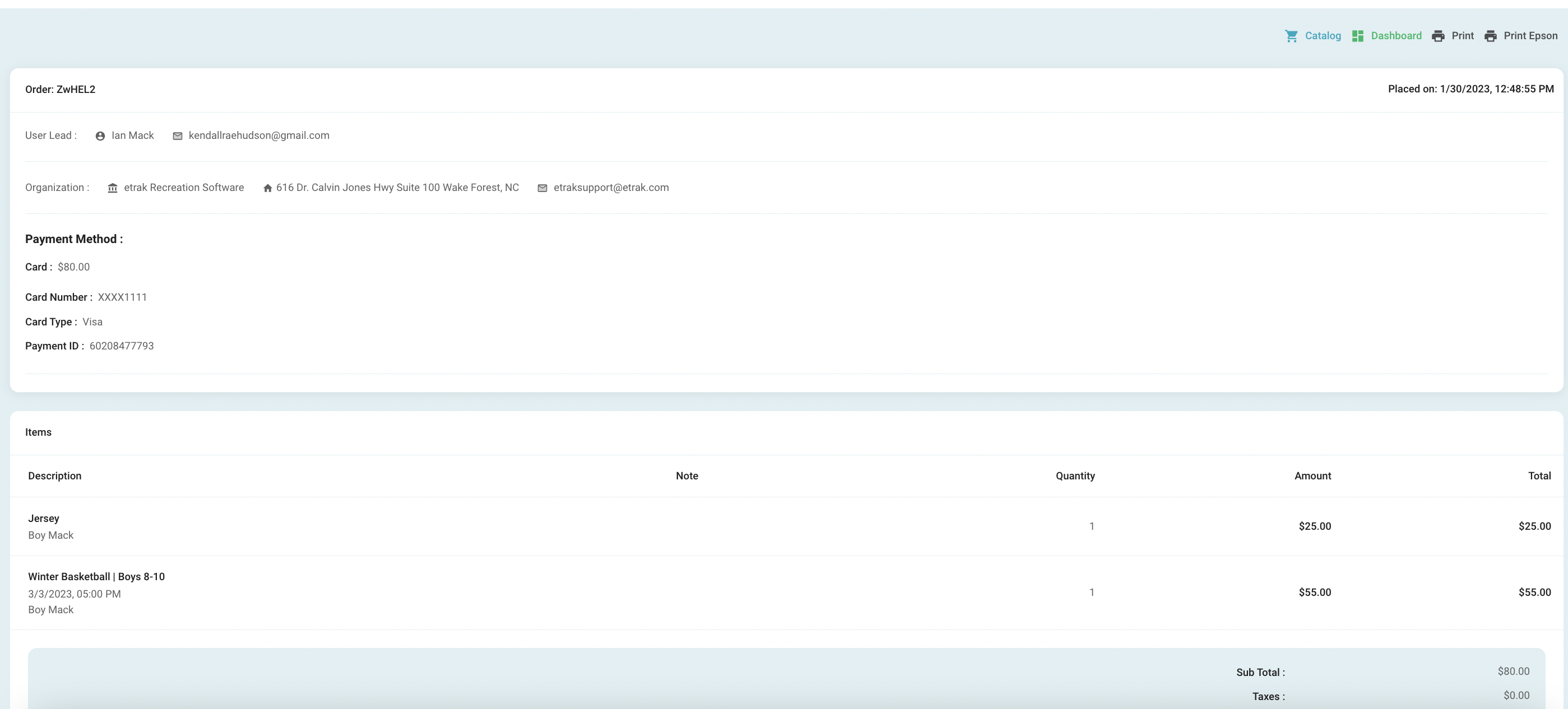
Success!
Was this article helpful?
That’s Great!
Thank you for your feedback
Sorry! We couldn't be helpful
Thank you for your feedback
Feedback sent
We appreciate your effort and will try to fix the article