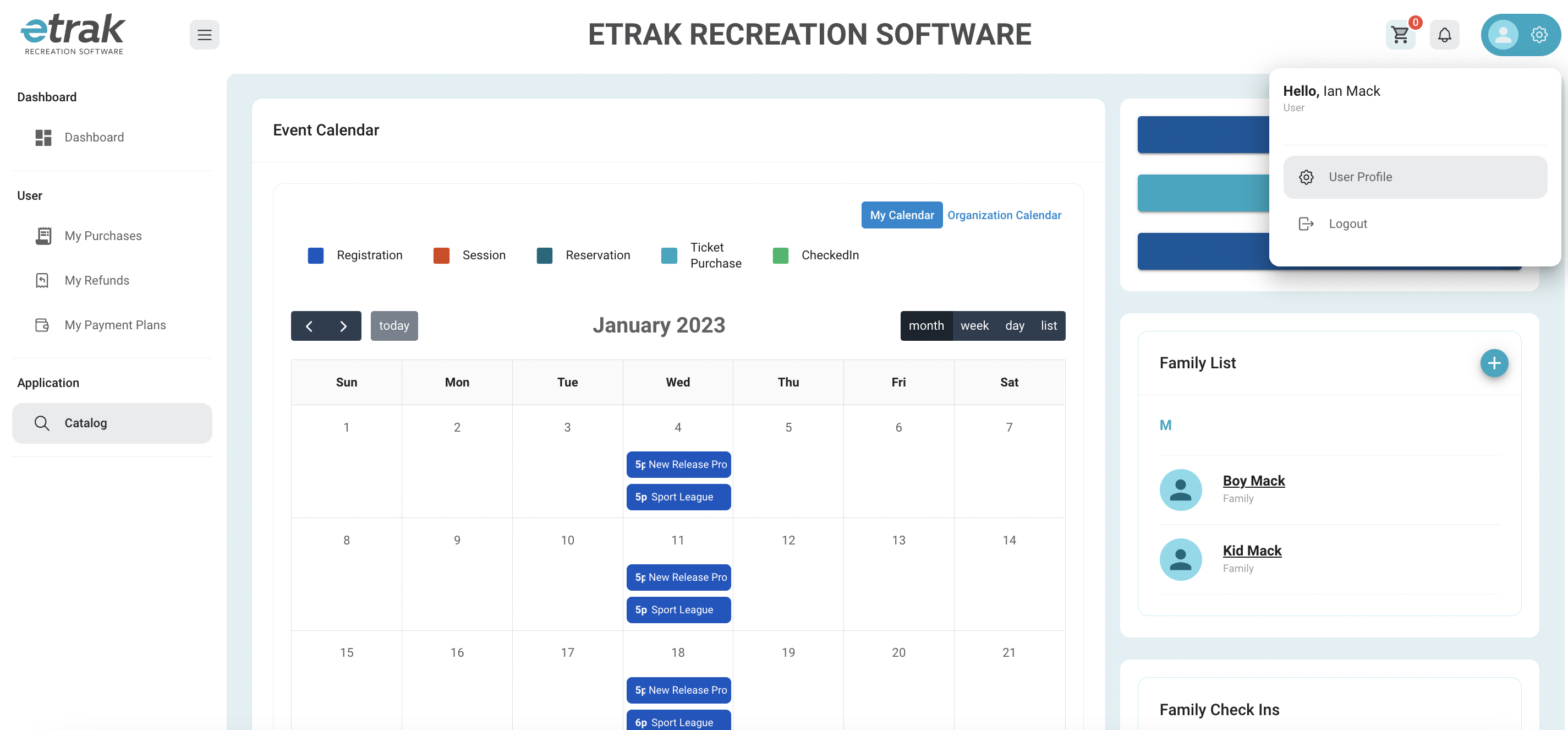
From the upper right hand corner of your dashboard page click the person icon and then 'User Profile'
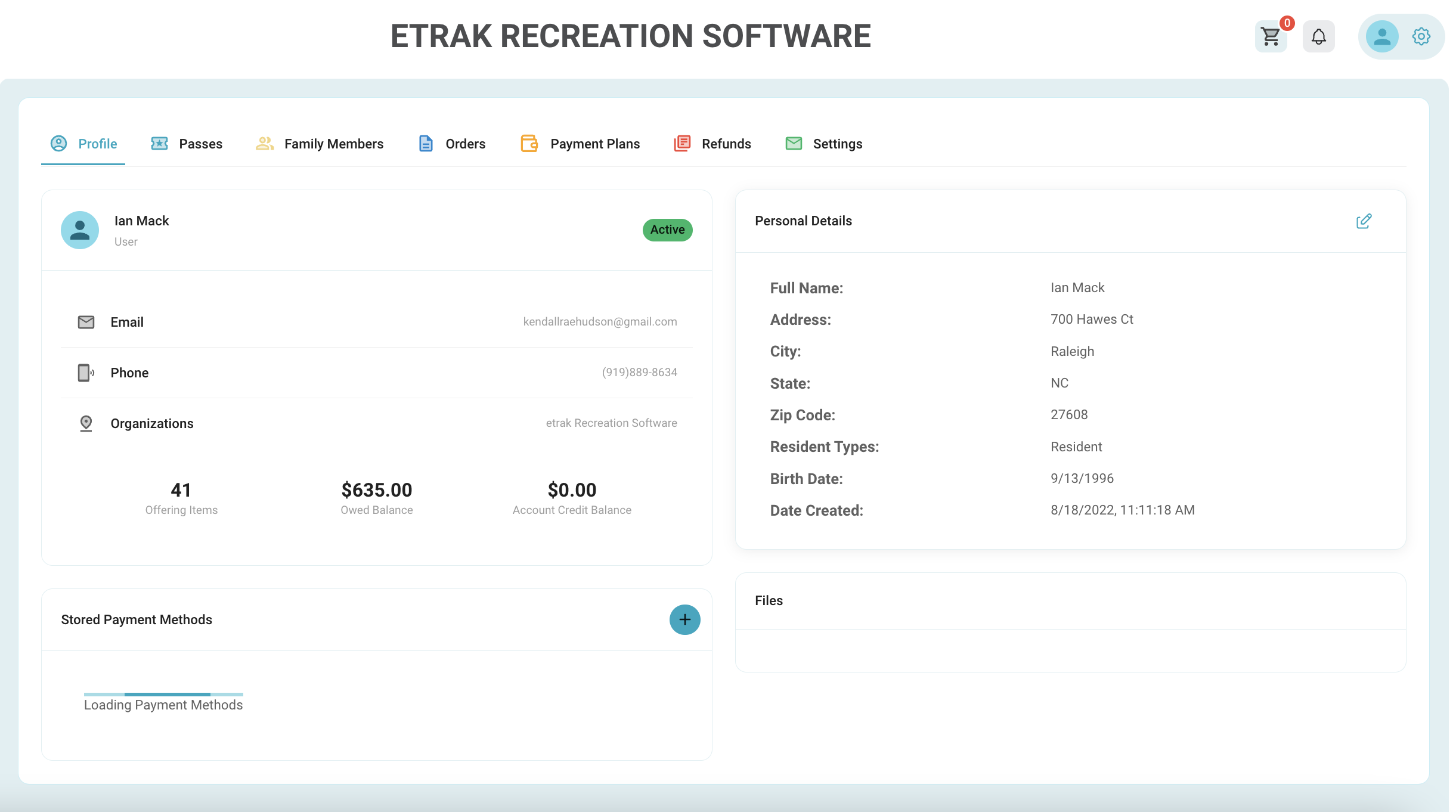
Edit any of your profile/personal details by clicking the pencil icon on the upper right side of your profile screen.
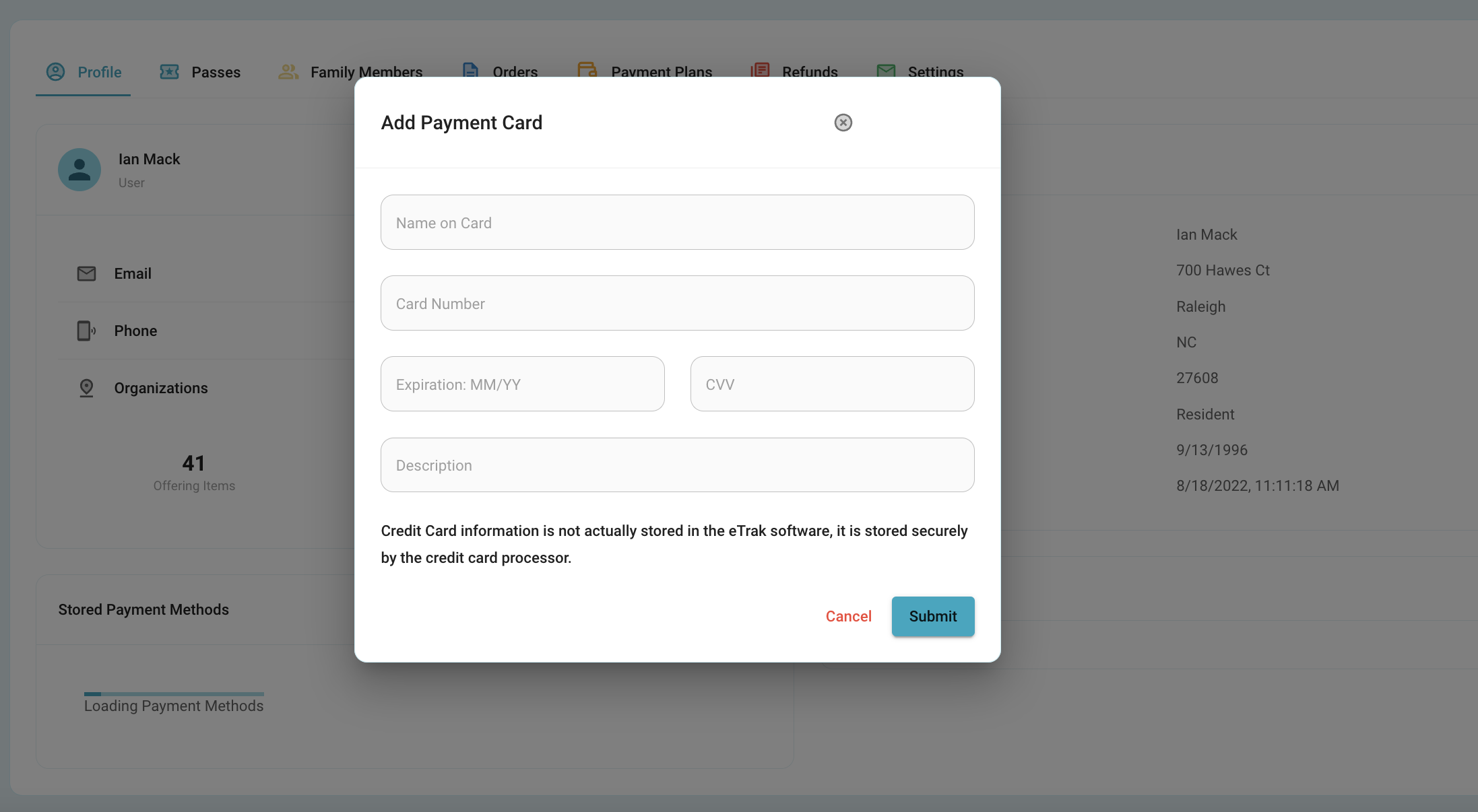
Save a payment method by selecting the '+' icon underneath the profile details
*payment methods are stored outside of etrak in the credit card processor data base for security purposes.
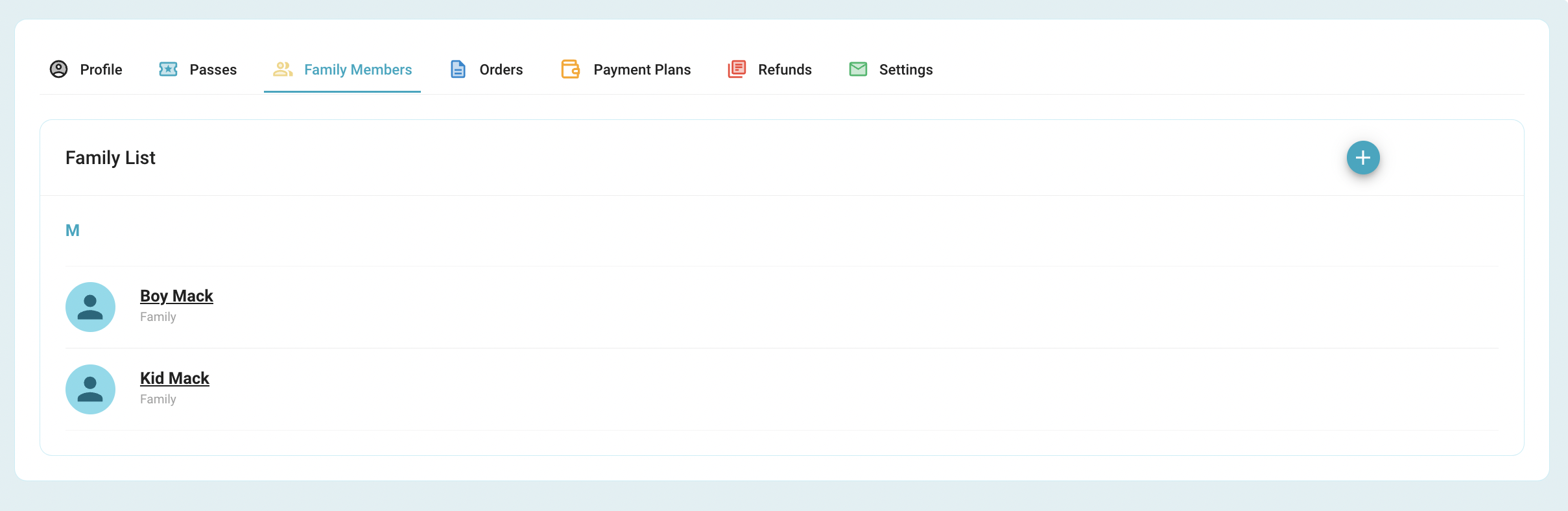
From the 'Family Members' tab add a new family member by selecting the '+' icon.
Select a family members name to view/edit their profile
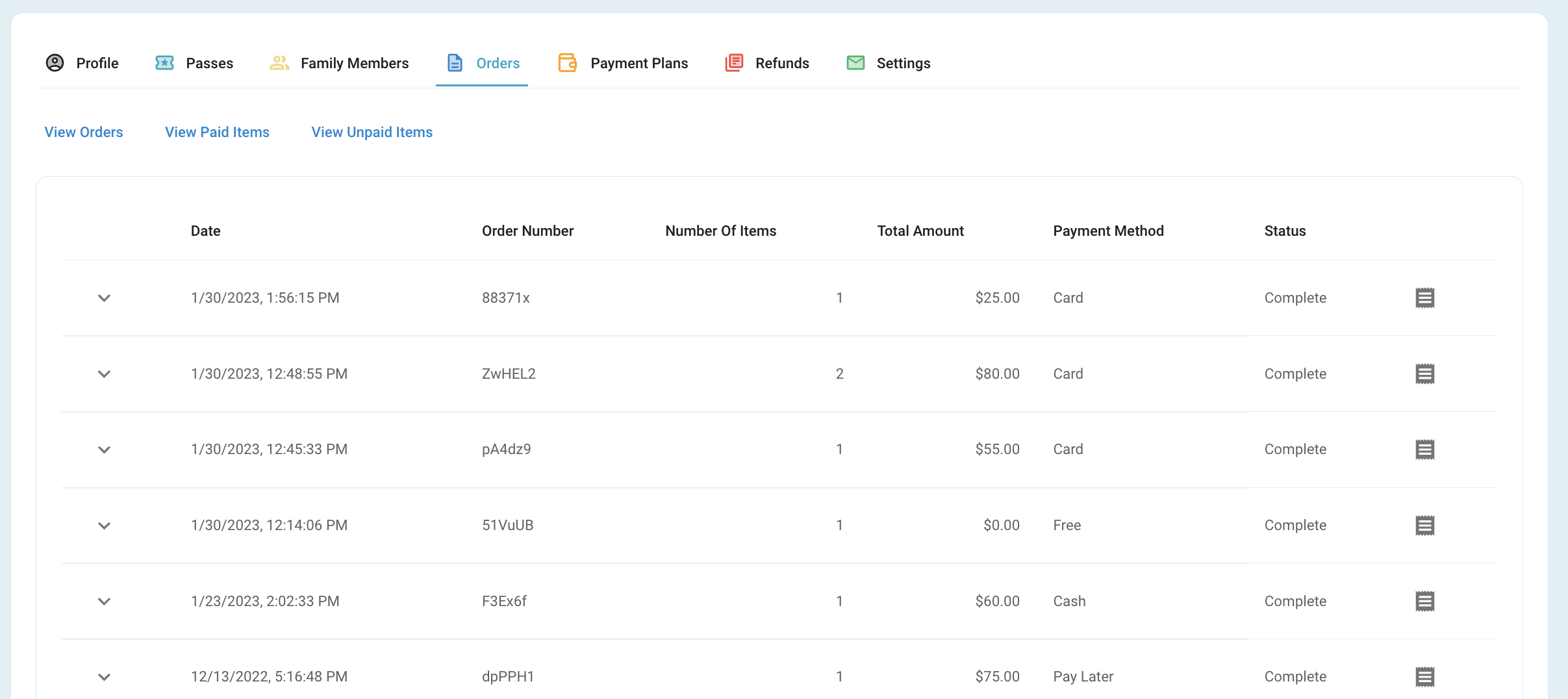
From the 'Orders' tab view all transactions
‘View Orders’
Shows complete orders.
Select the paper icon that coordinates with an order to view a receipt.
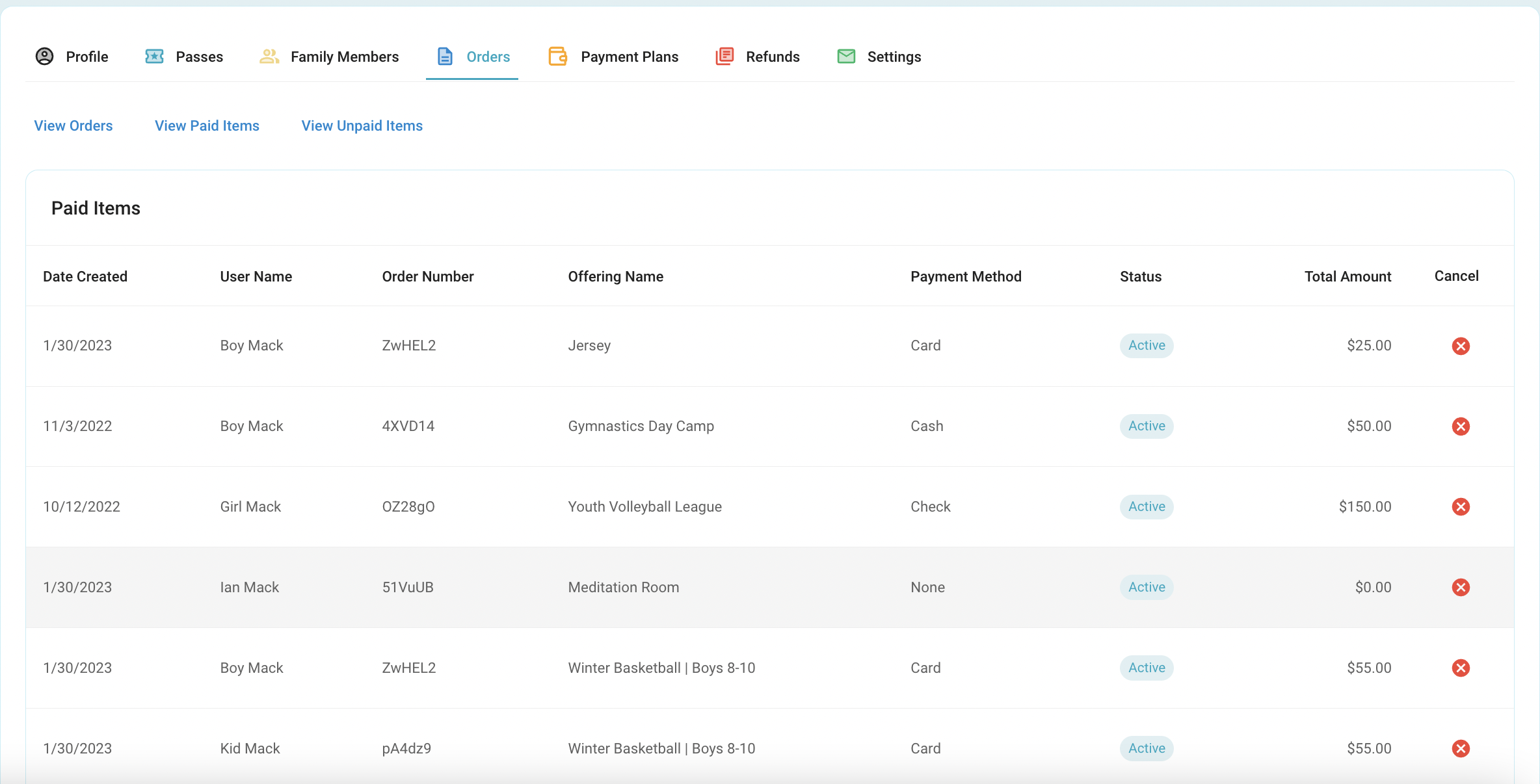
'View Paid Items'- itemized view of each paid item
If the organization allows, cancel a transaction by pressing the red X icon.
This does not initiate a refund, reach out to organization to request a refund.
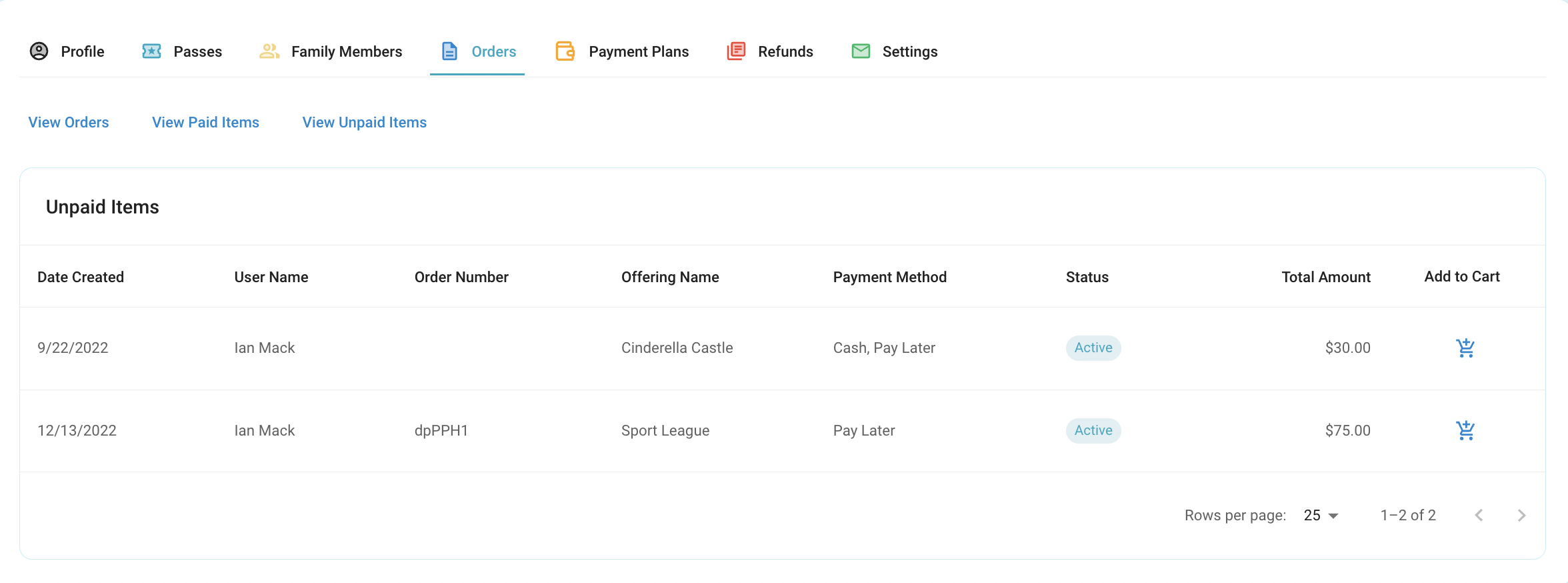
'View Unpaid Items'- any transactions that were set to pay later
To pay for an unpaid item select the cart icon that coordinates with that specific item.
If there are any active payment plans they can be seen under the ‘Payment Plans’ tab.
Manually pay from this screen.
Edit automatic payment method from this screen.

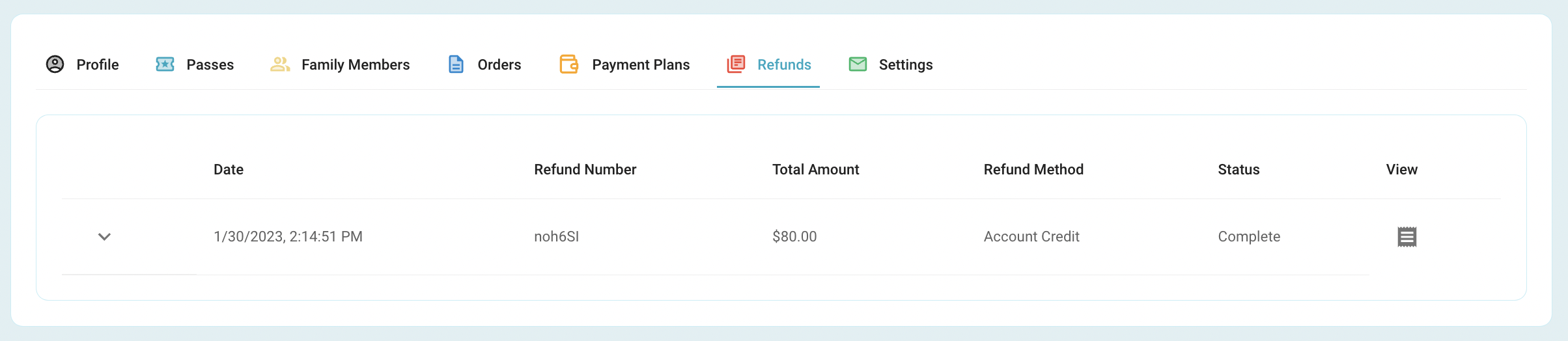
Under the ‘Refunds’ tab select the paper icon that coordinate with a refund line to view/print a receipt.
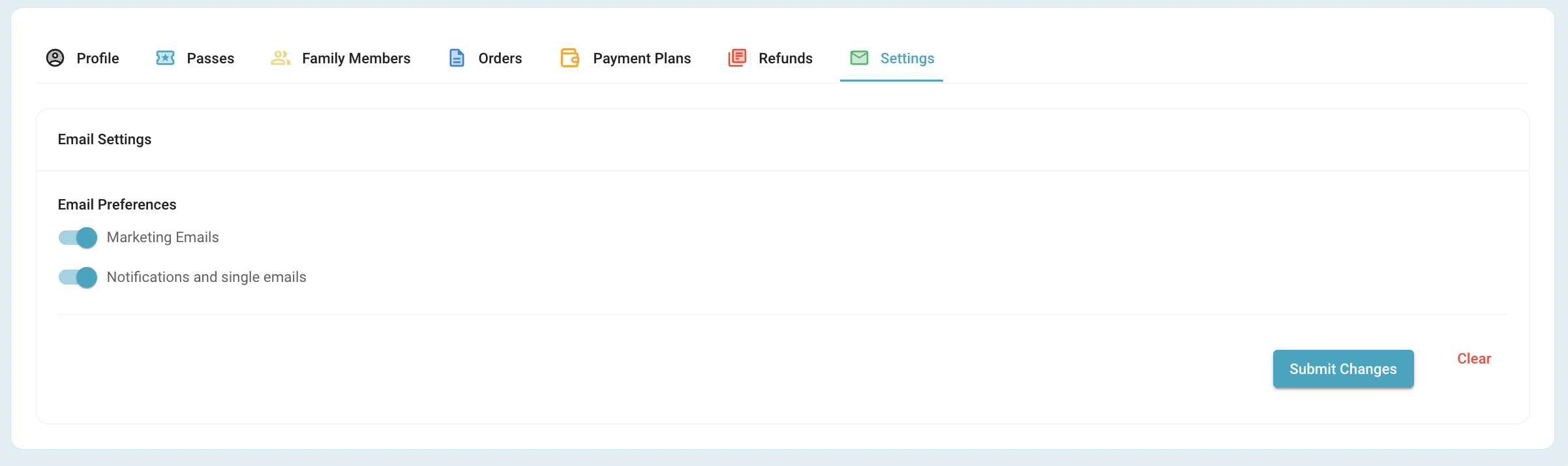
Under the ‘Settings’ tab turn on or off email preferences.
Was this article helpful?
That’s Great!
Thank you for your feedback
Sorry! We couldn't be helpful
Thank you for your feedback
Feedback sent
We appreciate your effort and will try to fix the article