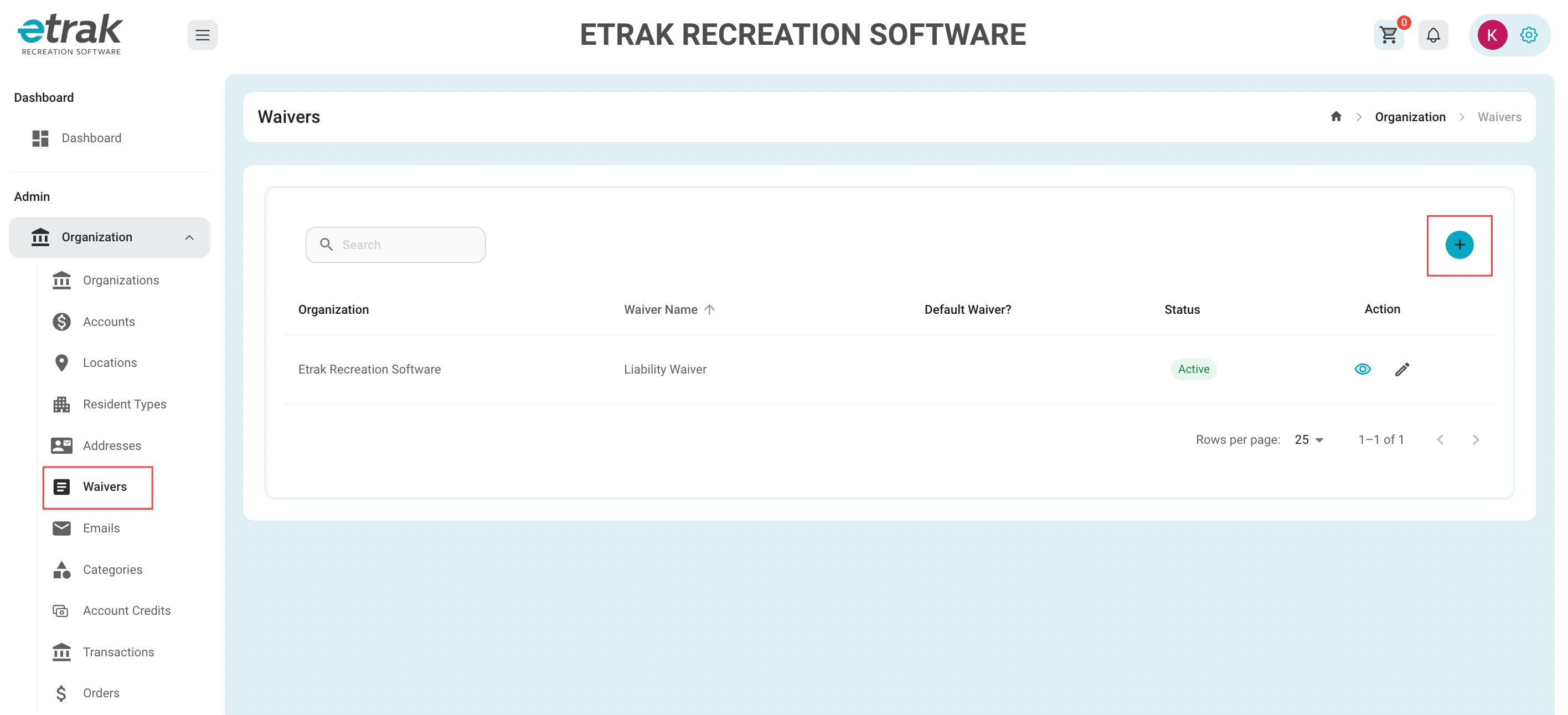
Select Waivers under the Organization Category on the left side of the screen.
Create a new Waiver by selecting the blue circle with the "+" on the right side of the screen.
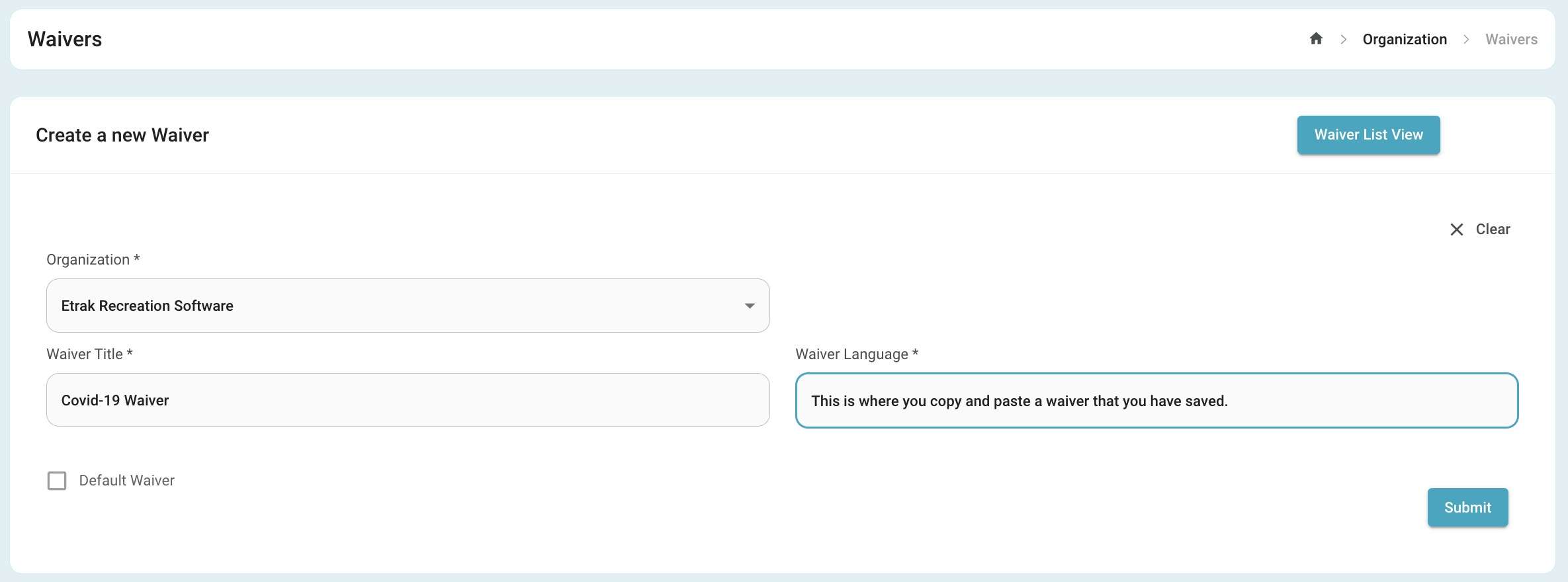
The Organization field will automatically populate.
Fill in a Waiver title and the Waiver language will be the information the Waiver contains.
When creating your default Waiver, be sure to check the box in the bottom left.
Once finished, select the submit button.
Success!
Was this article helpful?
That’s Great!
Thank you for your feedback
Sorry! We couldn't be helpful
Thank you for your feedback
Feedback sent
We appreciate your effort and will try to fix the article