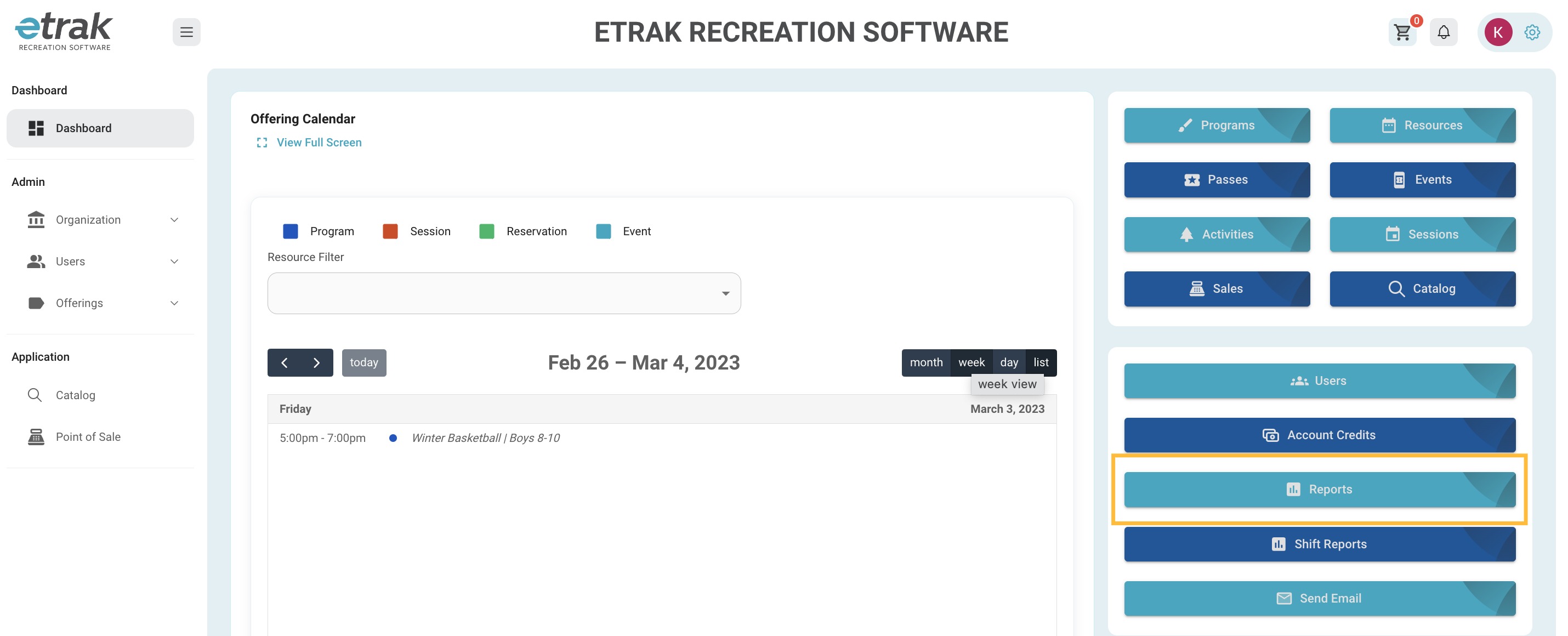
To access a report of all offerings sold select the blue 'Reports' button on the right side of the screen.
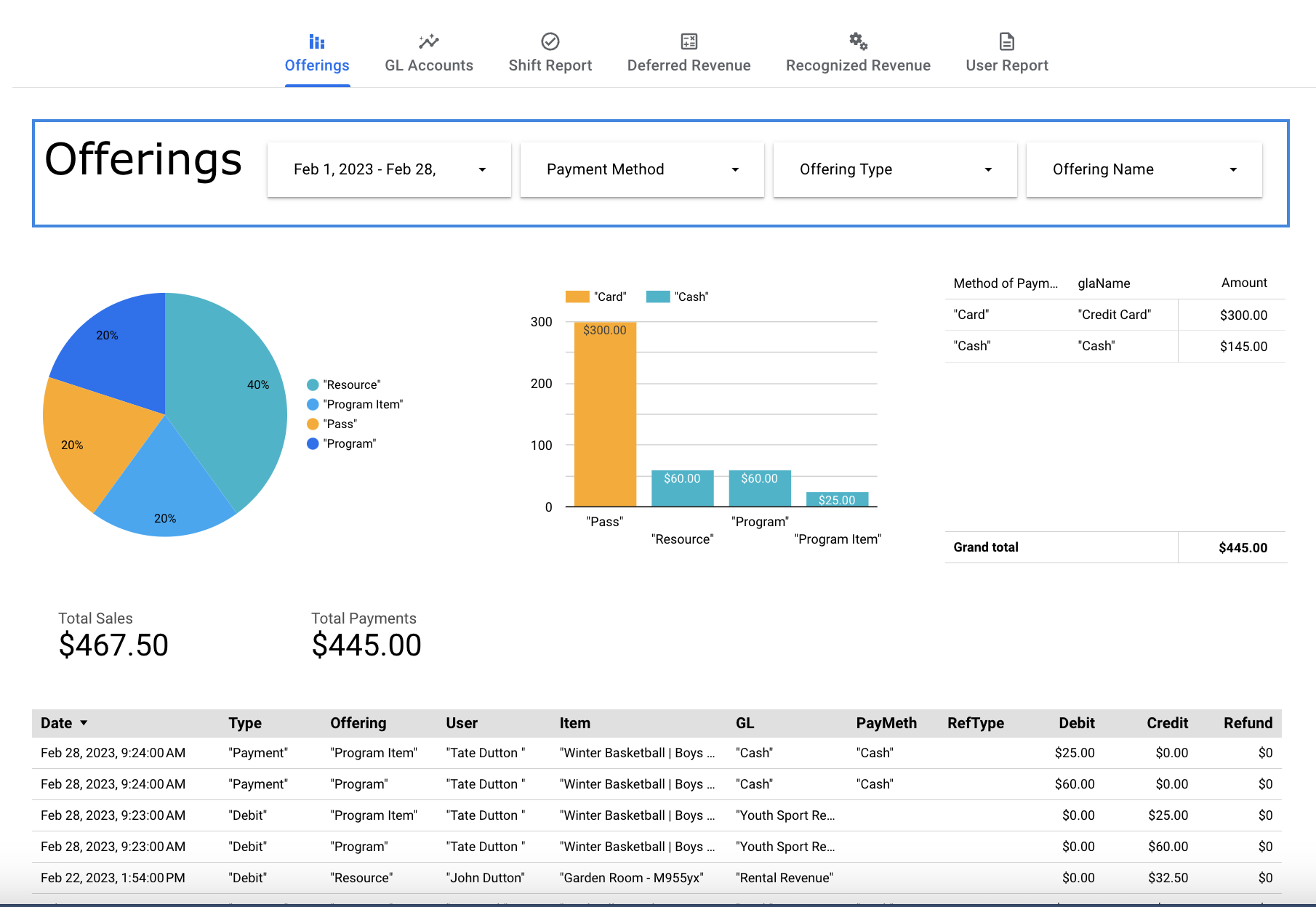
Select ‘Offerings’ option at the top of the page.
Set the date range to your desired dates.
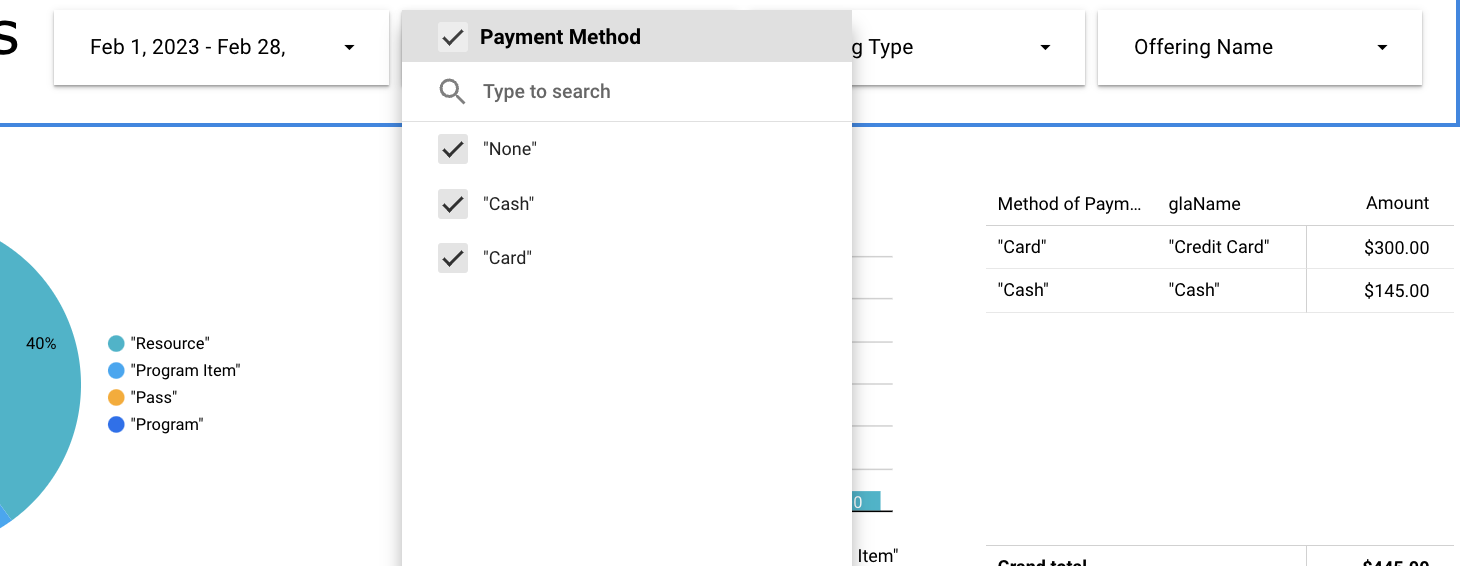
Filter to show only offerings bought using certain payment methods (cash, check, card, etc.)
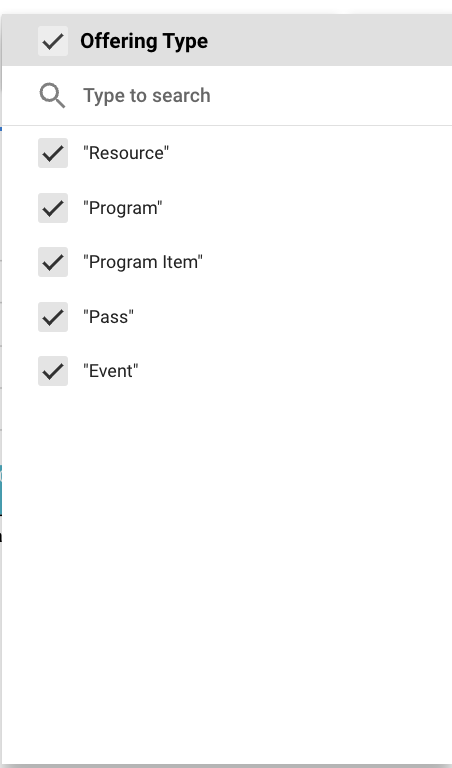
Specific offering types (programs, events, resources, etc.)
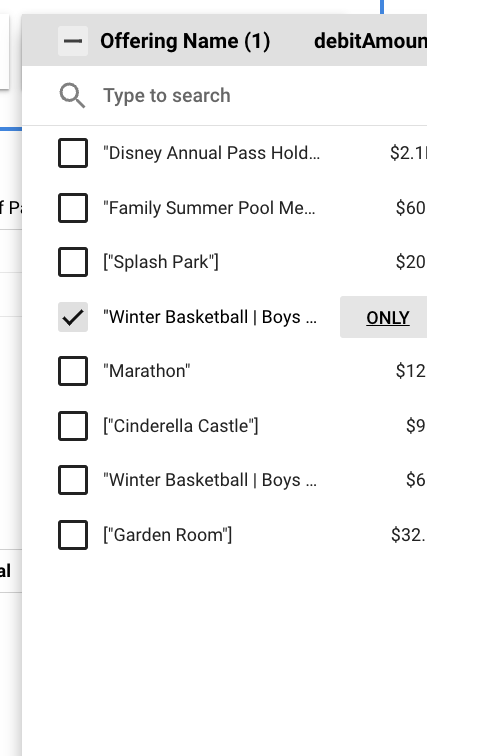
Specific offerings (10-12 baseball, etc.)
Hover around the space under the filters and when you see the buttons below appear click on the 3 vertical dots.
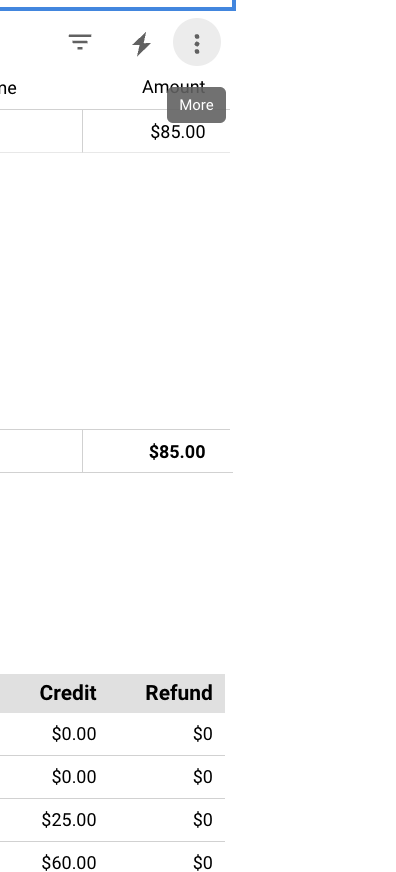
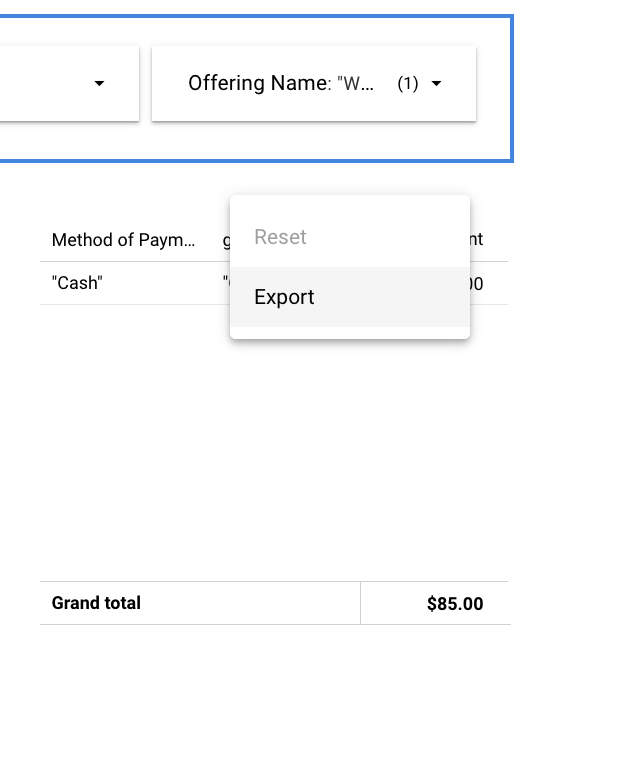
This allows you to export and print the report
Was this article helpful?
That’s Great!
Thank you for your feedback
Sorry! We couldn't be helpful
Thank you for your feedback
Feedback sent
We appreciate your effort and will try to fix the article