Sending a mass email to all users or users that have previously purchased an offering.
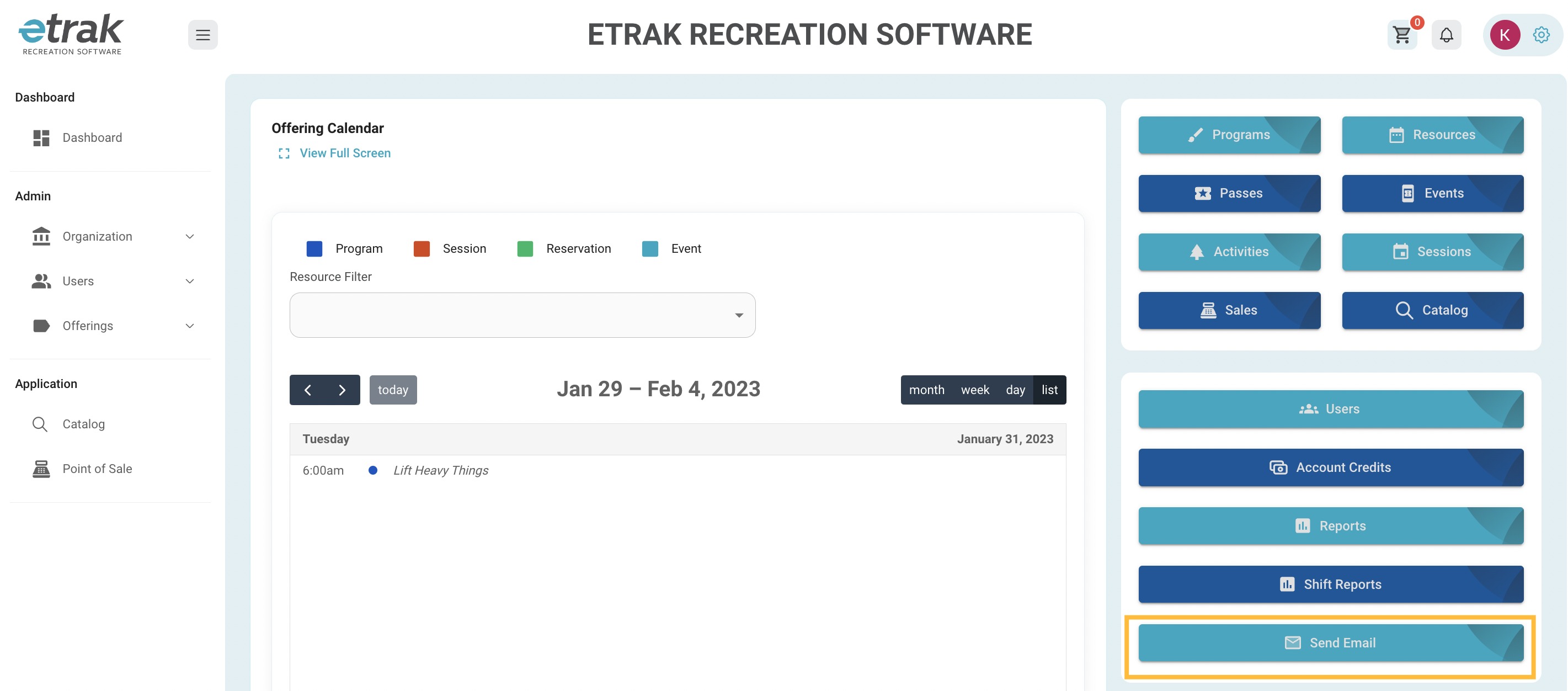
Click on the ‘Send Email’ button from the shortcut selections on the right side of your dashboard screen.
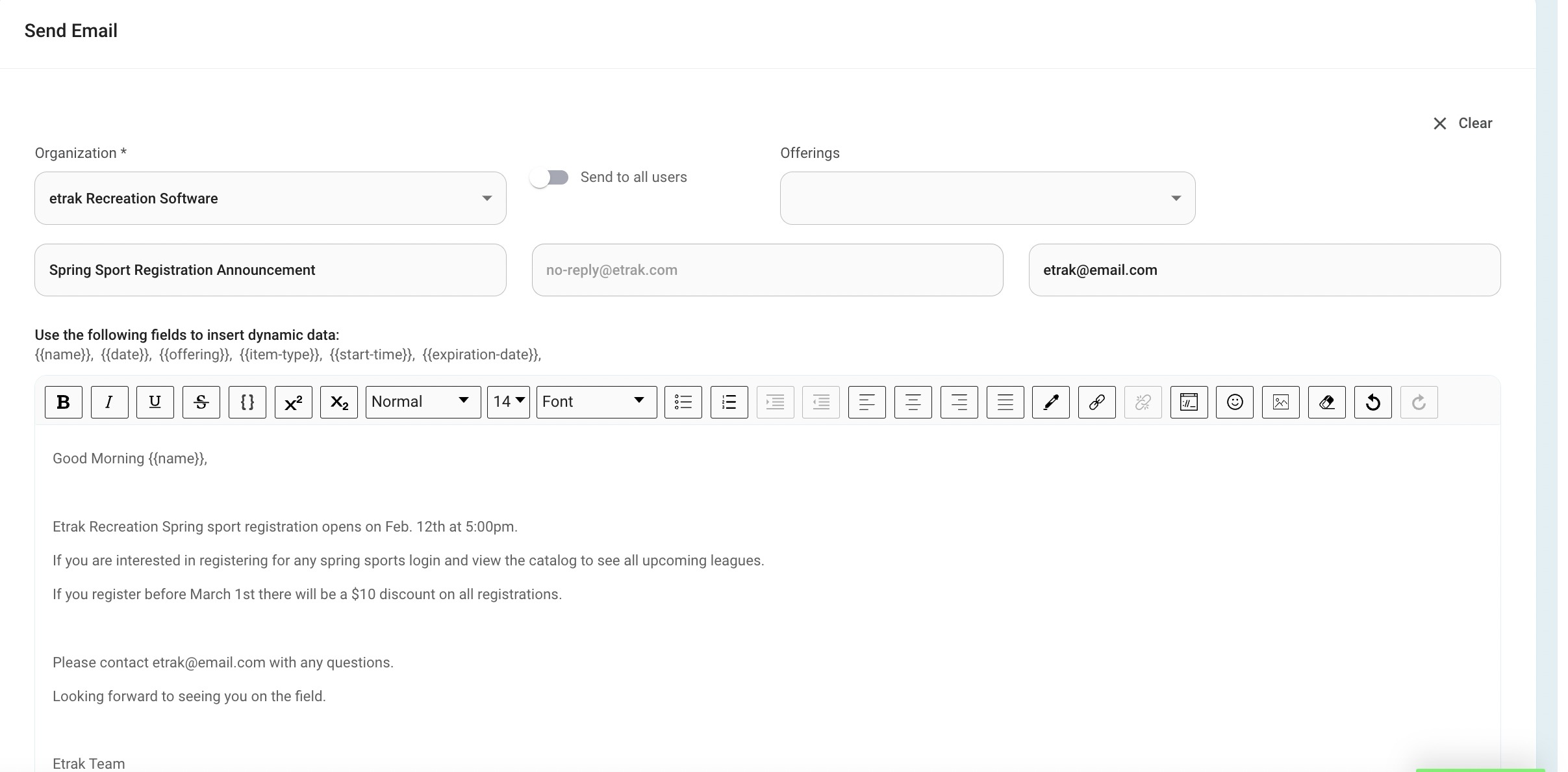
Set Email Subject
The email will be sent from no-reply@etrak.com
The reply to email can be customized to your organization.
Dynamic data can be used in the email body. These codes communicate with the system to pull more personal information. View example below:
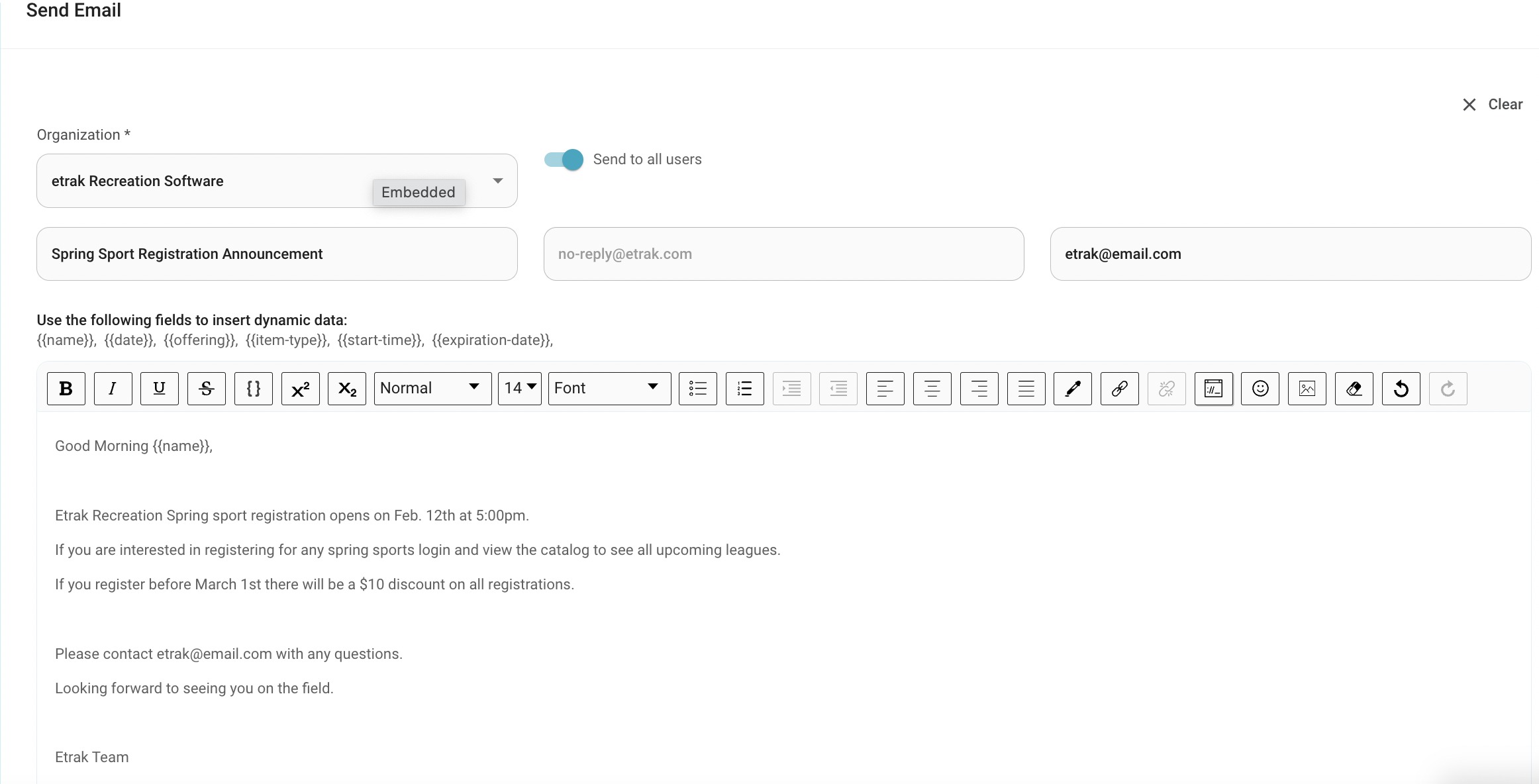
Press the ‘Send to all users’ toggle to send to every user in your organization.
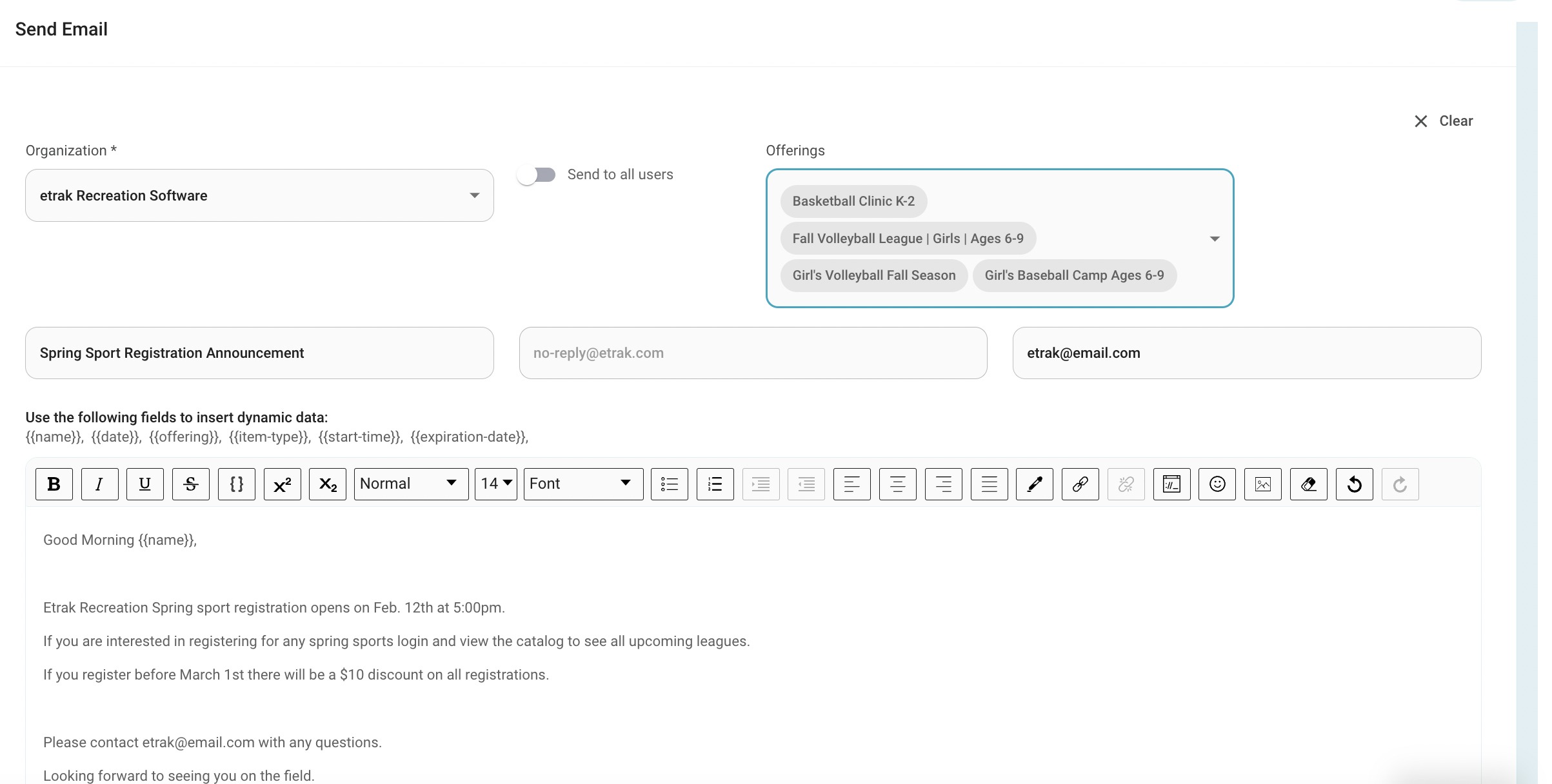
To send to past/present offerings select from the ‘Offerings’ drop down. This is multi-select.
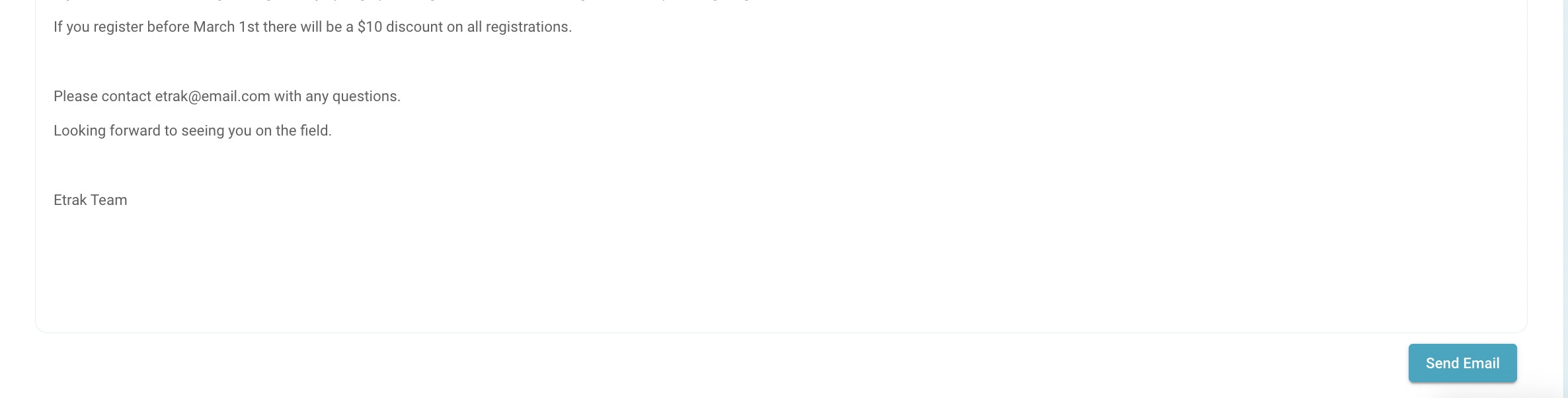
Press ‘Send Email’ once all information is complete.
Success!
Was this article helpful?
That’s Great!
Thank you for your feedback
Sorry! We couldn't be helpful
Thank you for your feedback
Feedback sent
We appreciate your effort and will try to fix the article