Release Notes - 02/04/26
General Bug Fixes
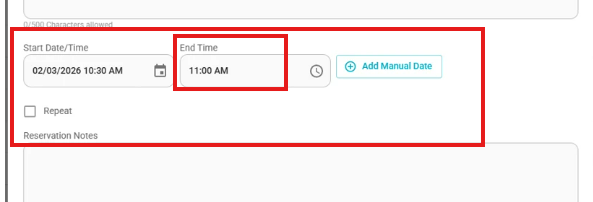
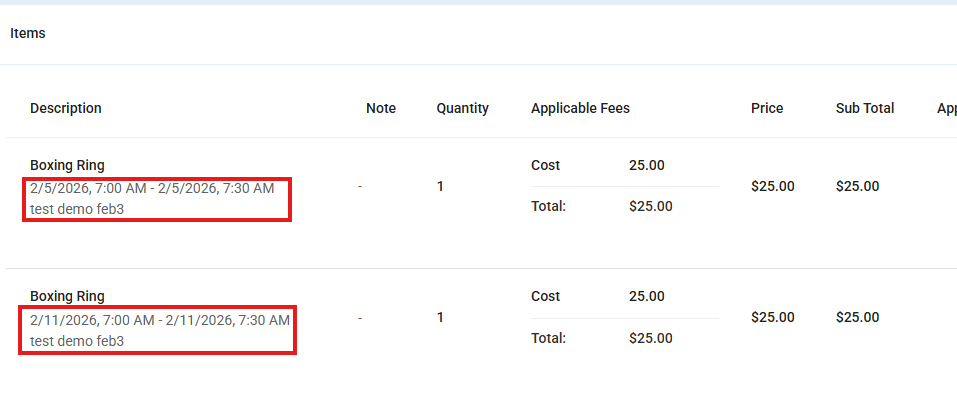
Reservation Date/Time Field Improvement
The Start Date/Time now captures the reservation date and start time.
The End field now requires time only, since reservations occur on the same date.
Program Scheduling – Repeat & Occurrences Sync Fix
Program Occurrence list now reflects updated date and time changes correctly.
Turning Repeat OFF no longer leaves an incorrect occurrence count when reopening the Program.
Program List view and Program Occurrence details now stay in sync with the latest saved Program configuration.
Order Receipt Date Display Fix for Offerings
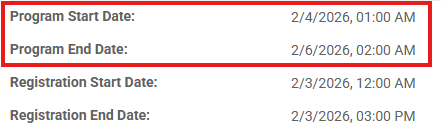
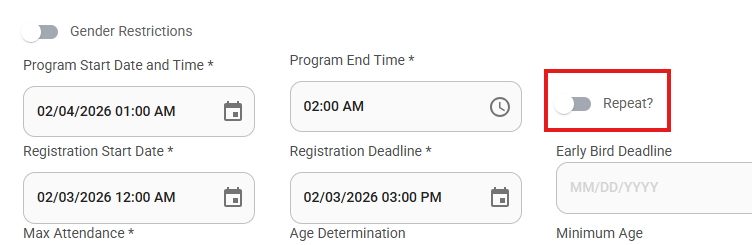
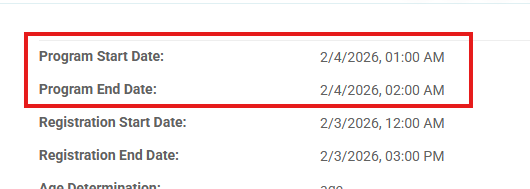
- Fixed an issue where the Order Receipt displayed incorrect or missing date information for offerings without defined start and end dates.
- Order receipts now correctly display Start and End dates.
Reservation Items GLA Validation Update
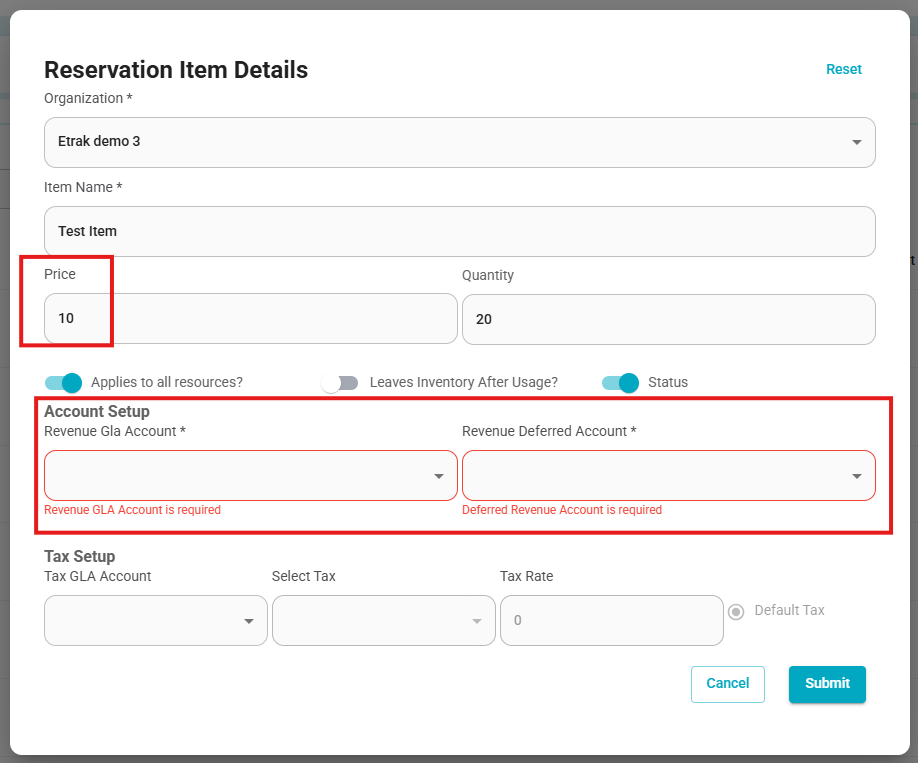
Reservation items with an amount greater than $0 now require a GLA account to be selected before saving.
Reservation items with an amount of $0 can be saved without a GLA account.
This change helps maintain accurate financial tracking while allowing flexibility for zero-amount items.
Reservation Date Conflict Validation Fix
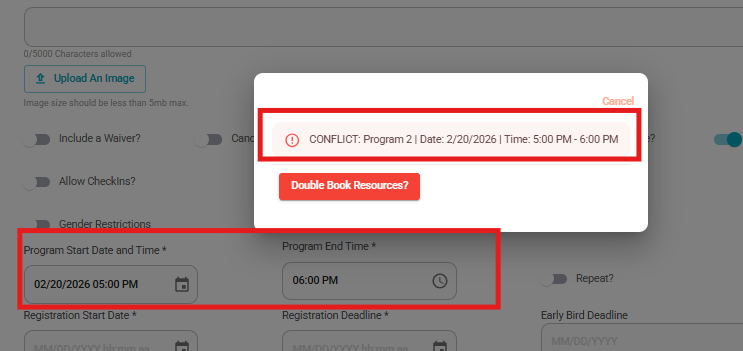
Fixed inconsistent behavior when validating date and time conflicts for reservations.
The system now consistently detects conflicts when reservations end and start at the same time (e.g., one reservation ends at 2:30 and another starts at 2:30).
Date conflict validation is now aligned across reservations and reservation items.
The system correctly flags overlapping or edge-case time conflicts instead of allowing them to pass partially.
User Profile UI Improvements
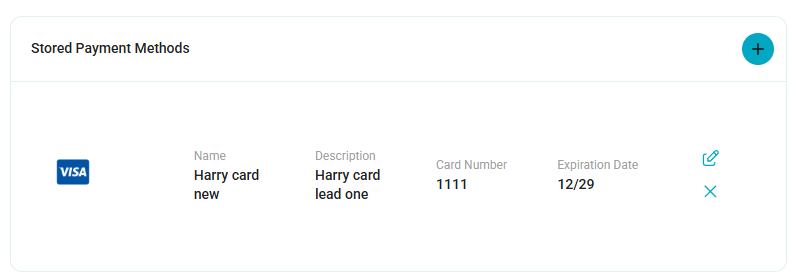
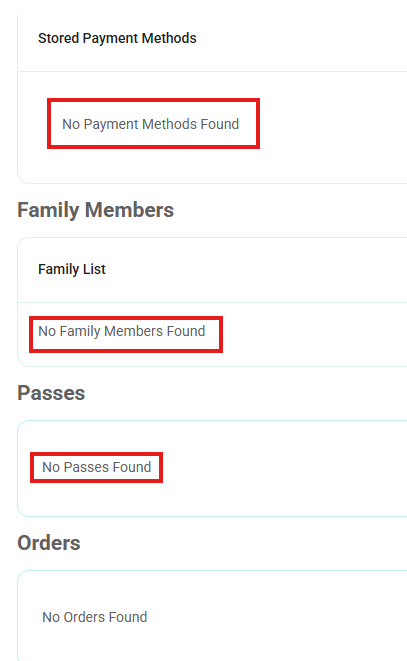
Improved the User Profile interface to enhance readability and provide clearer, more accurate messaging across sections.
Polished the Stored Payment Methods section to make it more readable and user-friendly.
Updated the Family List section to display “No Family Members Found” when no family members exist, following the standard section design.
Updated the Passes section to display “No Passes Found” when the user has no active passes.
Updated the Unpaid Items section to display “No Unpaid Items Found” when there are no unpaid items.
These updates improve consistency, clarity, and overall user experience across the User Profile page.
Was this article helpful?
That’s Great!
Thank you for your feedback
Sorry! We couldn't be helpful
Thank you for your feedback
Feedback sent
We appreciate your effort and will try to fix the article