Release Notes – 01/21/26
General Bug Fixes
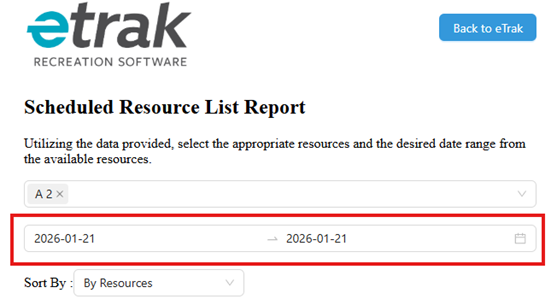
One-day date filter for PDF reports
- The PDF report now supports selecting a single date to generate data for the last 24-hour shift.
- It is no longer necessary to select an additional day to view the full 24-hour period.
- This improves accuracy and simplifies the report generation process.
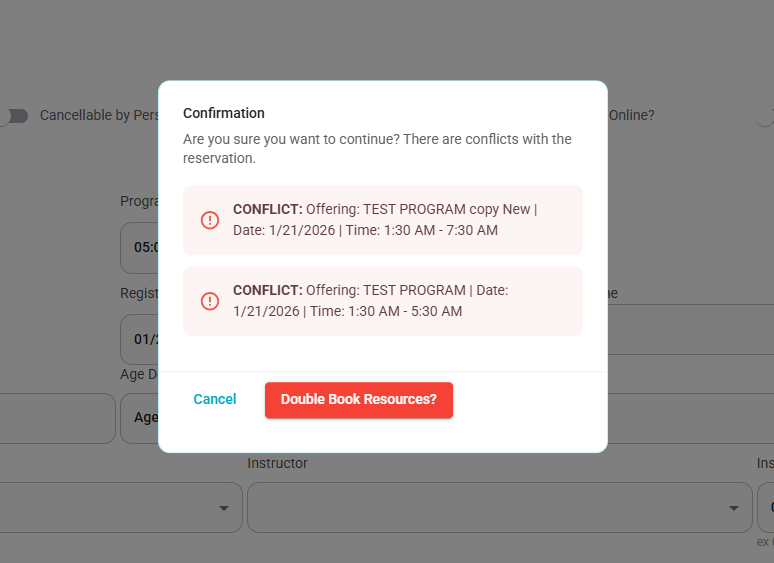
Conflict message when creating an offering
- When creating an offering, if there is a conflict with an existing reservation, the system displays a conflict message.
- The conflict message always includes the reservation name, date, and time of the conflicting booking.
- This helps users clearly identify and resolve scheduling conflicts.
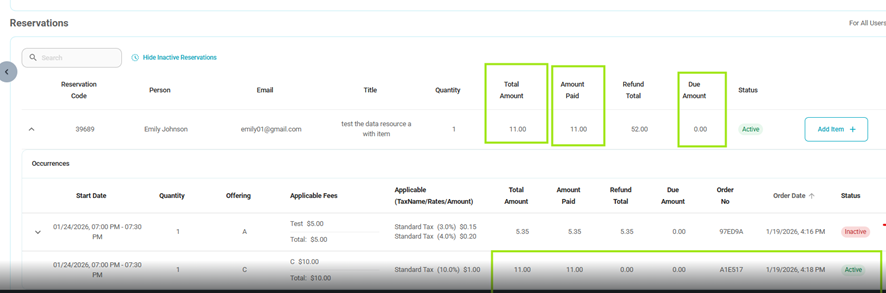
Bundle price calculation when switching resources
Fixed an issue where the Bundle total price incorrectly included the cost of an incompatible item after changing a reservation to a different resource.
When a reservation is updated to a resource that does not support a previously selected item, the item is now fully removed from the Bundle price calculation.
The Bundle total now correctly reflects only the price of the selected resource and its compatible items.
Refund amounts and account credit deductions remain accurate.
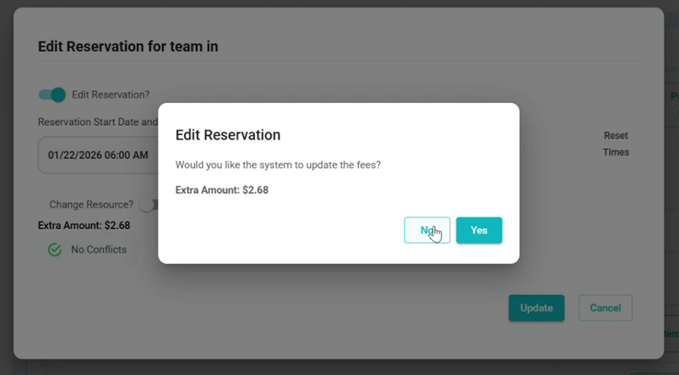
Hourly fee recalculation confirmation
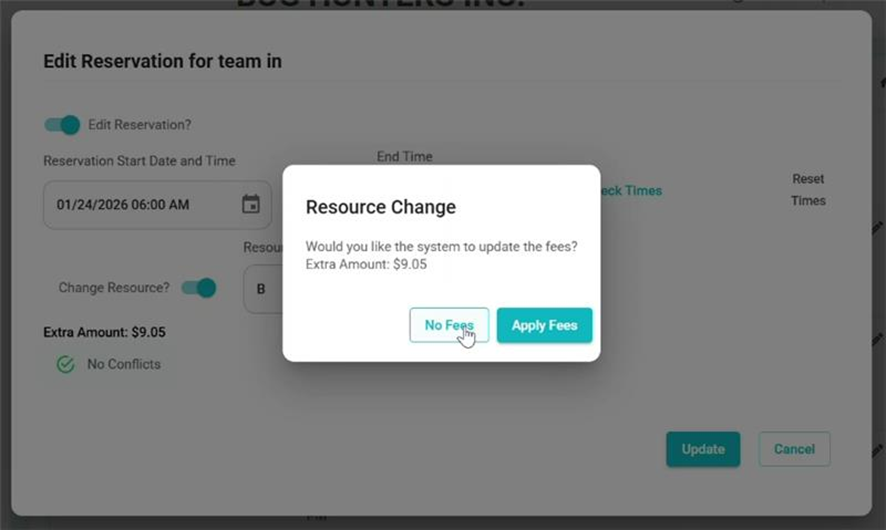
- When editing a reservation with an hourly fee, the system now displays a confirmation popup if the date and/or time is changed.
- The popup asks whether the system should update the fees before saving the changes.
- If Yes is selected, the fees are recalculated based on the updated date and time, and the additional amount is applied.
- If No is selected, all existing fee amounts remain unchanged, and no additional fee is added.
Fee handling when reservation is changed
- When a reservation change results in a new or updated reservation period (such as rescheduling or moving to a different time slot), the system now provides an option to control how fees are applied.
- Users can choose to apply charges to the updated reservation, in which case fees are recalculated and applied to the new reservation period.
- Alternatively, users can choose to make the change free of charge, keeping all existing fees unchanged with no additional charges applied.
Tax copied when duplicating an offering
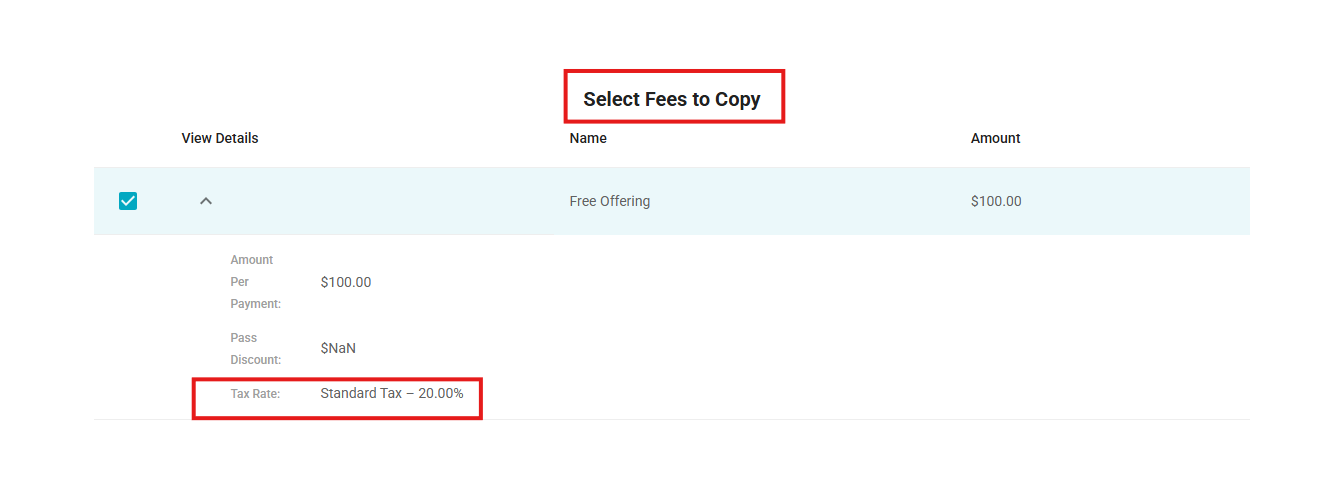
- When copying an offering that has a tax configuration set up, the tax is now automatically copied along with the fee.
- This ensures the duplicated offering retains the same tax setup as the original.
Repeat toggle default state
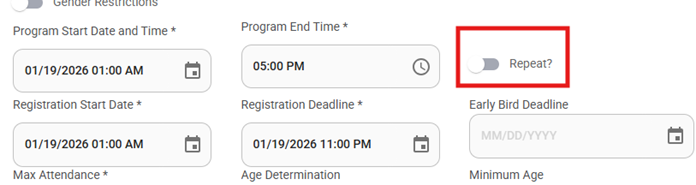
- When editing an existing program, the Repeat toggle is now set to disabled by default.
Spelling and grammar corrections
- Multiple spelling and grammar issues have been fixed across the system.
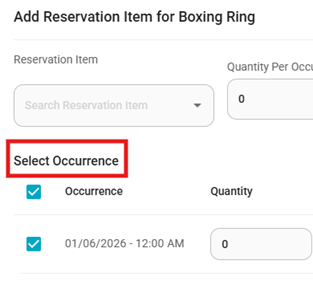
- Examples include corrections for words such as “Advance” and “Occurrance”, ensuring improved text accuracy and consistency.
Was this article helpful?
That’s Great!
Thank you for your feedback
Sorry! We couldn't be helpful
Thank you for your feedback
Feedback sent
We appreciate your effort and will try to fix the article