New Features and Enhancements
- Splitting Statuses and Decisions(ARC Central Workflow Enhancement)
We have successfully implemented a split between Statuses and Decisions in ARC Central, improving clarity, auditability, and user experience across the request lifecycle.- Mapped existing statuses, automations, visibility rules, and validations in Excel for impact analysis.
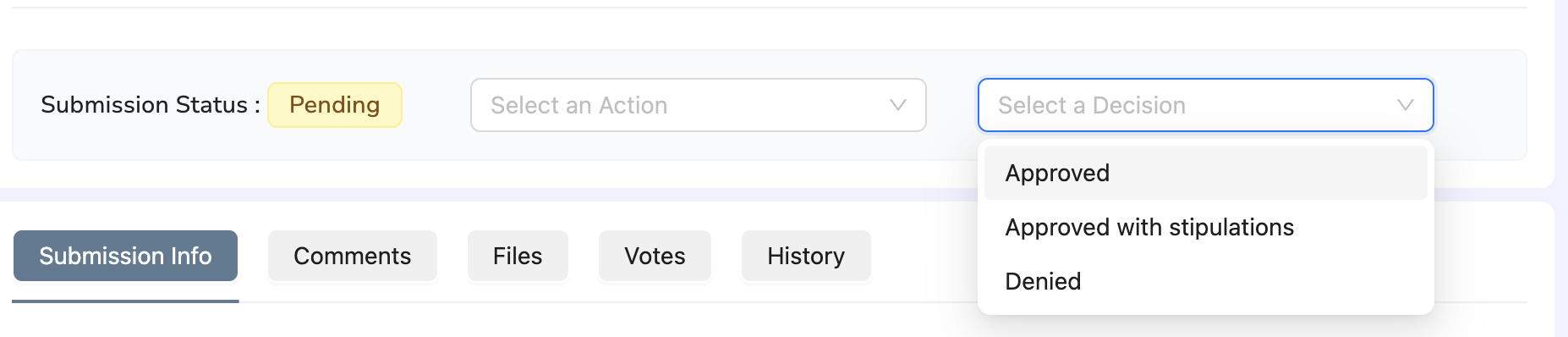
- Split request workflow into two independent components: Action (Statuses) and Decisions
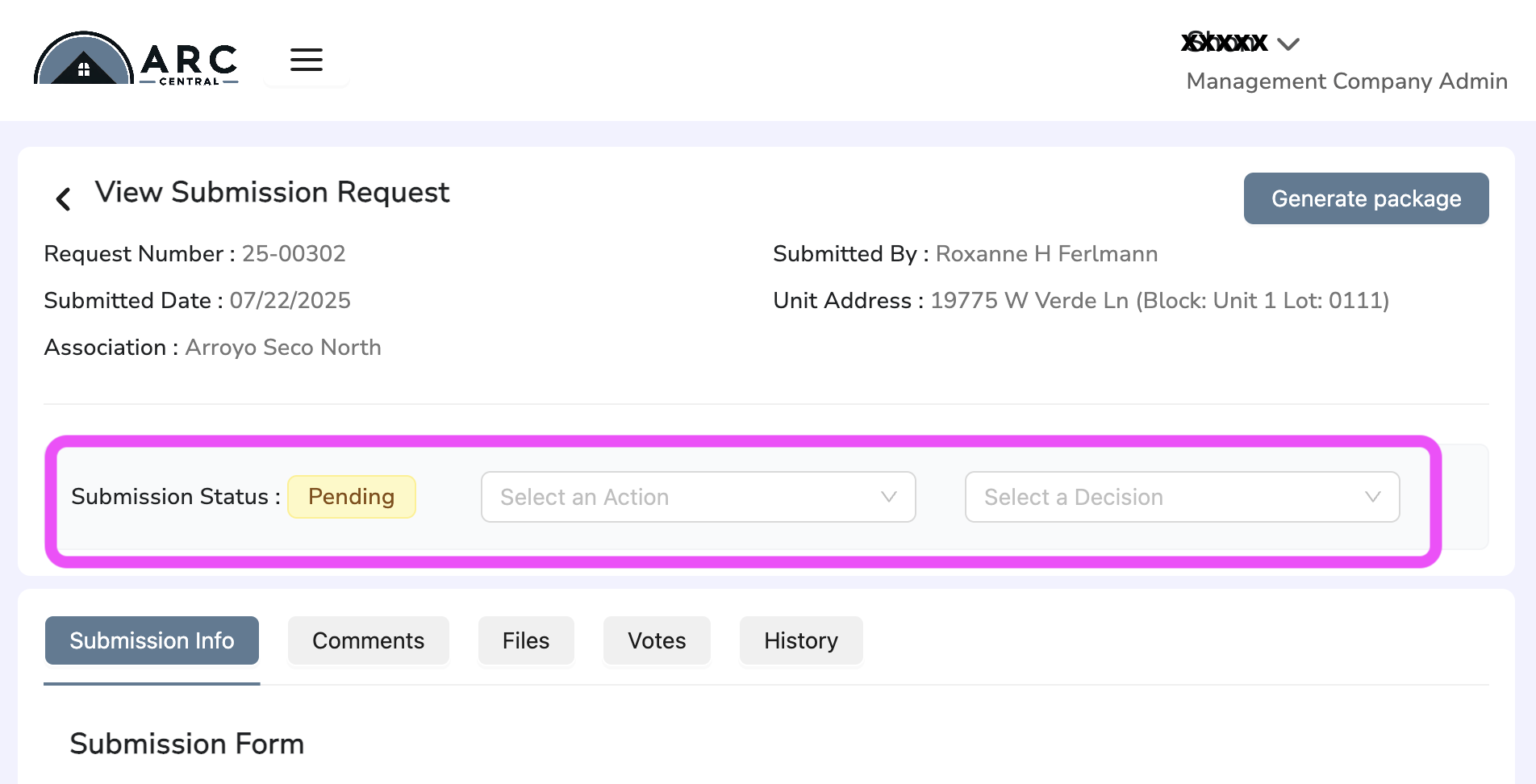
(split drop down selections)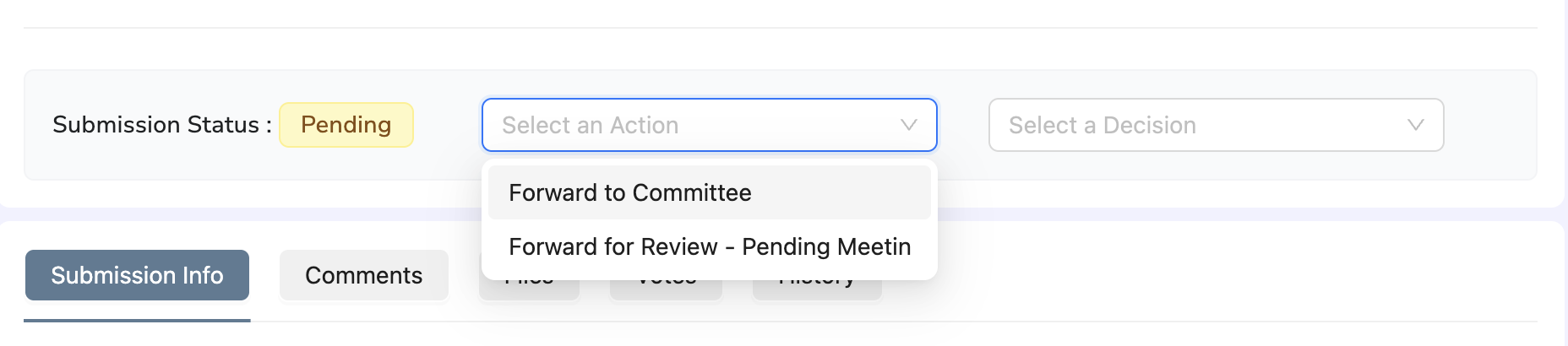
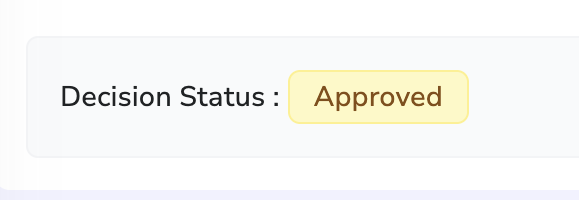
- Renamed "Submission status panel" after a decision was made to "Decision status" for better UX clarity
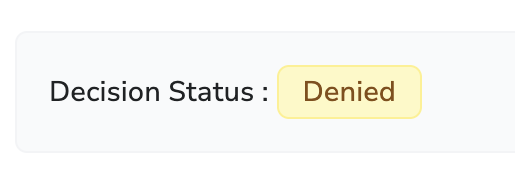
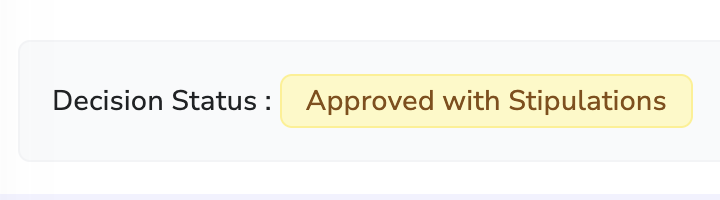
- Final statuses now reflect correctly in the request list view and status panels
Bug Fixes
- "Add More" in Device Section Clears Only Device Settings
When creating a new Assocation and using the "AddMore" function to insert multiple devices, only the "Device Settings" field was cleared. Some fields (like Device Name and GUID) remained populated, leading to potential confusion or data duplication- Adjustment made so that all device related fields are cleared when using "Add More"
- Ensured consistency in device field resets to support cleaner user workflows when entering multiple devices
- Inactive Committee Member's Vote Note Displayed & UI Enhancements in Voting
- Inactive Member Vote Disappearing Votes cast by a committee members would disappear from the request once the member was made inactive, impacting vote history transparency. Votes are now preserved and displayed even after the committee member becomes inactive, ensuring historical accuracy.
- Delay in Confirmation After 'Add Vote' Confirmation message had noticeable delay after clicking 'Add Vote'. Reduced response delay to ensure immediate feedback upon vote submission.
- Cancel/Save Buttons in Block Settings with No Data Cancel and Save buttons appeared even when no data was present in the Block Settings screen. These buttons are now hidden unless actionable data entered, improving UX clarity.
- User did not receive email confirmation
No email delivered and no package was visible in the Comments section for a user in Villagio at Tempe. Silent notification failure identified and resolved. Email delivery and generated packages now work as expected.
Was this article helpful?
That’s Great!
Thank you for your feedback
Sorry! We couldn't be helpful
Thank you for your feedback
Feedback sent
We appreciate your effort and will try to fix the article