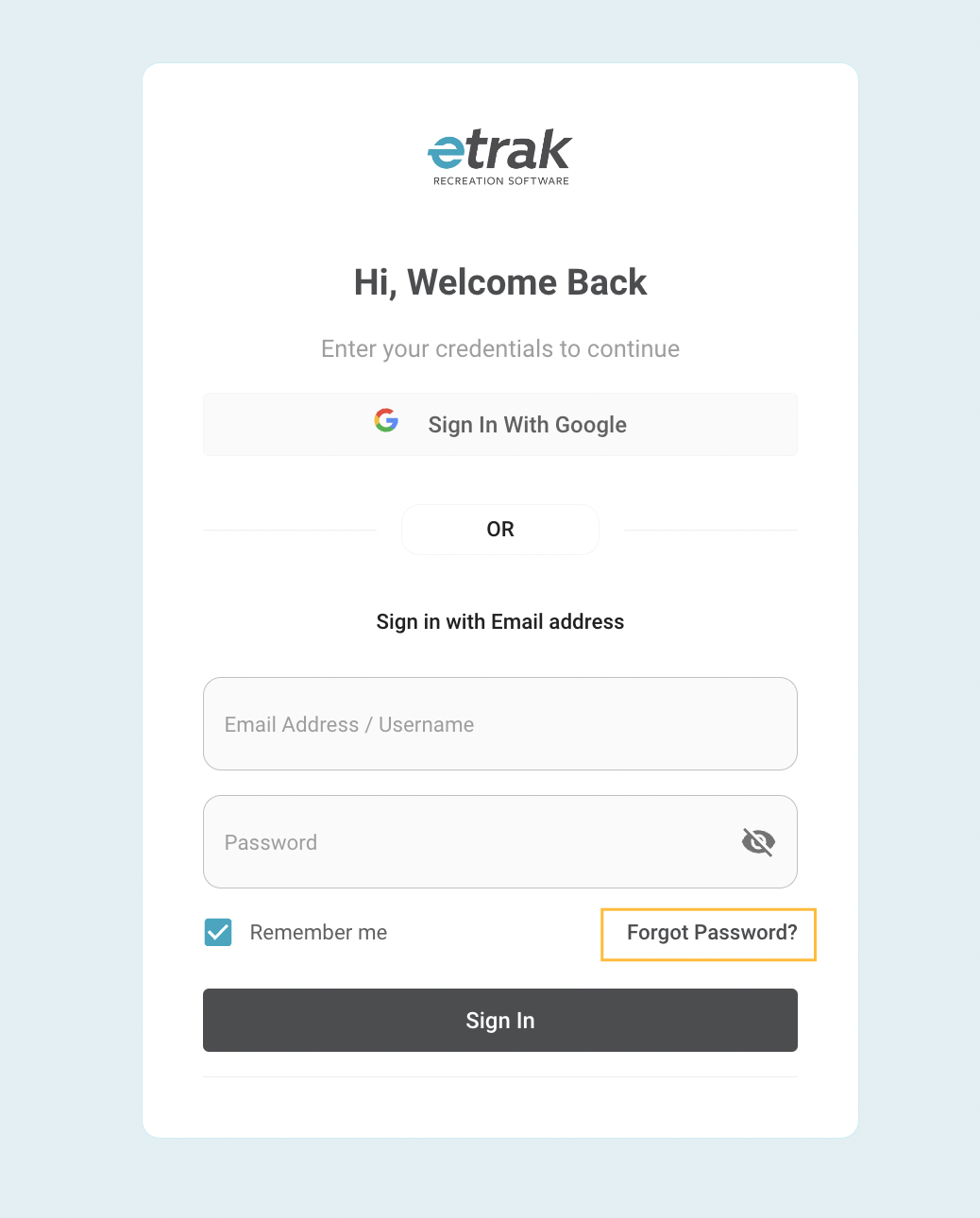
If login attempt was unsuccessful or you do not remember your password, click on the 'Forgot Password' link.
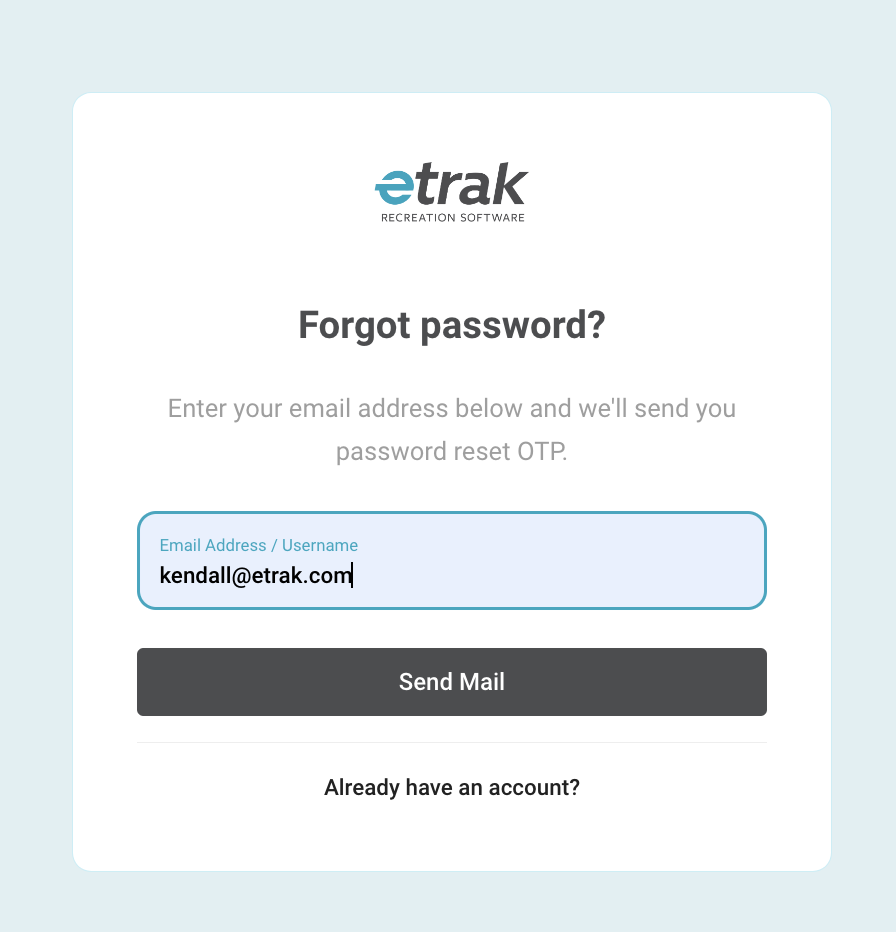
To reset your password, enter your email and press ‘Send Mail’
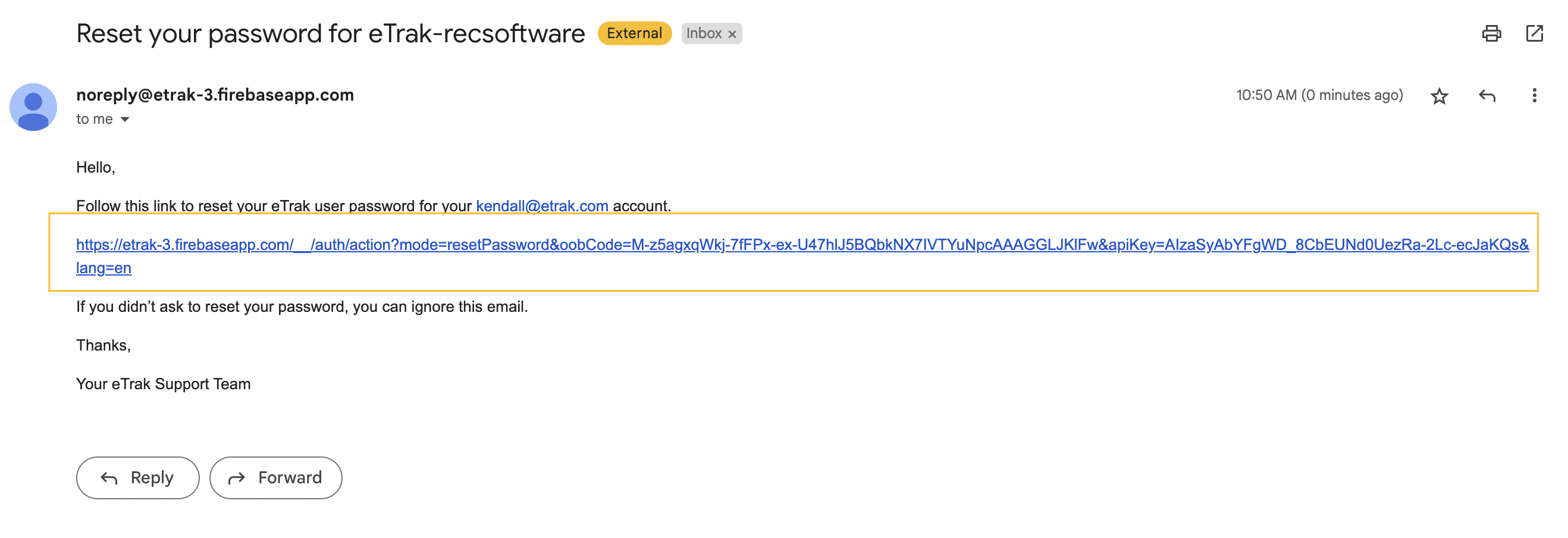
A reset password link will be sent to your inbox. If you cannot find the email, please check your spam/junk folder.
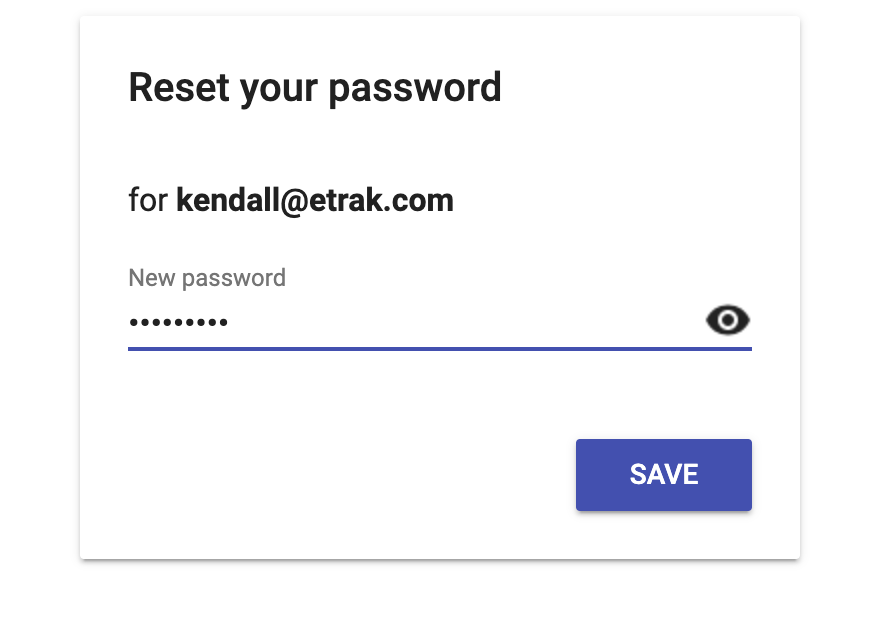
The emailed link will bring you to a page to enter a new password and press ‘Save’
You will now be able to sign in with your new password.
Was this article helpful?
That’s Great!
Thank you for your feedback
Sorry! We couldn't be helpful
Thank you for your feedback
Feedback sent
We appreciate your effort and will try to fix the article