As part of our every growing security improvement projects to help keep you and your customers safe, we have added a new password reset feature that will allow users that aren't using a single sign on service (AAM & Google) to reset their eTrak Password.
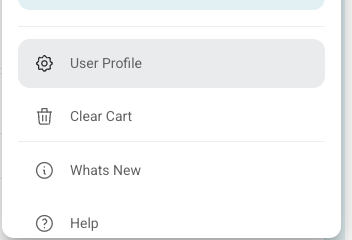
This feature can be found on the users profile when available. If the user clicks on the top right menu and goes to "User Profile":
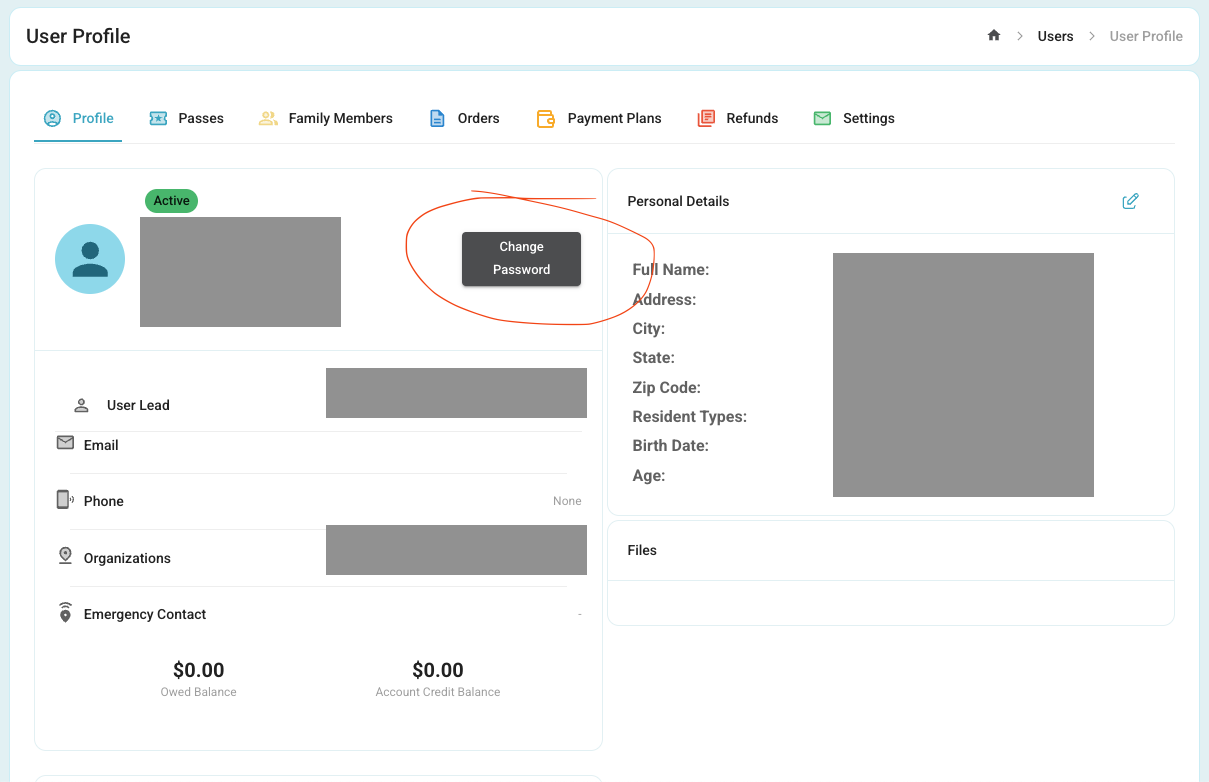
Inside their user profile there is a new button:
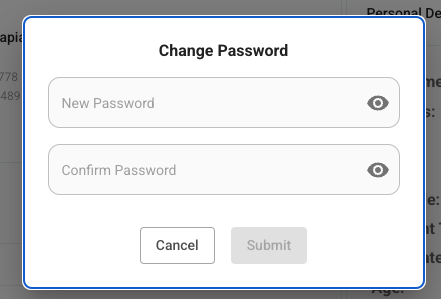
Once clicked it will provide a popup for changing their password:
Was this article helpful?
That’s Great!
Thank you for your feedback
Sorry! We couldn't be helpful
Thank you for your feedback
Feedback sent
We appreciate your effort and will try to fix the article