1. POS receipt now sends to the user purchasing and will no longer pull in the email address of the user selling
2.The user search will automatically open with a list of everyone and you will be able to use the search function by inputting any information that is found within the column headings that display on the screen.
Previous Search: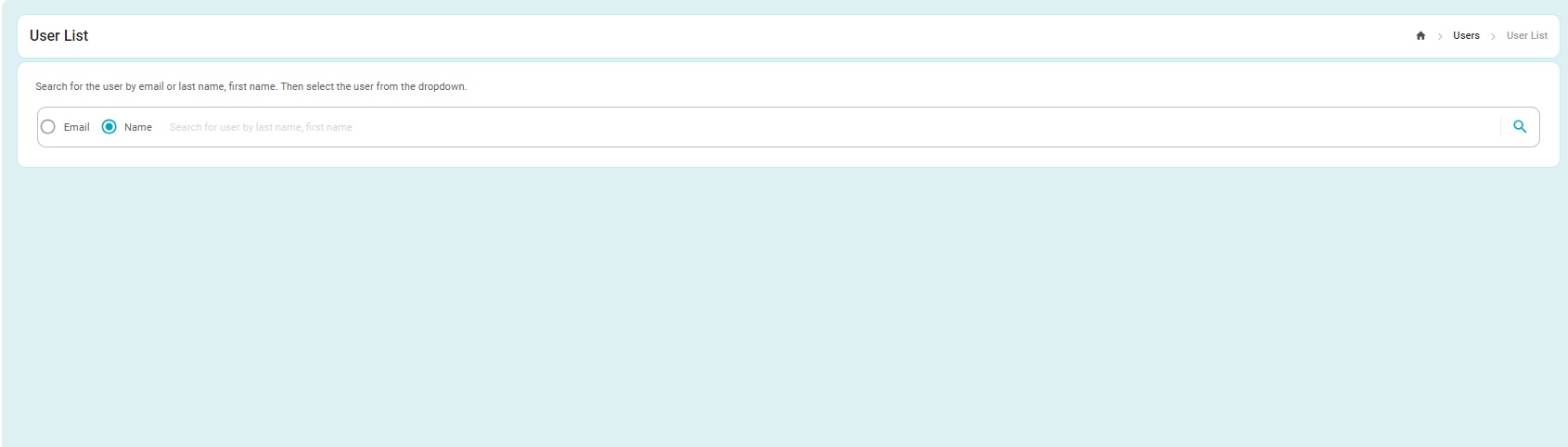
New Search: 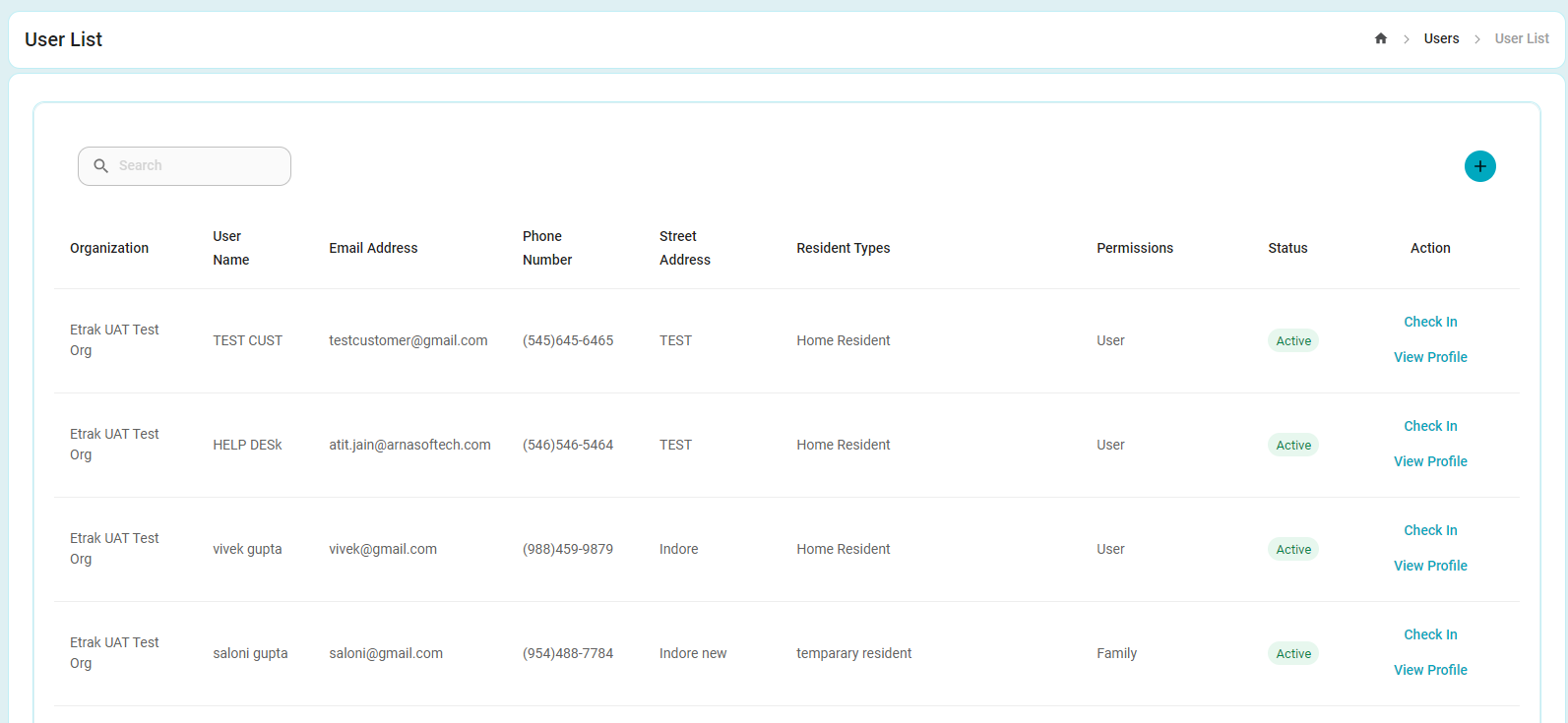
3.When looking into registering for a session date, there will no longer be the option to search back in time. The search will only show upcoming sessions.
4.When on the POS screen, once you input an item into the cart, the inventory count will reset back to 0.
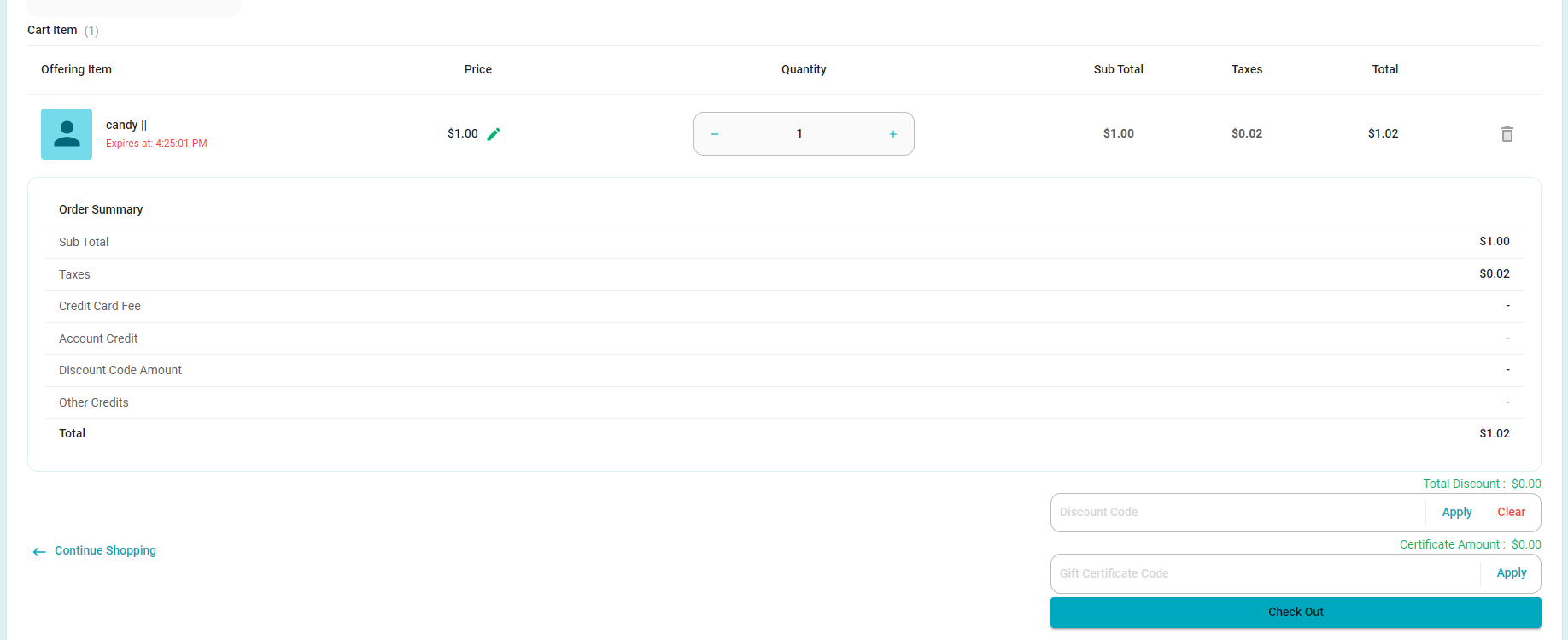
5.When on the check out screen the view now shows sub total / taxes / total broken out in the line item.
Previous Cart View: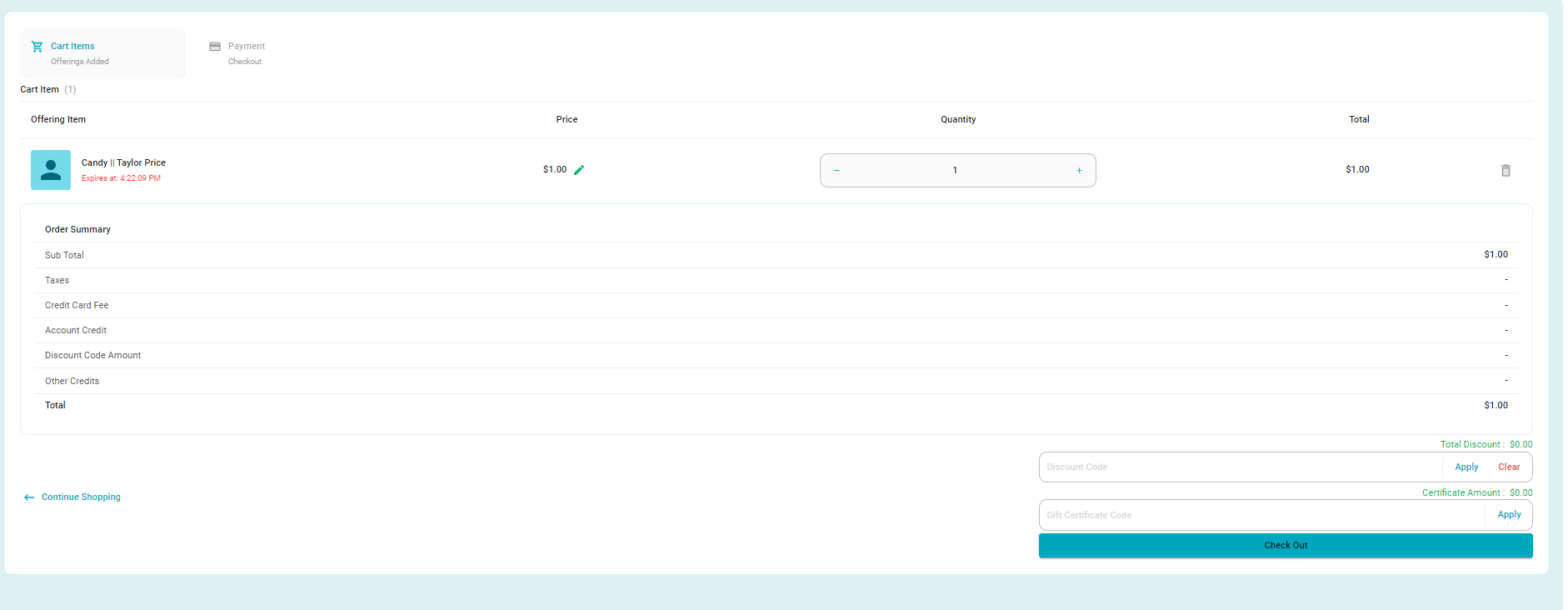
New Cart View:
6.The loading time for the View Scheduler has improved significantly
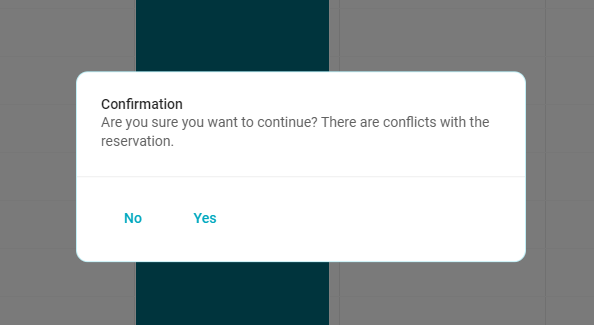
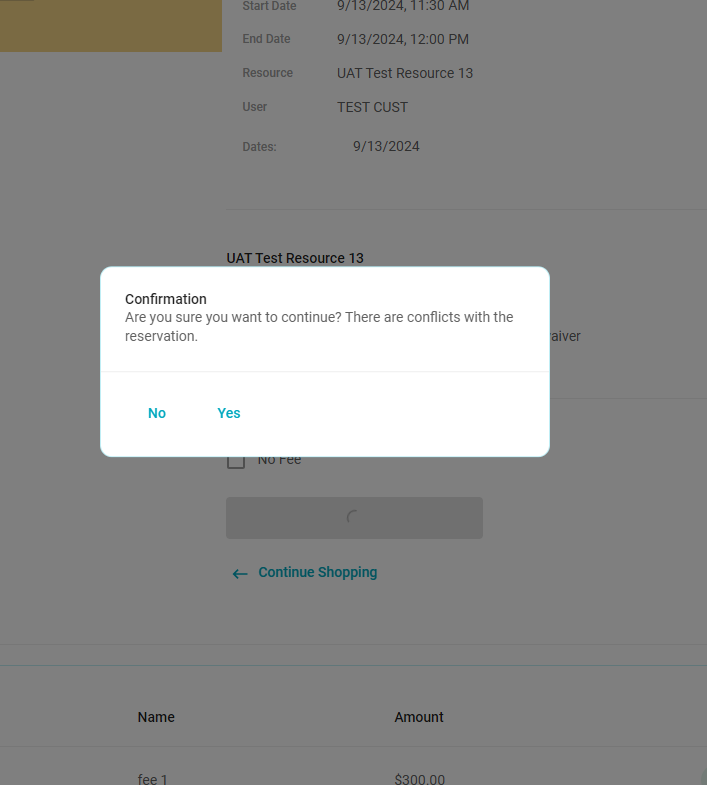
7.The View Scheduler checks for conflicts across all offerings as long as a resource is selected in set up . When booking through this screen a window will appear to inform the user if there is a conflict. Then when on the review screen and "Add to cart" is selected, a pop up will appear that allows the conflict to be over ridden. You will receive both selection windows.
New allow double booking pop ups:
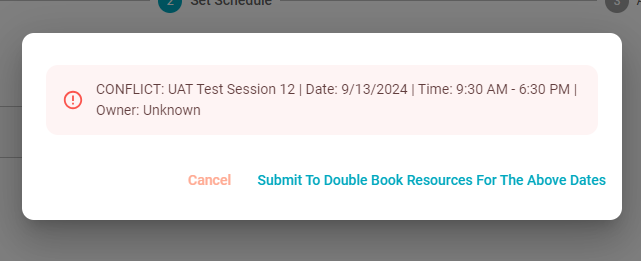
When creating an offering that is not a reservation, the following pop up will appear when moving through the steps of creation.
8. Instead of checking for availability when the pending page is opened, the system will now check for open seats for registration when the "add to cart" button is selected. This is to help with potential timing errors and overselling.
9.When creating a repeat offering, the Tues/Thurs is now adding accurately.
10.When on the dashboard calendar, when an offering item is selected the registration page will open.
11.The dashboard calendar will load all offerings within the system without the 6 month time constraint.
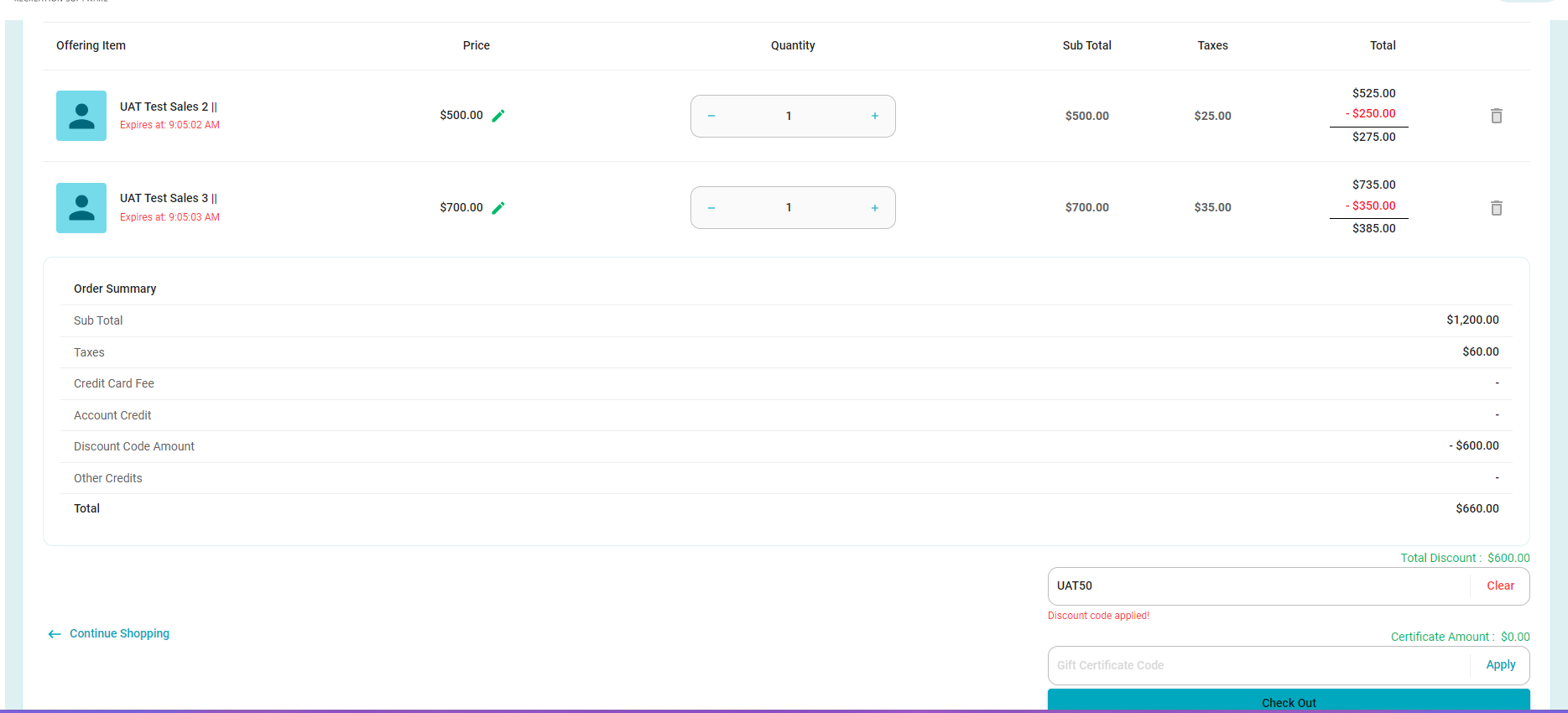
12. When using discount codes within the cart, the math is displayed within the line items vs down in the below section.
13.The ability to save a residents card information within the cart is now working as expected.
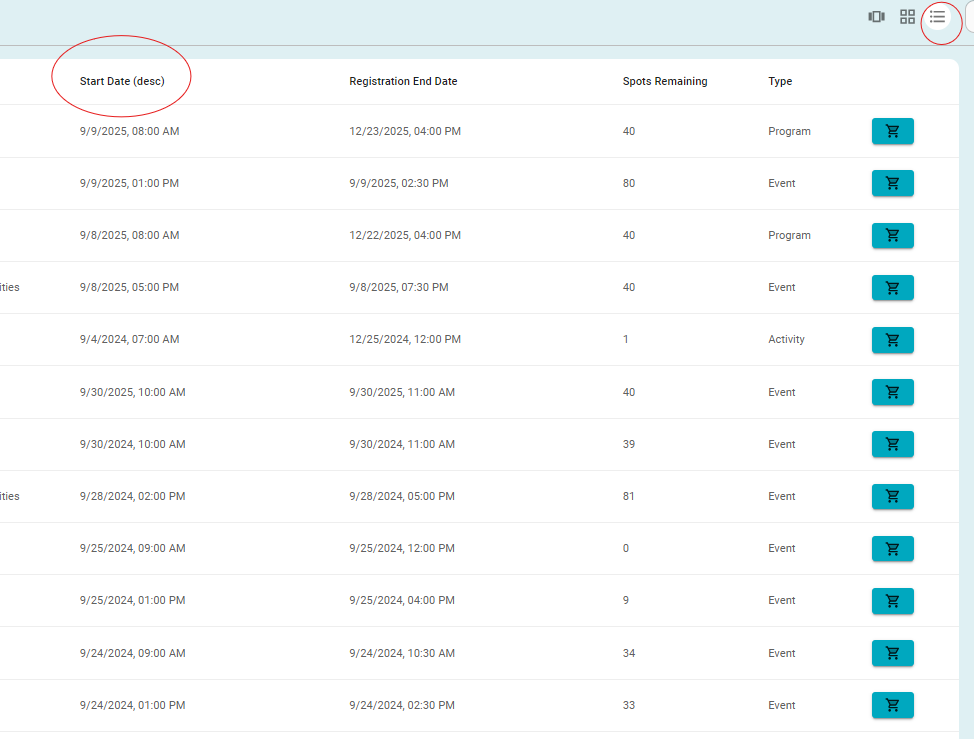
14. There is the new filter option on the list view within the catalog and POS page. You can select the column headings to reorder the items by start date vs alphabetical order.
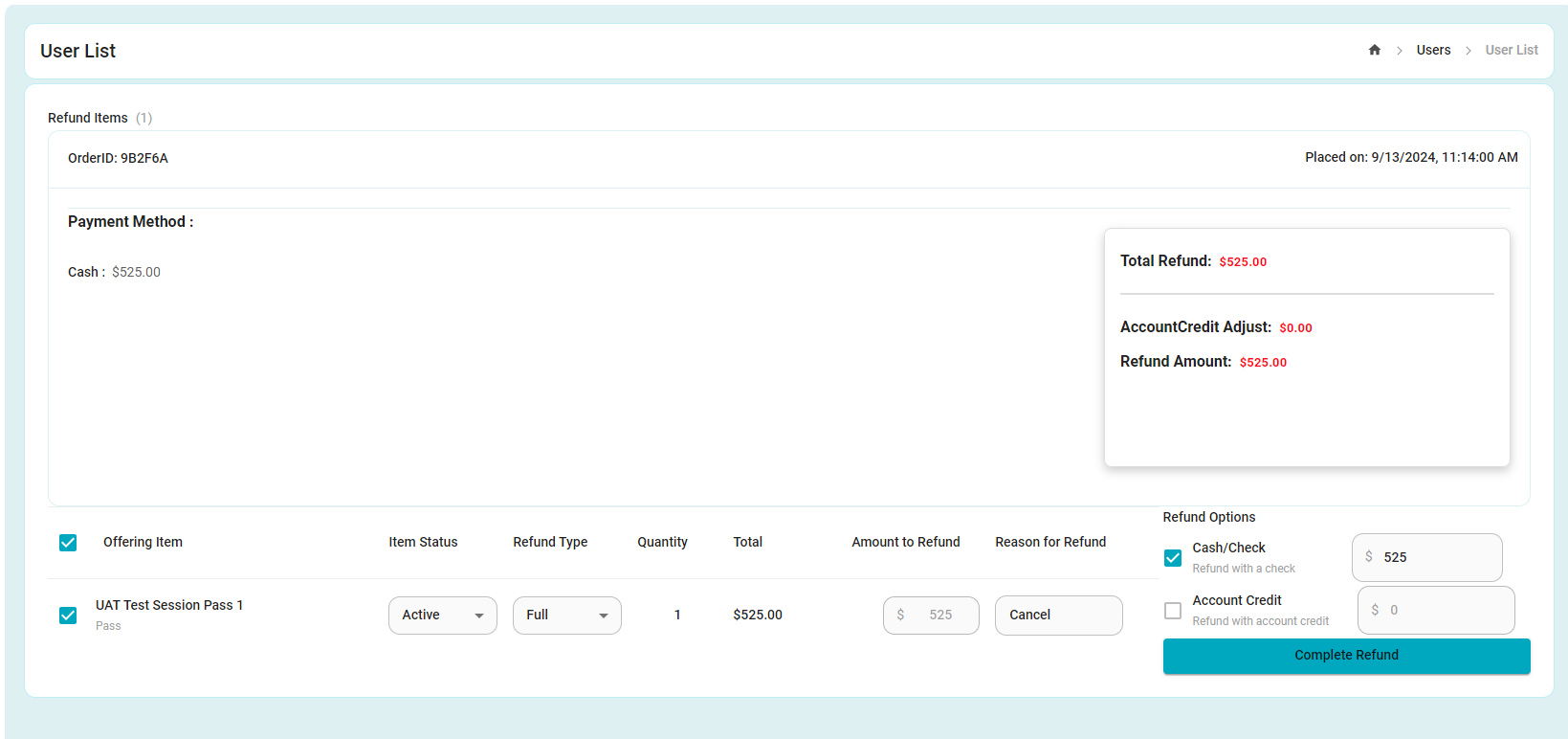
15. The refund process has been improved and now is is all done within one screen vs multiple steps.
New Refunding from the user profile:
16. Discount codes now do the math on the line items vs the down in the below section.
New Discount code Usage:
Was this article helpful?
That’s Great!
Thank you for your feedback
Sorry! We couldn't be helpful
Thank you for your feedback
Feedback sent
We appreciate your effort and will try to fix the article