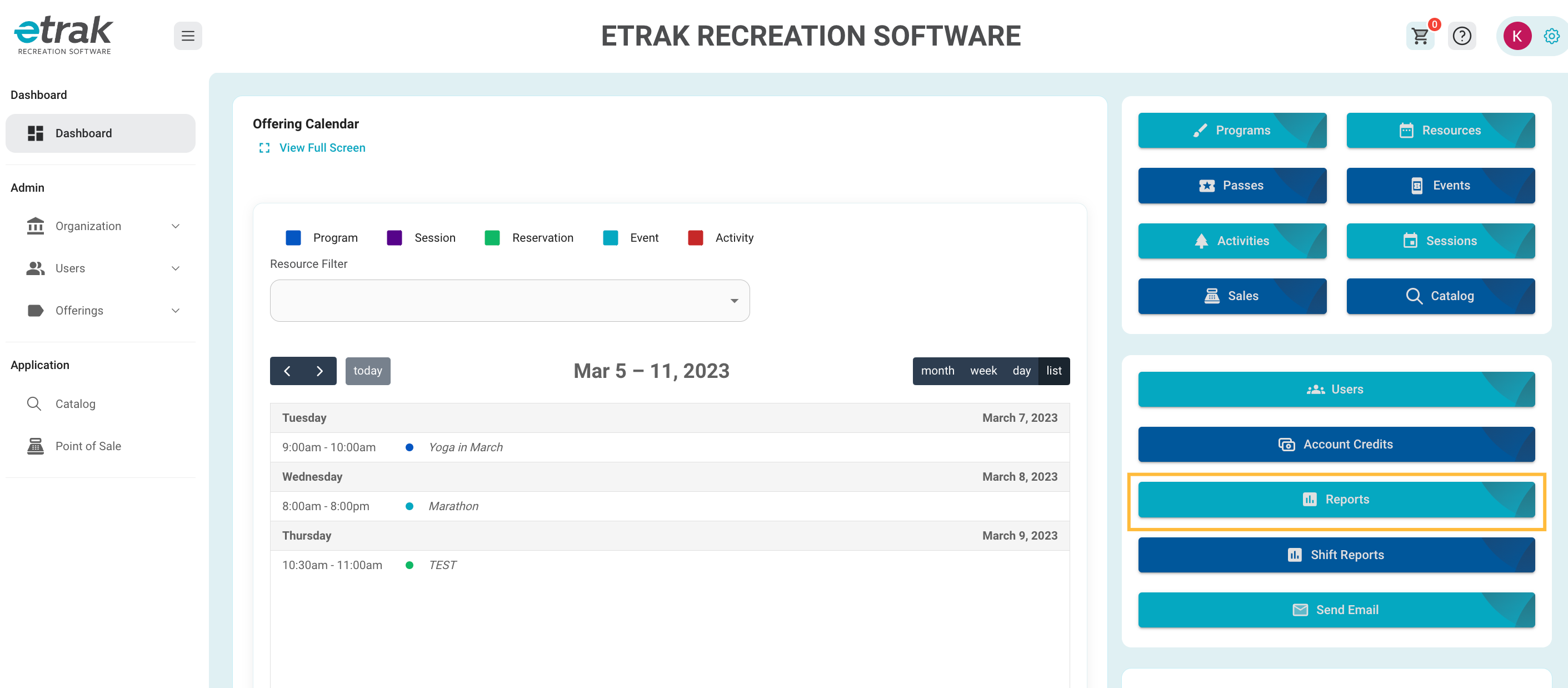
Select 'Reports' from the blue buttons on the right side of the screen.
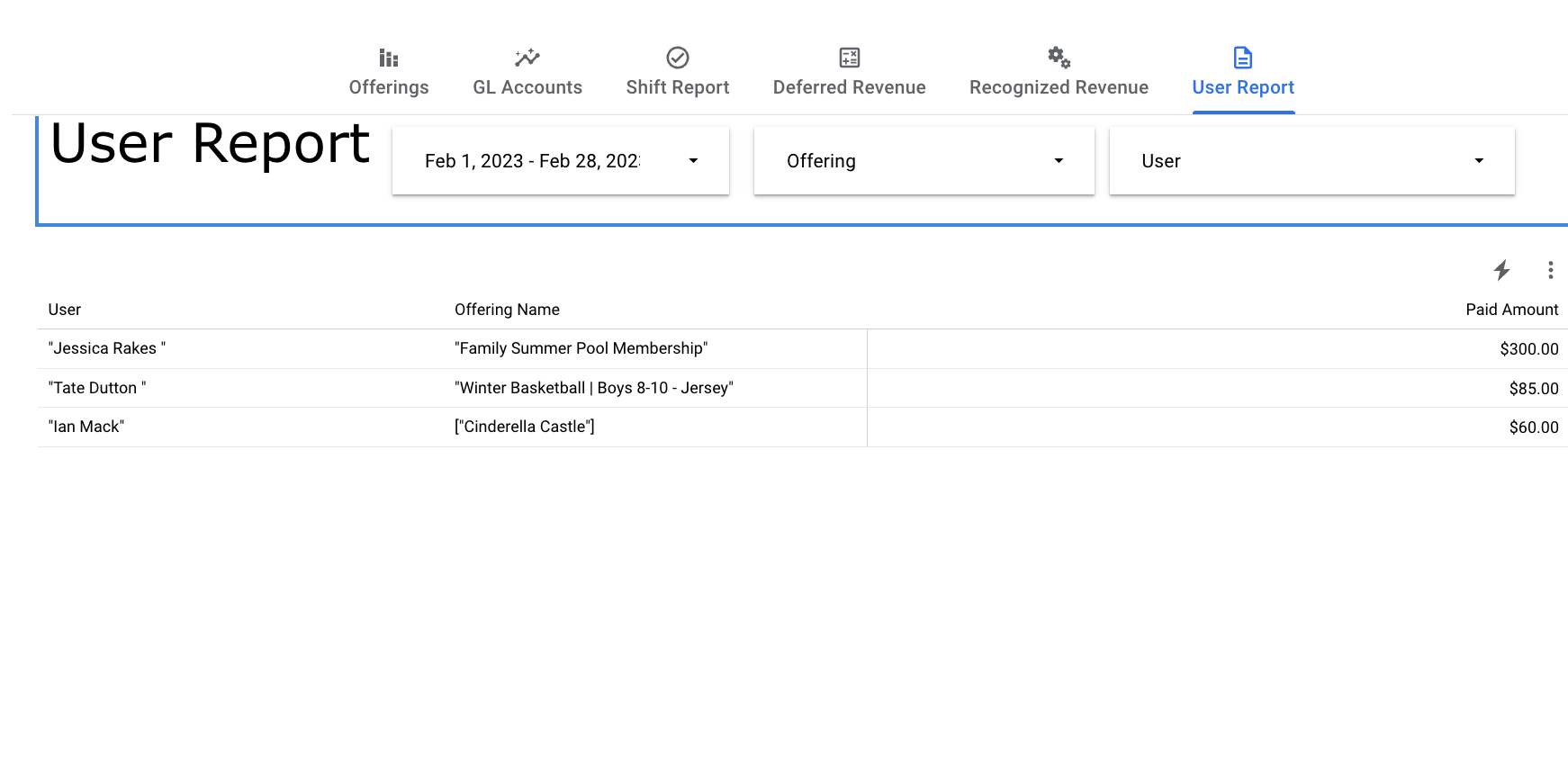
Select ‘User Report’ from the selections at the top of the screen.
Filter the date range to show only the time frame you need on the report.
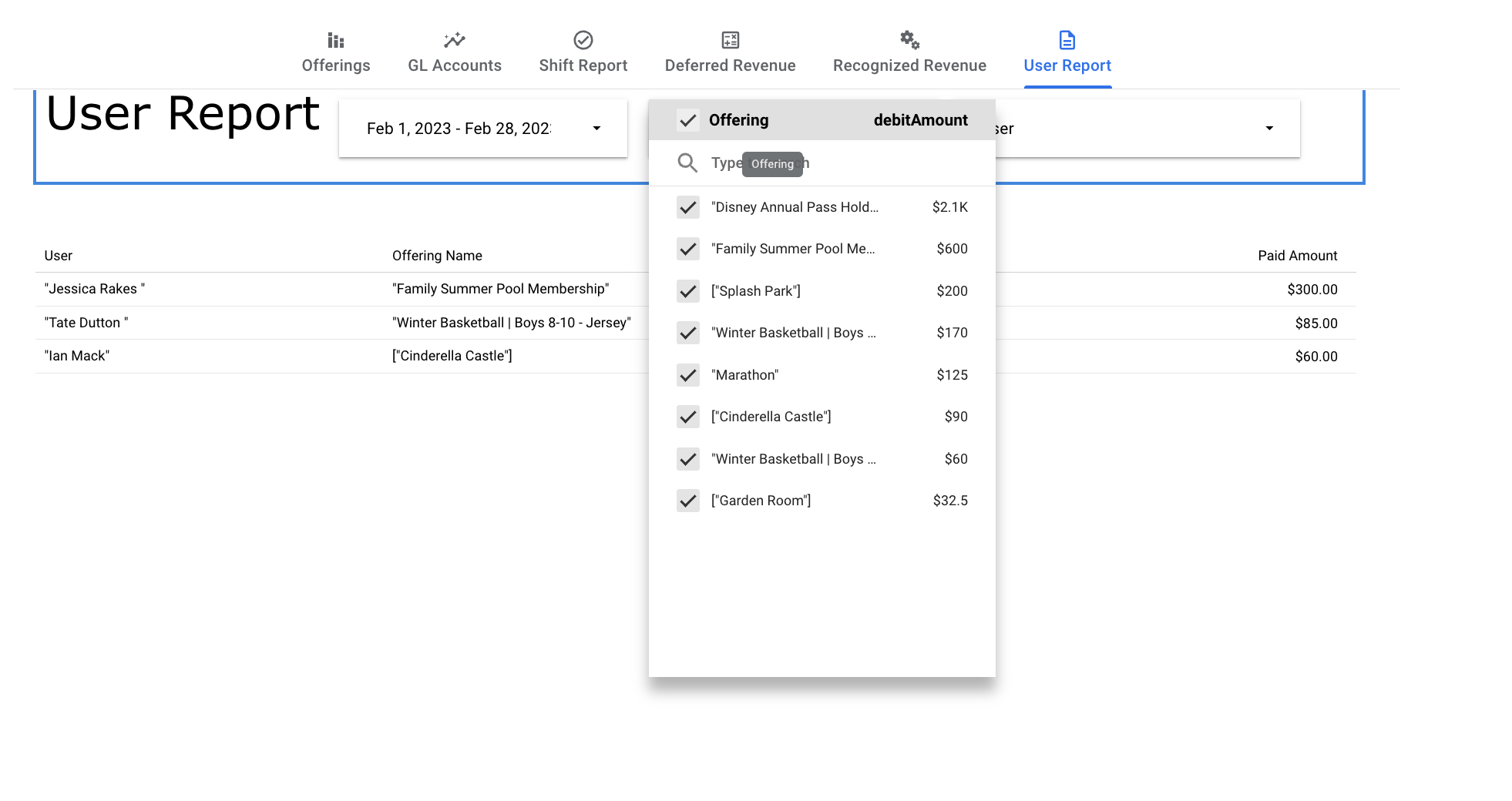
Filter report to only show specific offering items
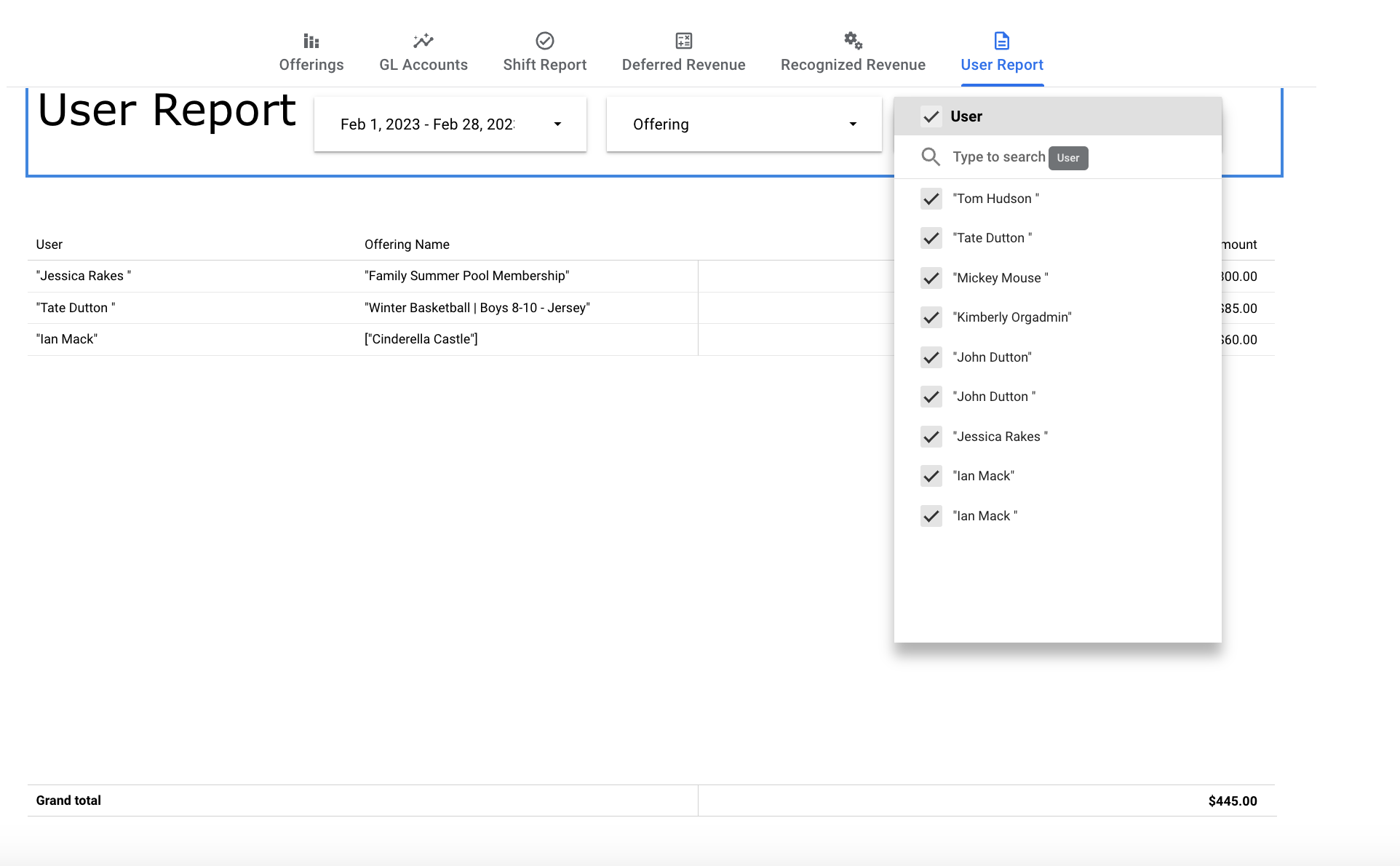
Filter report to only show a specific user or users.
This is often used for end of the year tax reports for families who participated in camps, after school programs, etc.
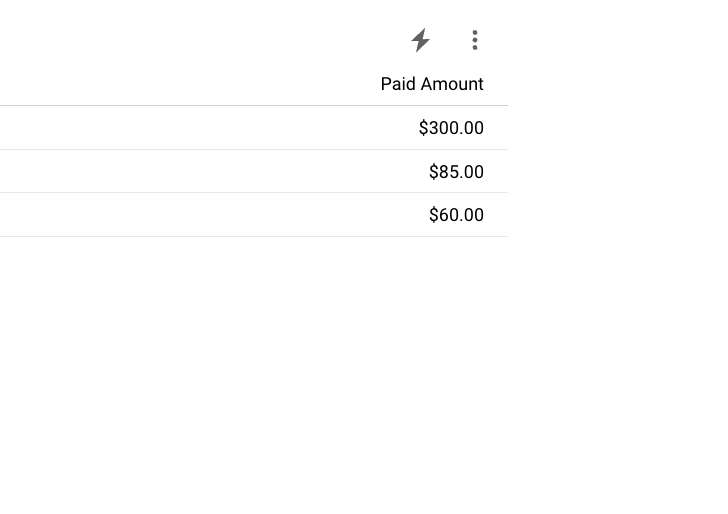
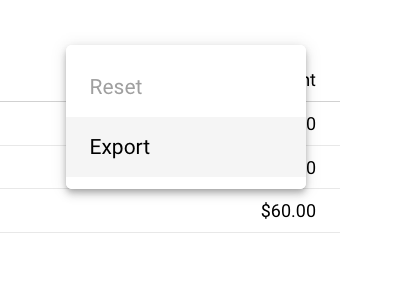
Select the 3 vertical dots to export and print the report.
If you don't see the dots hover over that area of the report and it will appear.
Was this article helpful?
That’s Great!
Thank you for your feedback
Sorry! We couldn't be helpful
Thank you for your feedback
Feedback sent
We appreciate your effort and will try to fix the article