Select 'Passes' under the Offerings menu on the left
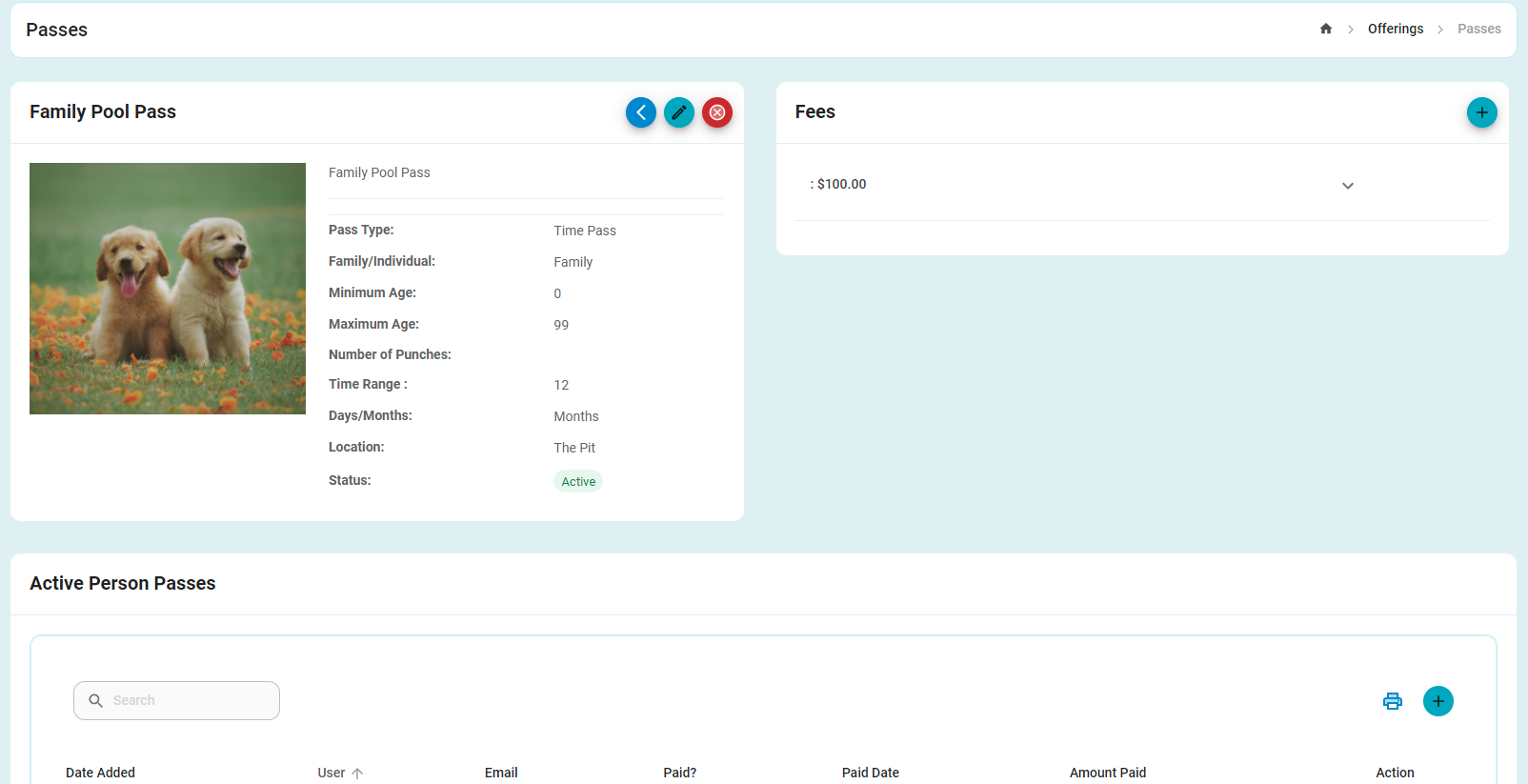
Find the Pass you wish to edit, and selecting the eye on the right hand side to view the details.
Using the buttons in the resource details, select the pencil to make changes.
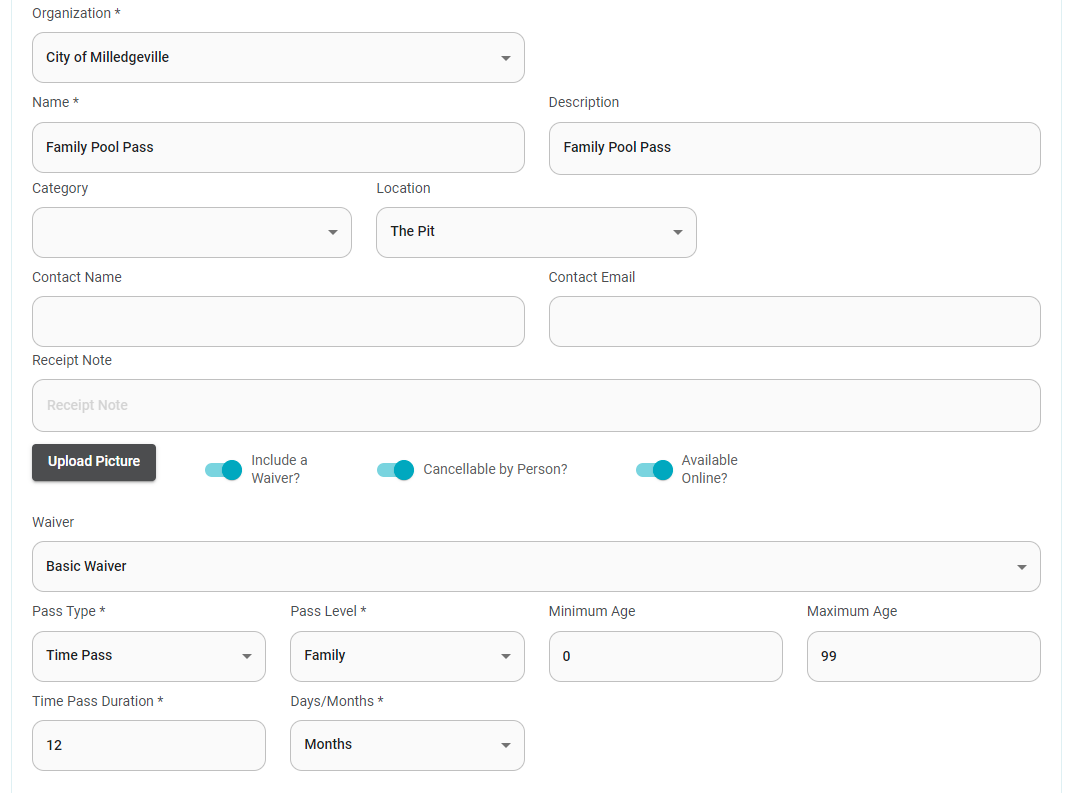
Make any necessary changes and hit submit at the bottom of the screen.
Was this article helpful?
That’s Great!
Thank you for your feedback
Sorry! We couldn't be helpful
Thank you for your feedback
Feedback sent
We appreciate your effort and will try to fix the article