Select 'Catalog' from the navigation menu on the left side of the screen or from the blue button on the right side of the screen.
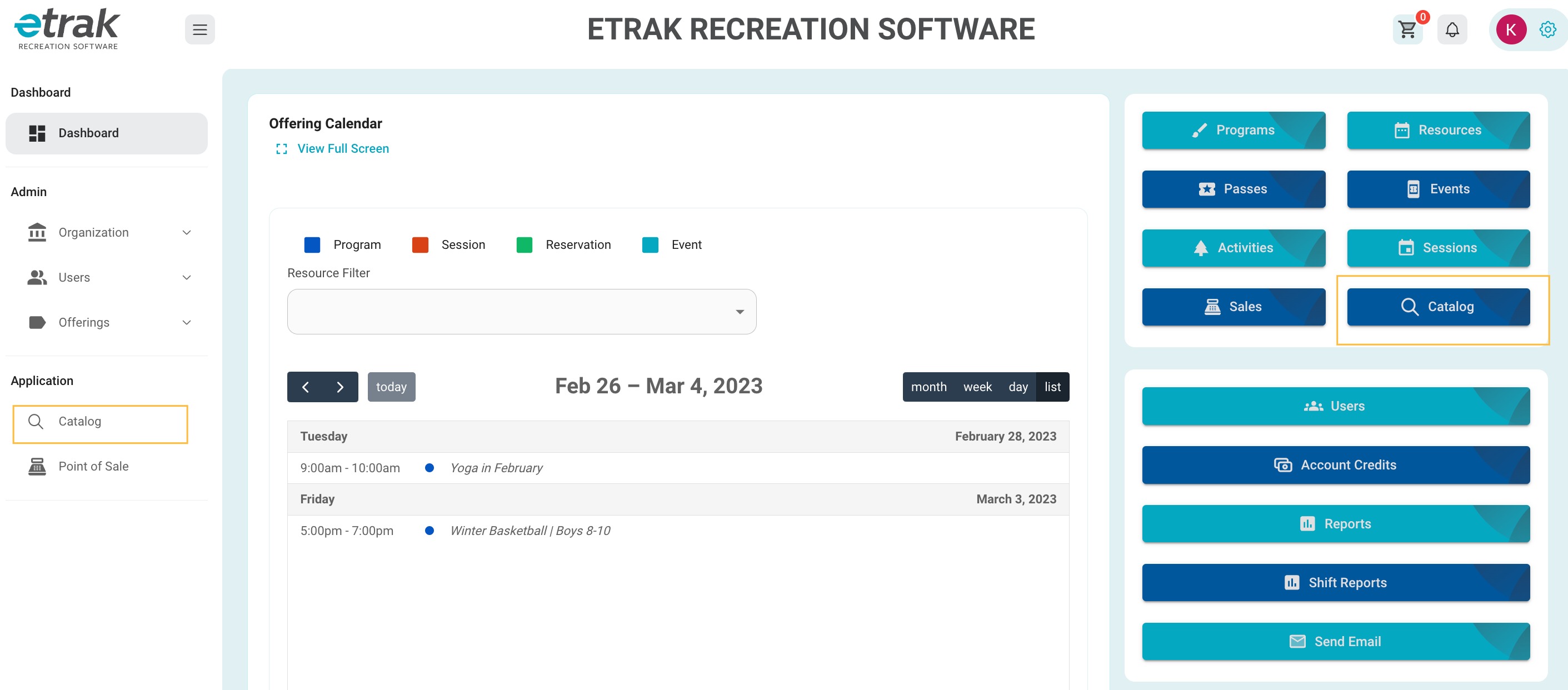
Any offerings that are within the start/end date range will display for admin/front desk employees. Online users will only see items that are set to online view and within registration date ranges.
To search for a particular item, use the search bar on the right side of the screen.
| Passes | Program |
| Resource | Events |
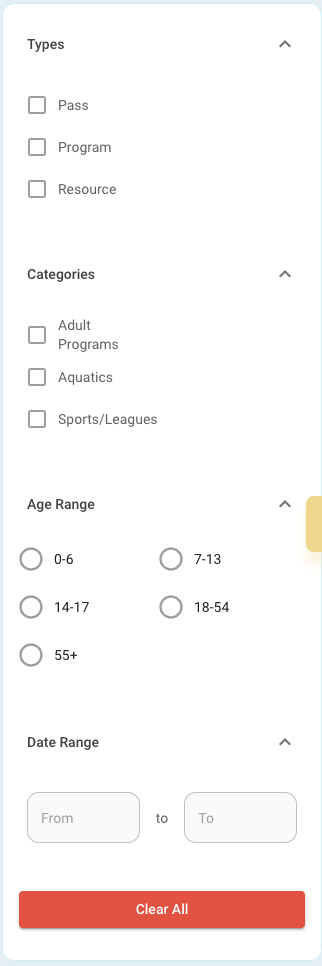
Filters are also available to help narrow down the offerings to find one that fits what you are looking for.
The clear all button will reset all filters.
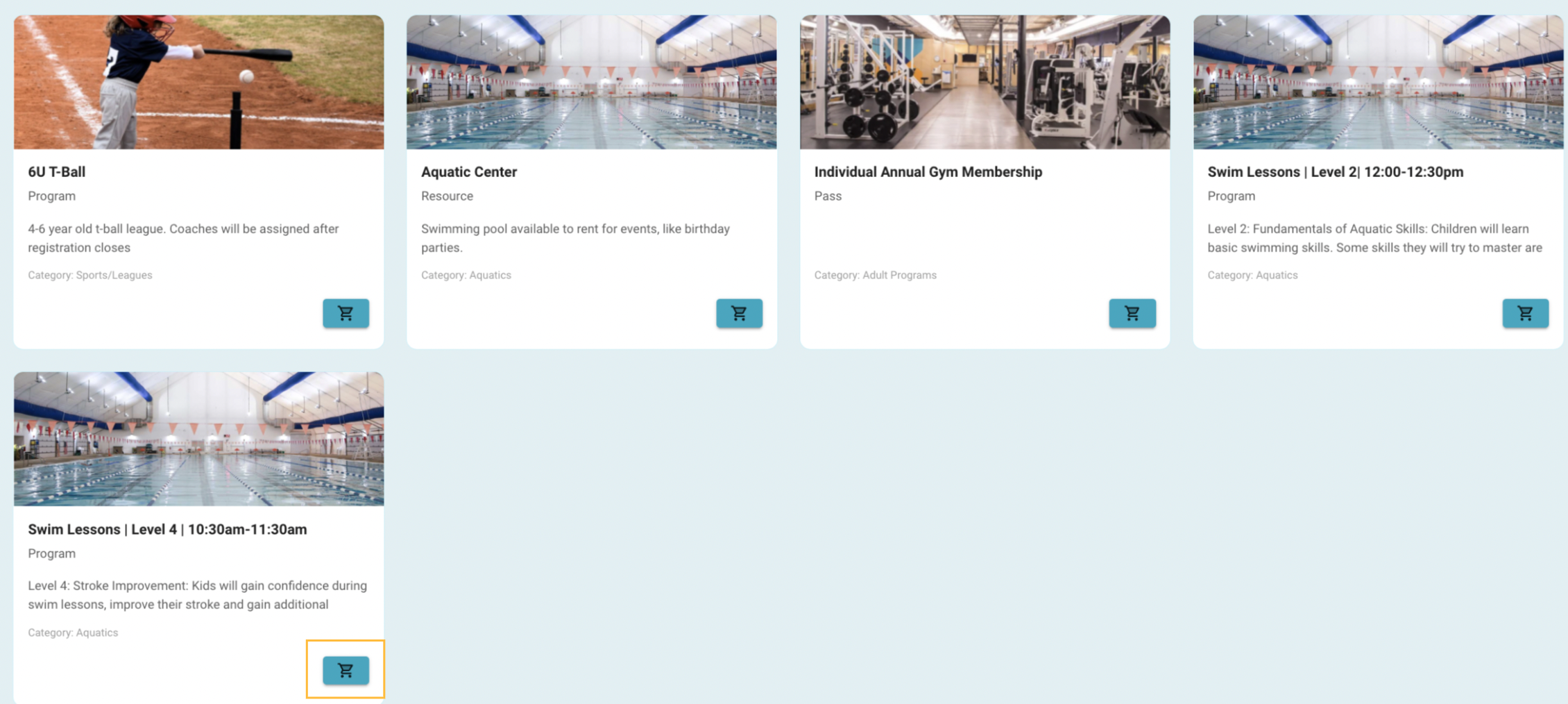
Once you narrow down to the offering item you are looking to purchase select the ‘cart’ icon to proceed to purchasing details.
Was this article helpful?
That’s Great!
Thank you for your feedback
Sorry! We couldn't be helpful
Thank you for your feedback
Feedback sent
We appreciate your effort and will try to fix the article