We have enabled the ability for admin users to adjust the start and end date of time passes during checkout or via the Passes area of the User Profile.
1. In the cart you will see "Edit Date"
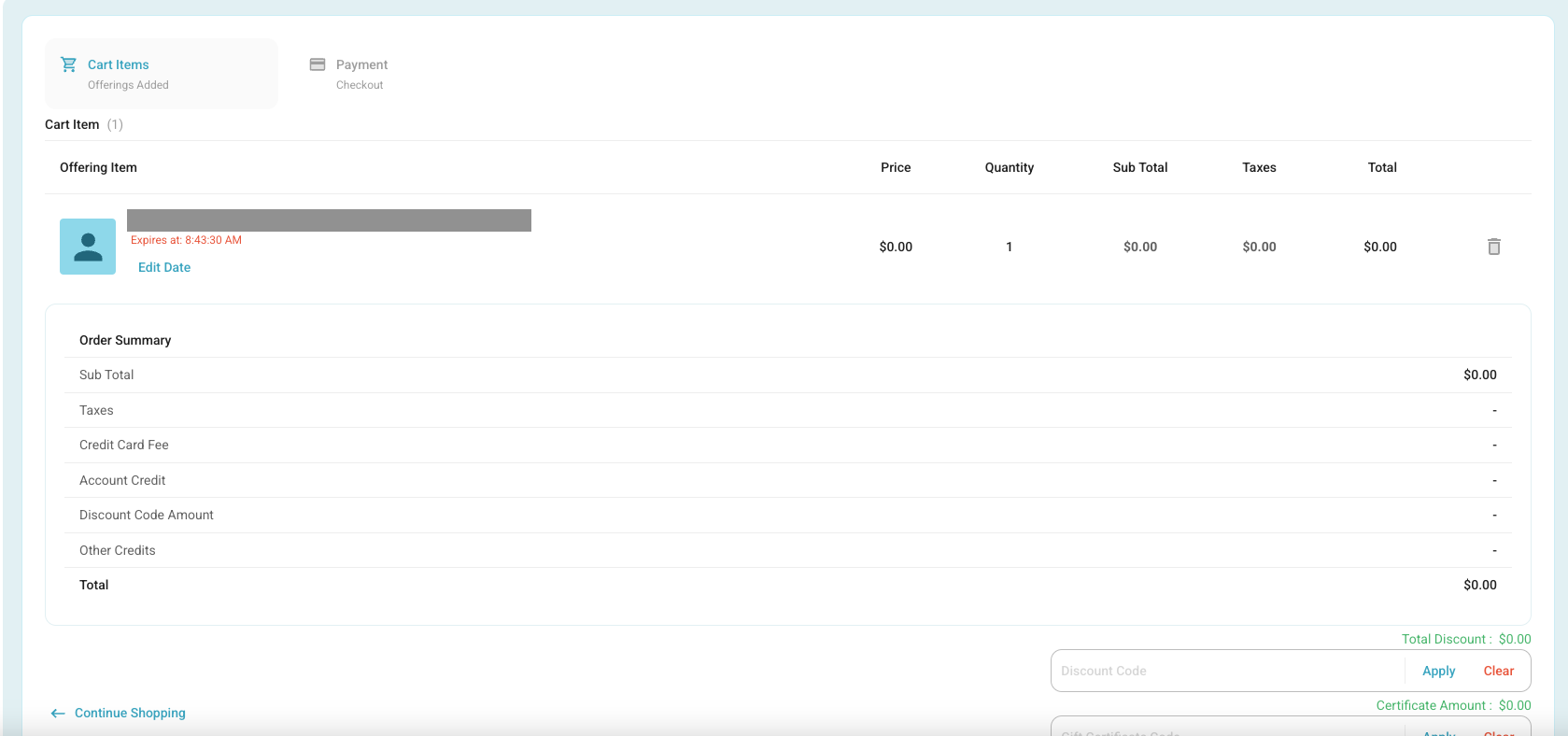
2. Once you have Clicked "Edit Date", a popup will appear to adjust the start and end date:
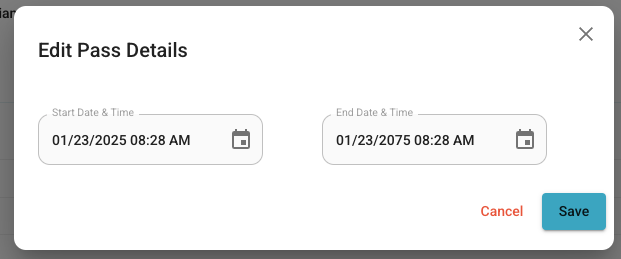
3. Set your start and end dates and time and click save.
4. Then complete the checkout.
Accessing it Via User Profile:
1. Navigate to the user that you would like to adjust the pass:
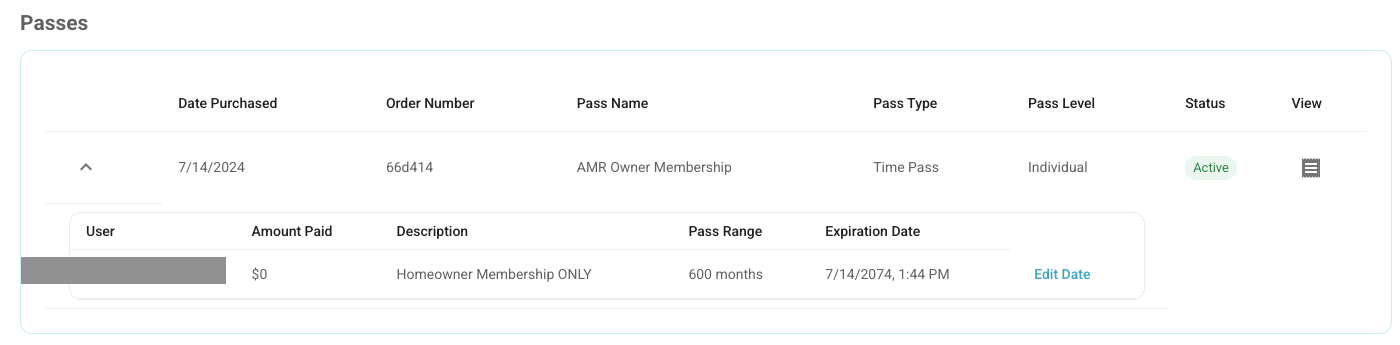
2. Click Edit Date:
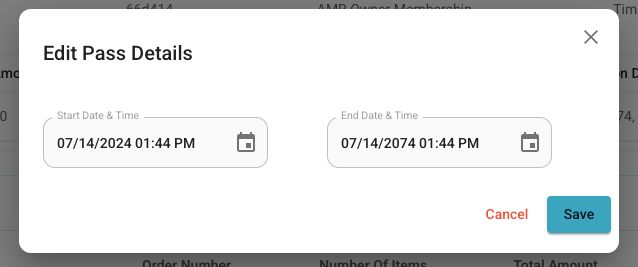
3. Set the Dates and Times you would like them to be adjusted, and click Save.
Was this article helpful?
That’s Great!
Thank you for your feedback
Sorry! We couldn't be helpful
Thank you for your feedback
Feedback sent
We appreciate your effort and will try to fix the article