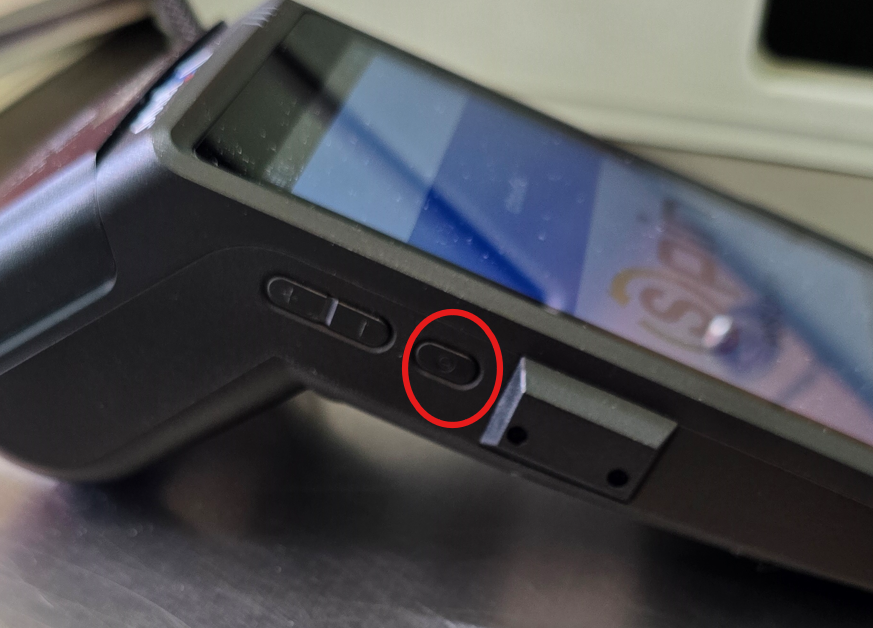
1. Turn on the machine with the power button on the left side of the device
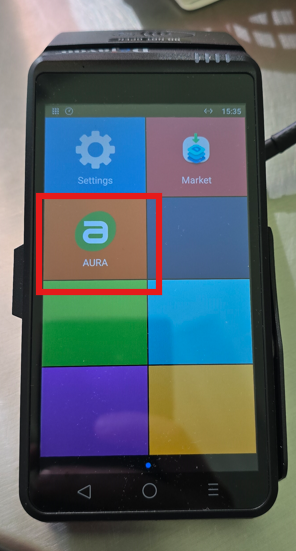
2. Once powered on go into the POS application on the device called AURA
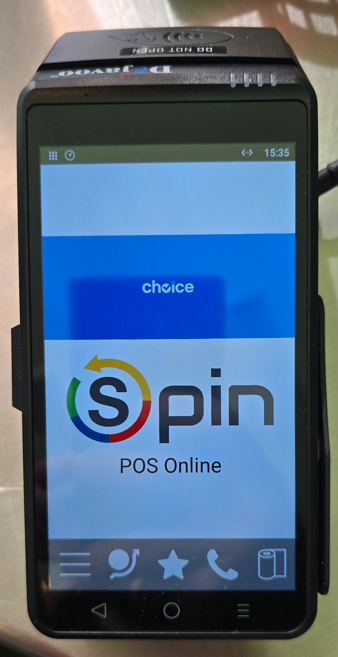
3. The device should be showing the POS Online Screen
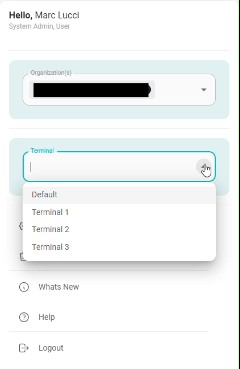
4. Make sure the terminal is selected in eTrak
Was this article helpful?
That’s Great!
Thank you for your feedback
Sorry! We couldn't be helpful
Thank you for your feedback
Feedback sent
We appreciate your effort and will try to fix the article