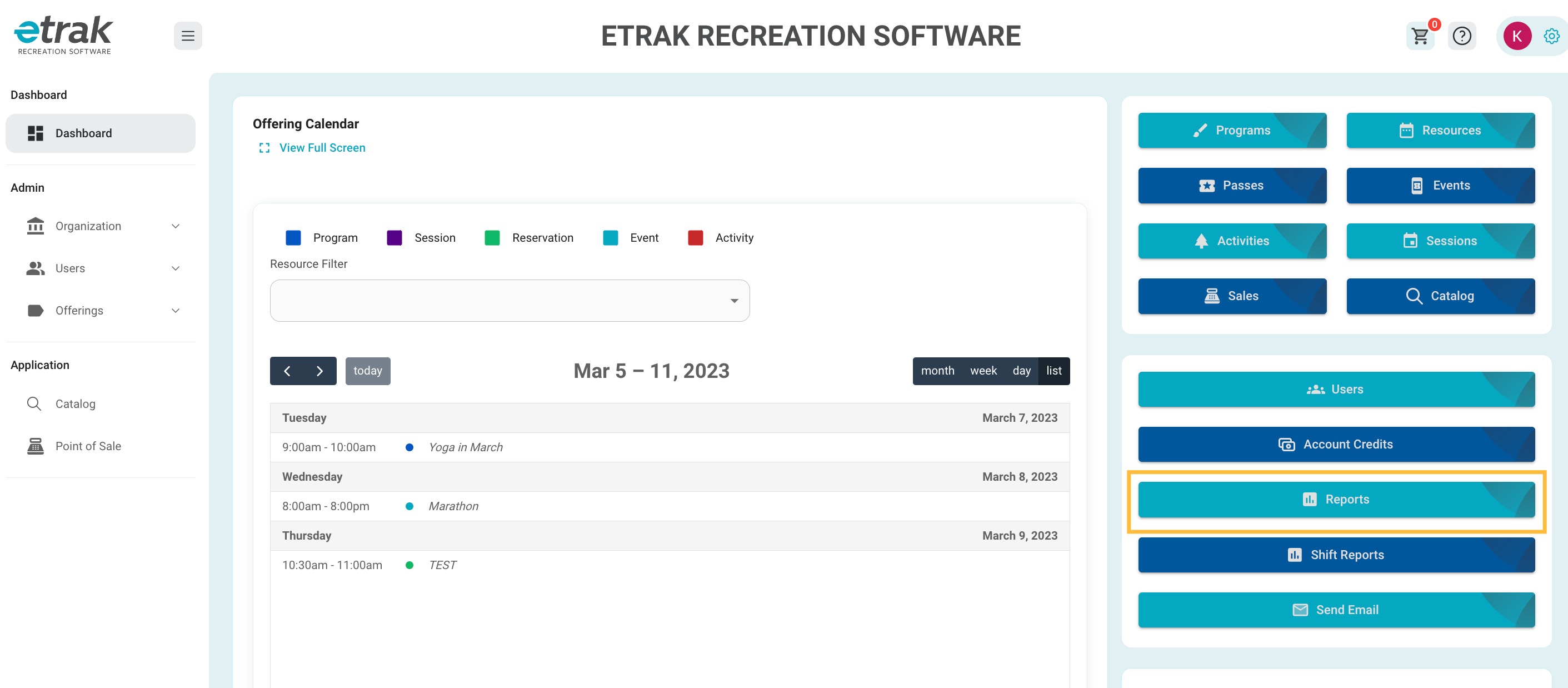
Select ‘Reports’ from the blue buttons on the right side of the screen.
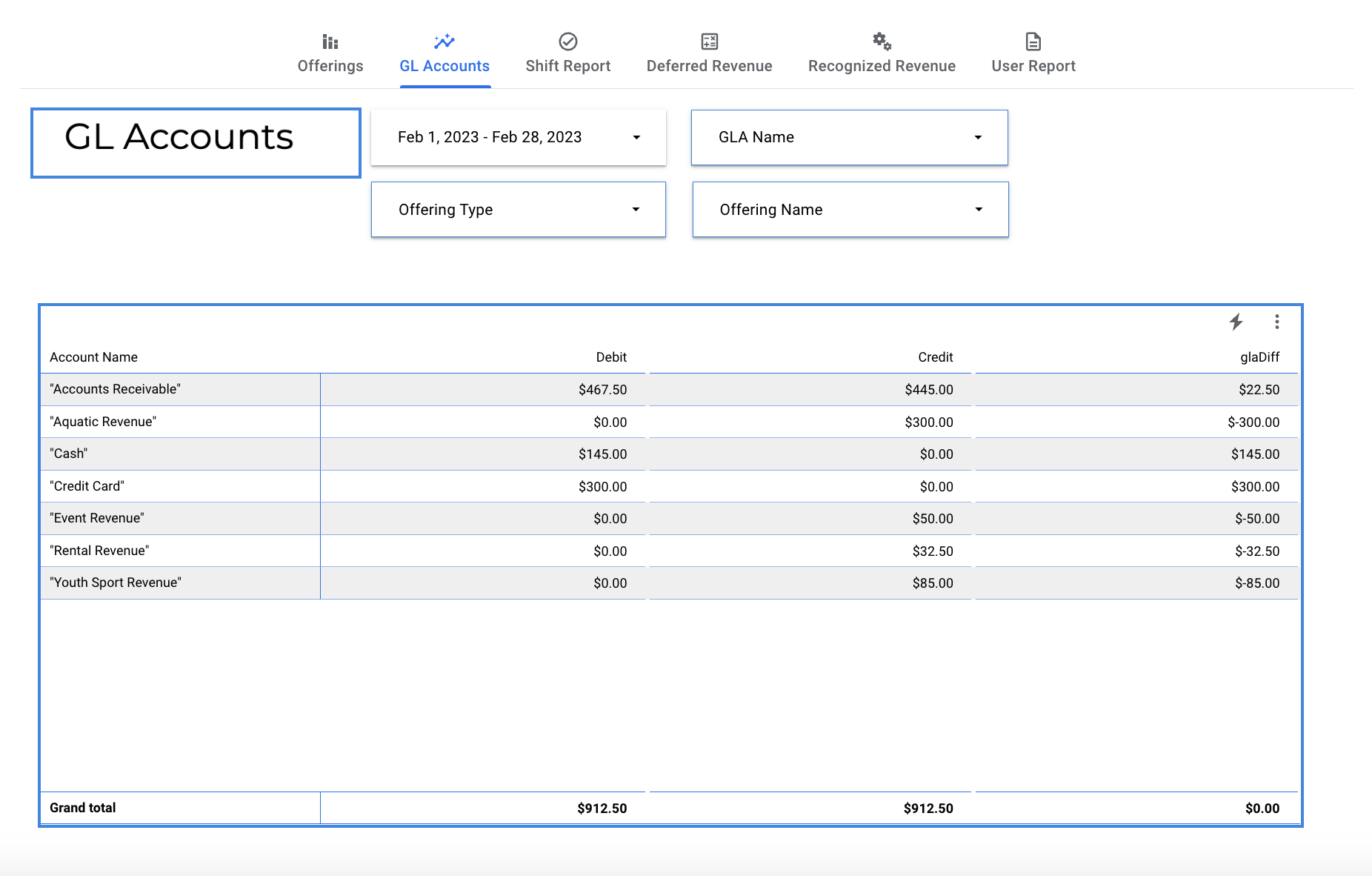
Select ‘GL Accounts’ from the selections at the top of the screen.
Set a date range that will display on the report.
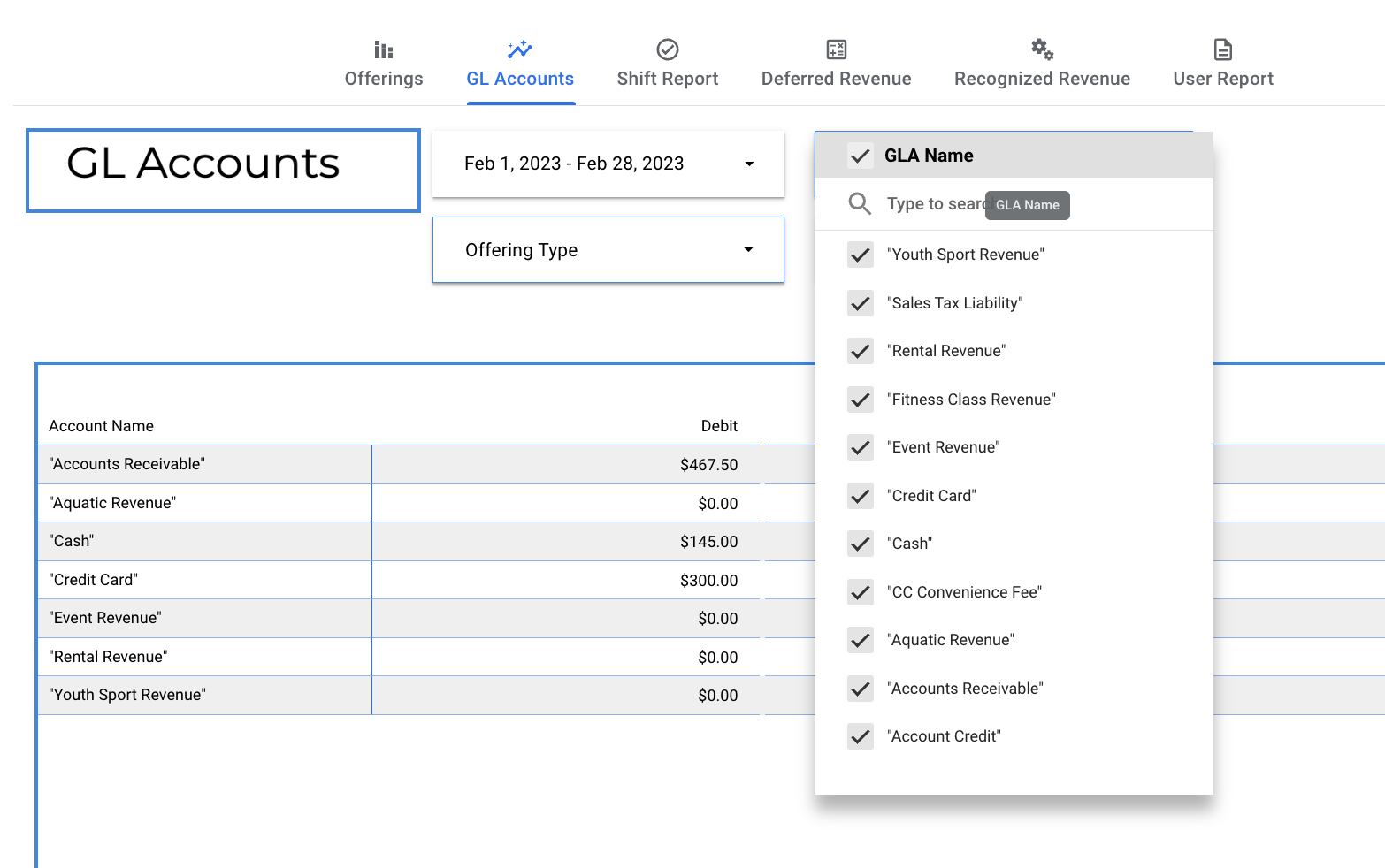
Filter report to show specific GLA accounts
Filter report to only show specific offering types.
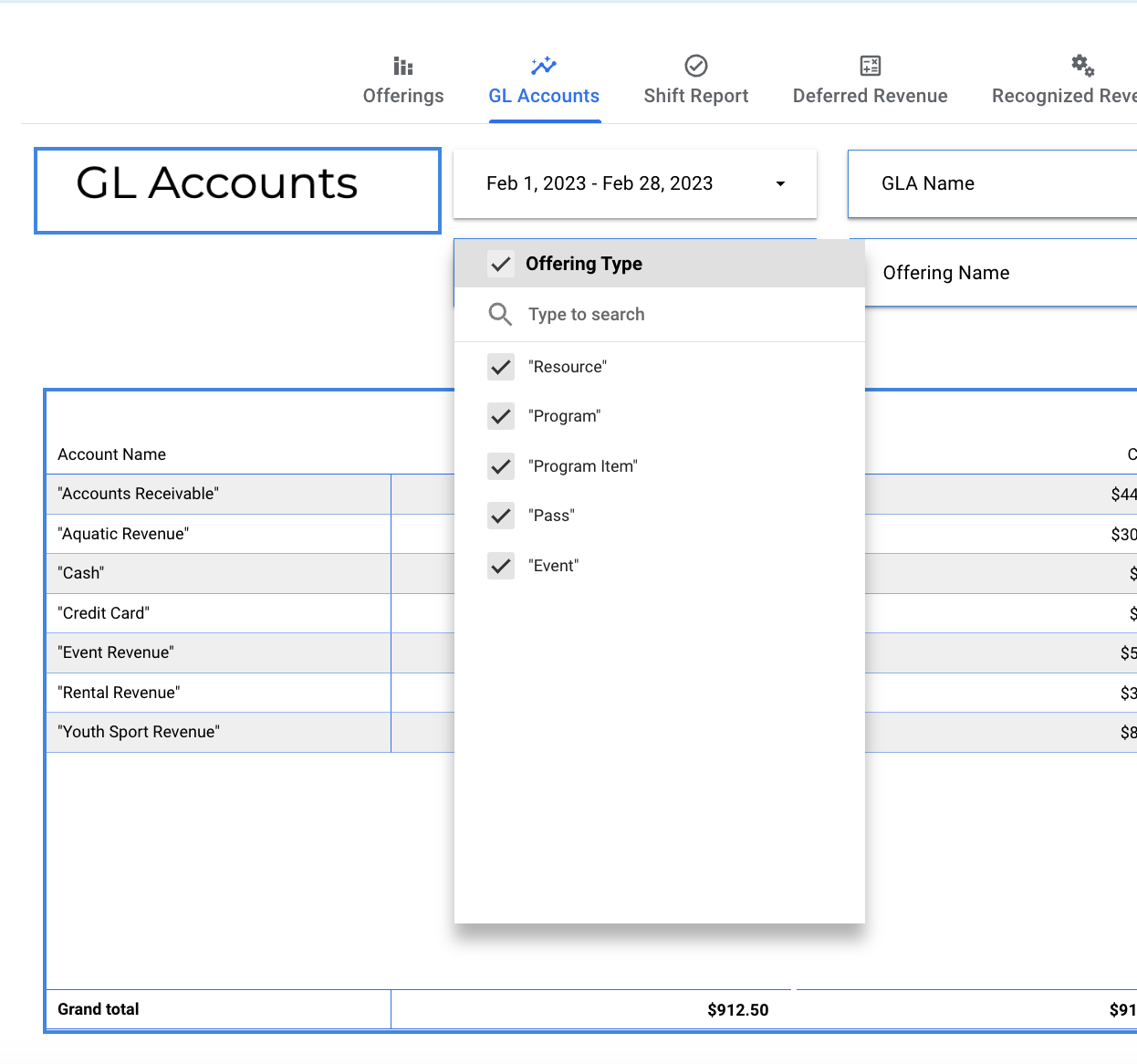
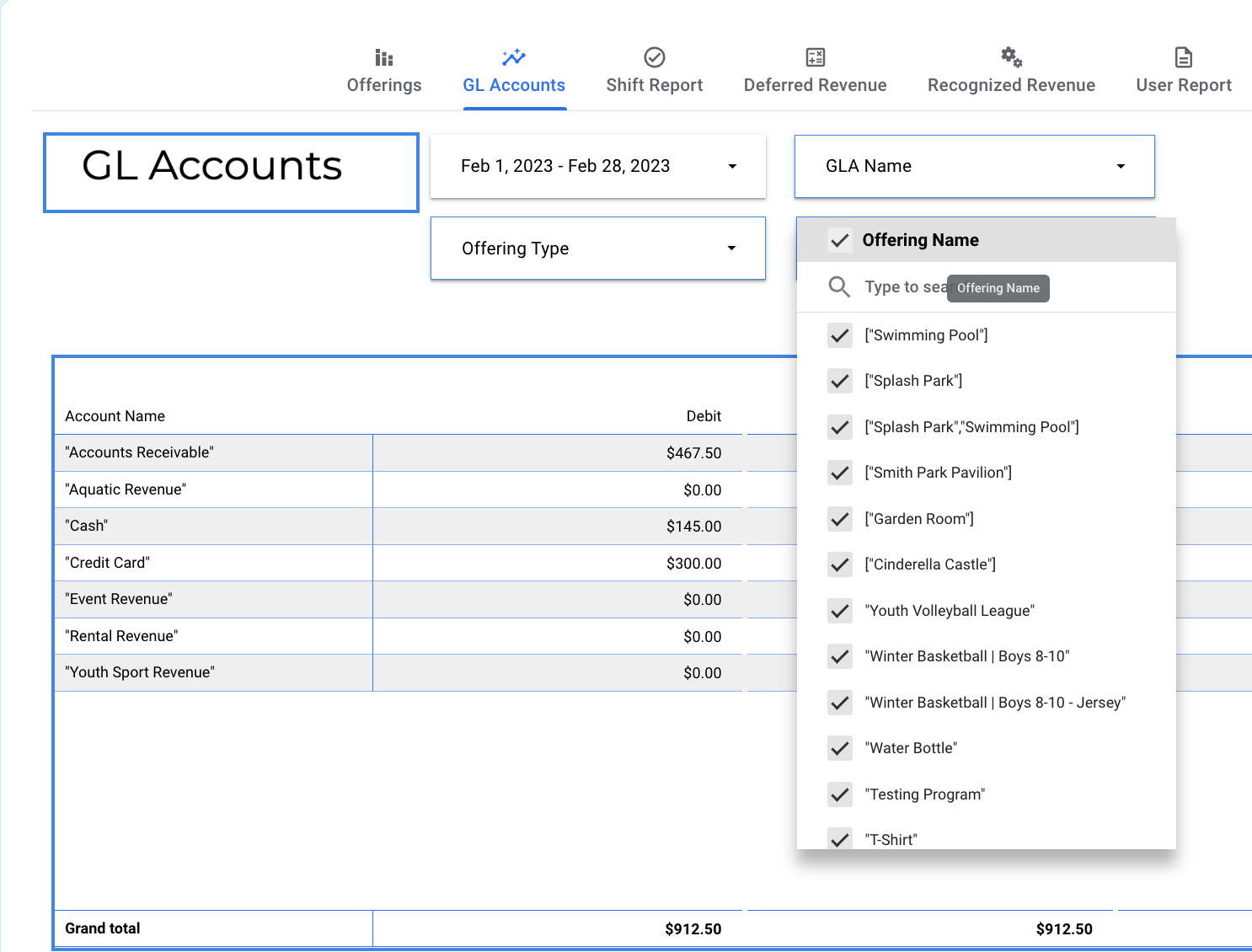
Filter report to show only specific offerings.
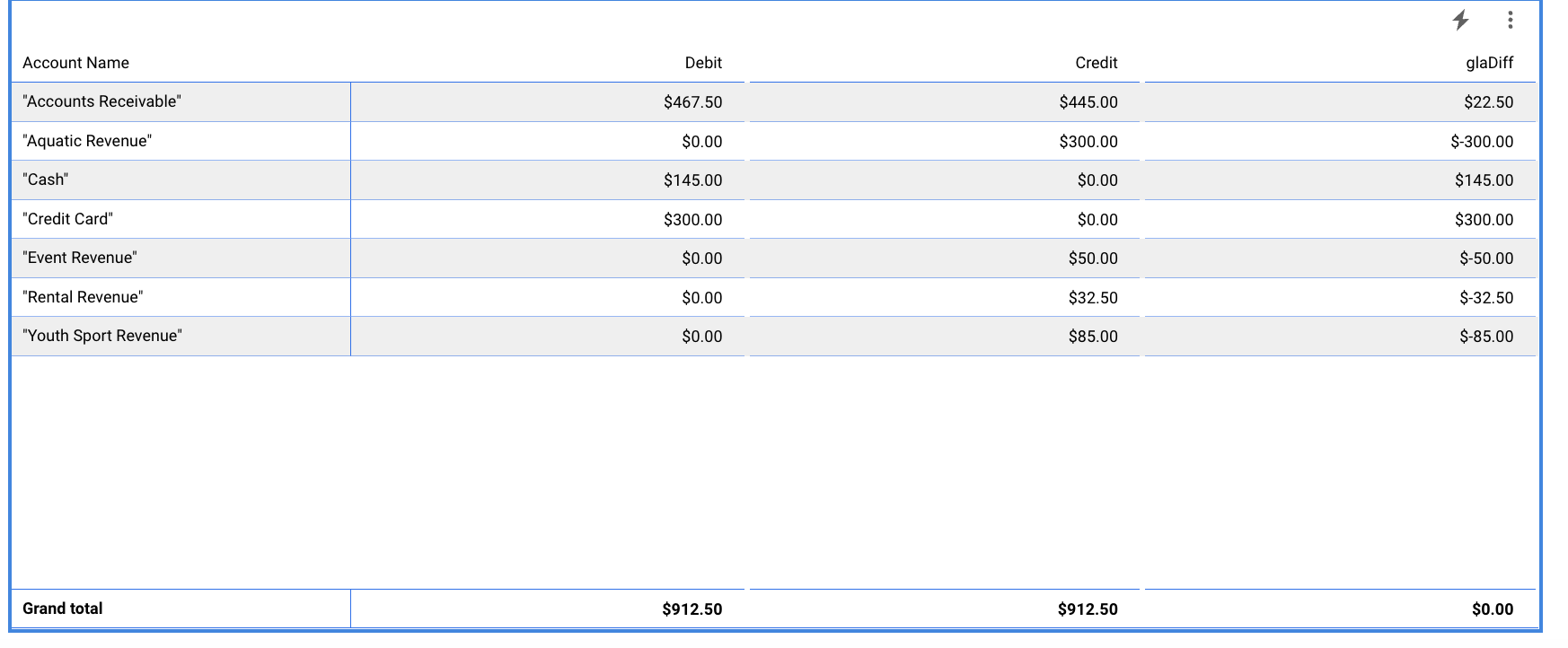
The report shows the Account Name and the amount in debits and credits and a difference if one exists.
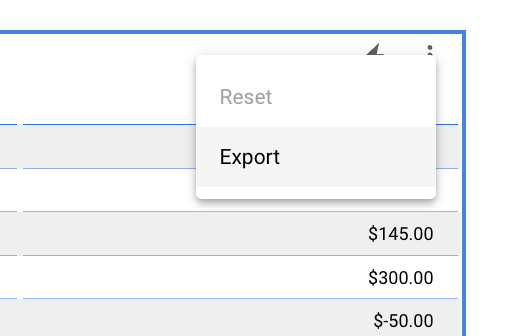
Select the 3 vertical dot button to export and print this report.
If this button does not show on your screen just hover the mouse over that area and it will pop up.
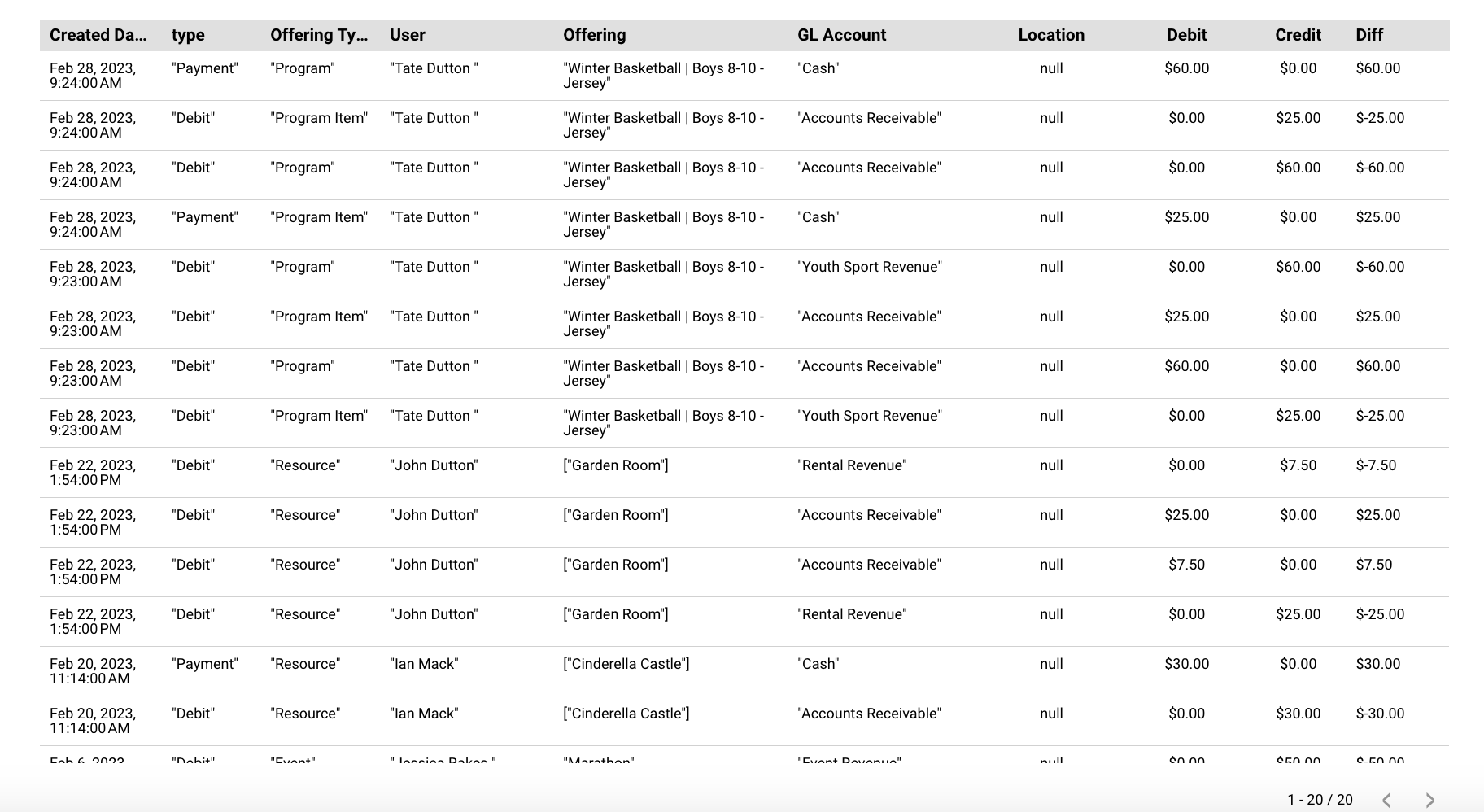
Underneath the report you will see an itemized report that shows the GL account as well.