As a Processor, one of your tasks will be to complete the architectural submissions. This means, reviewing architectural submissions approved and verifying final inspections (if applicable), then updating the submission Status.
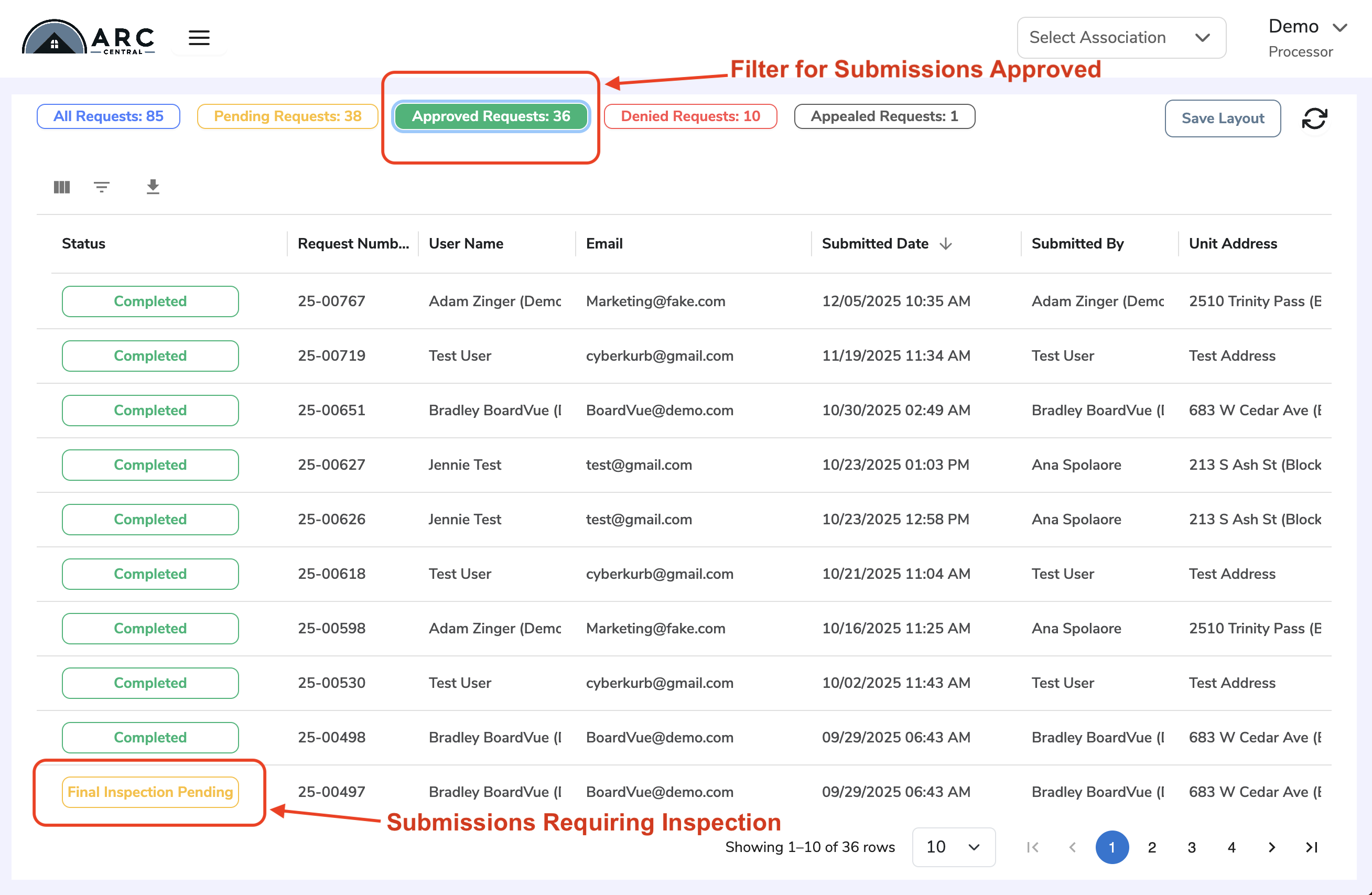
To see submissions that require completion, go to your ARC Central Dashboard, look under Approved Requests filter and view item with Final Inspection Pending status. From here, you may select a submission to open the details.
Update the Request Status
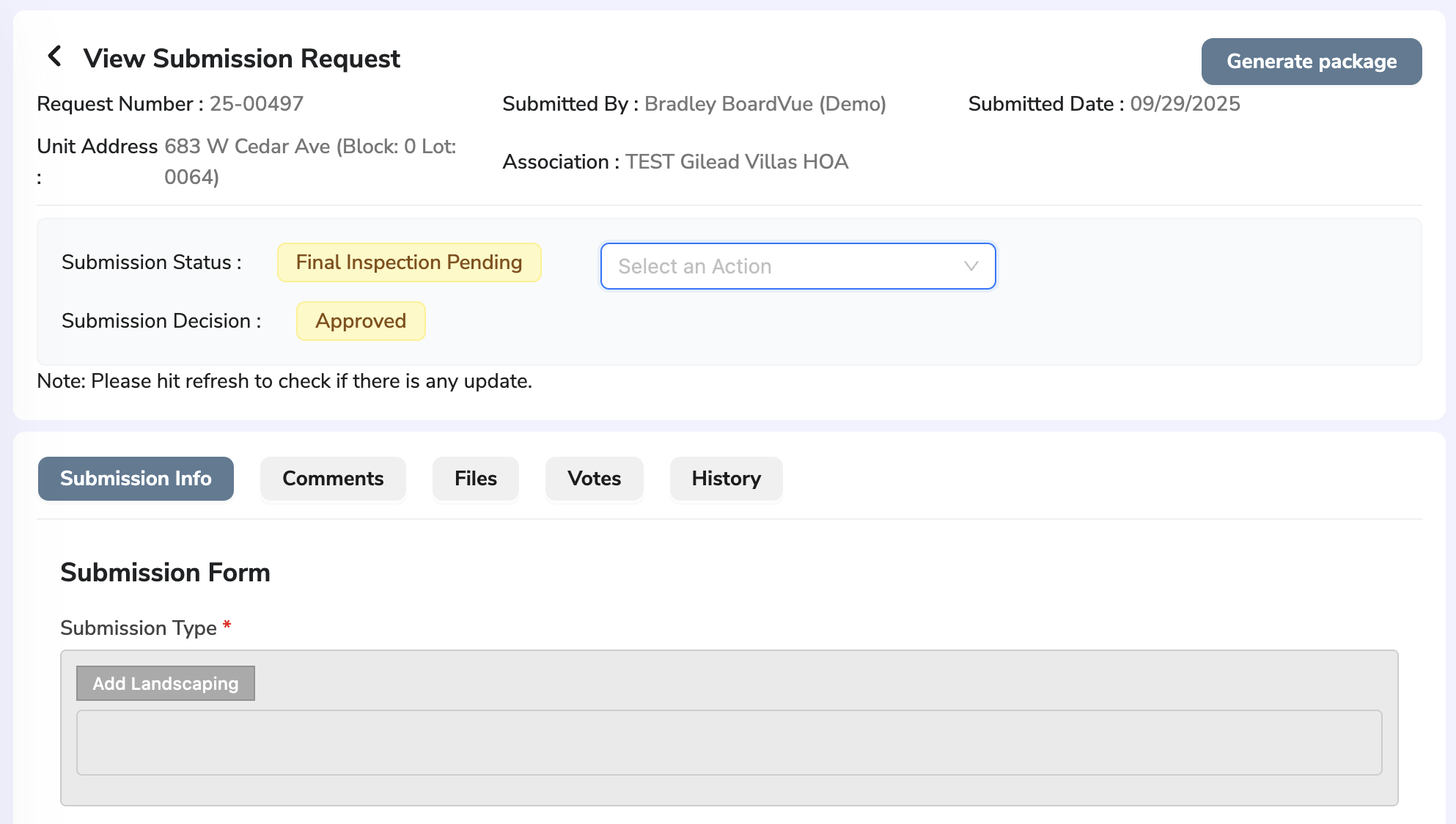
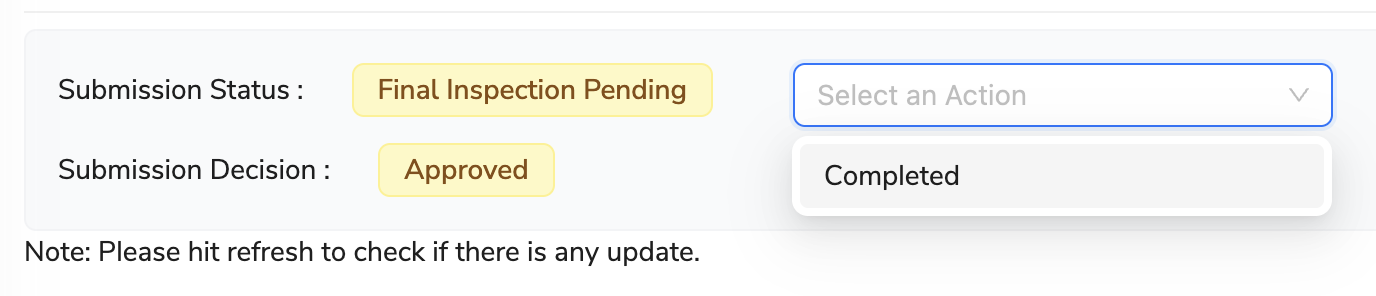
To update the request status, click on the drop down menu beside 'Submission Status' field. This dropdown menu is labelled 'Select an Action' and choose 'Complete' option
Was this article helpful?
That’s Great!
Thank you for your feedback
Sorry! We couldn't be helpful
Thank you for your feedback
Feedback sent
We appreciate your effort and will try to fix the article