As a Homeowner
Homeowners can check on the status of their architectural requests via the AAM All Access portal.
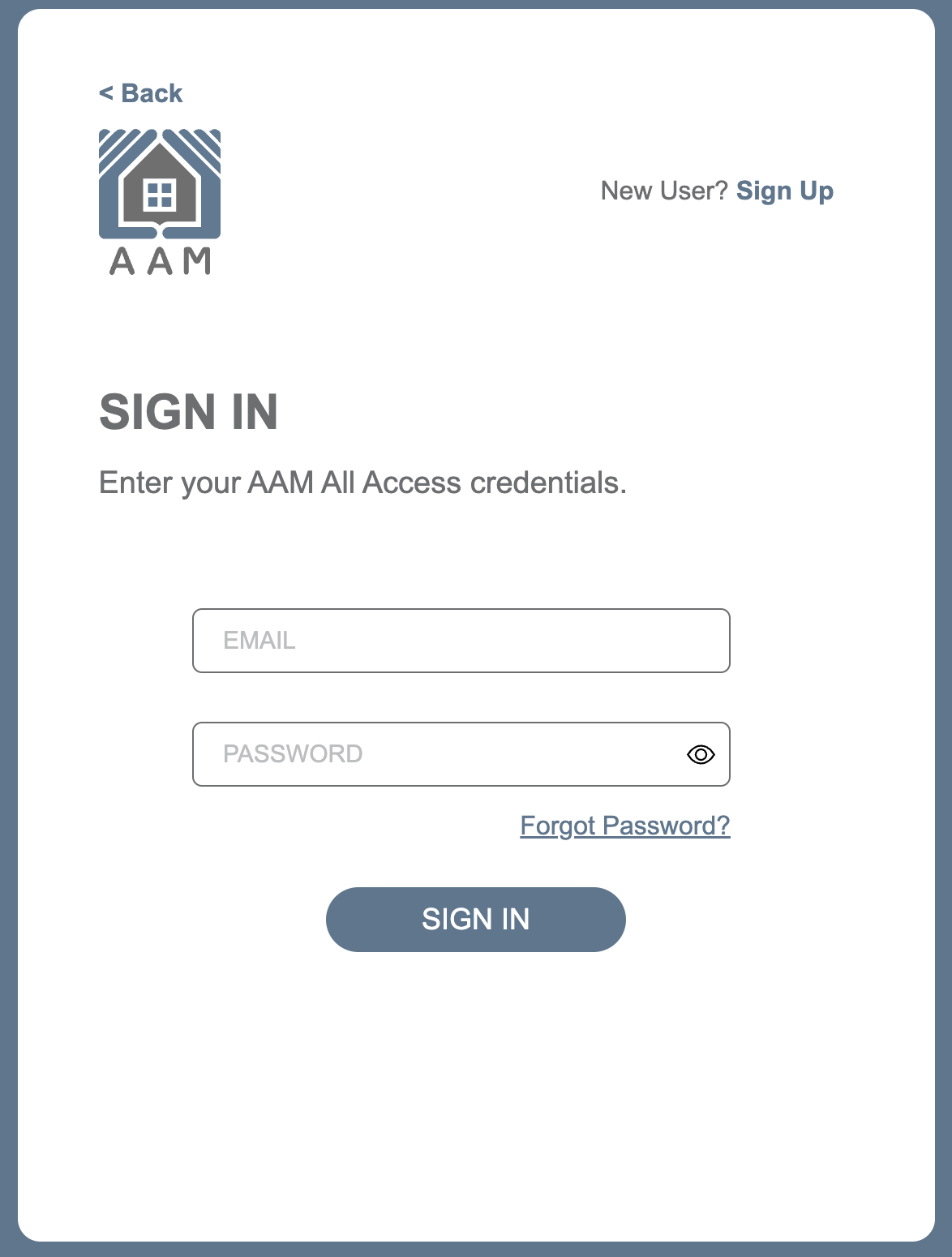
- Sign in to AAM All Access → https://allaccess.associatedasset.com/
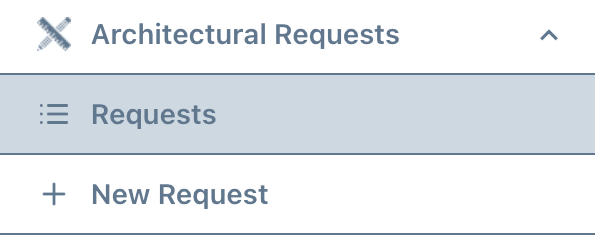
- Go to the left navigation menu and select Architectural Requests → Requests
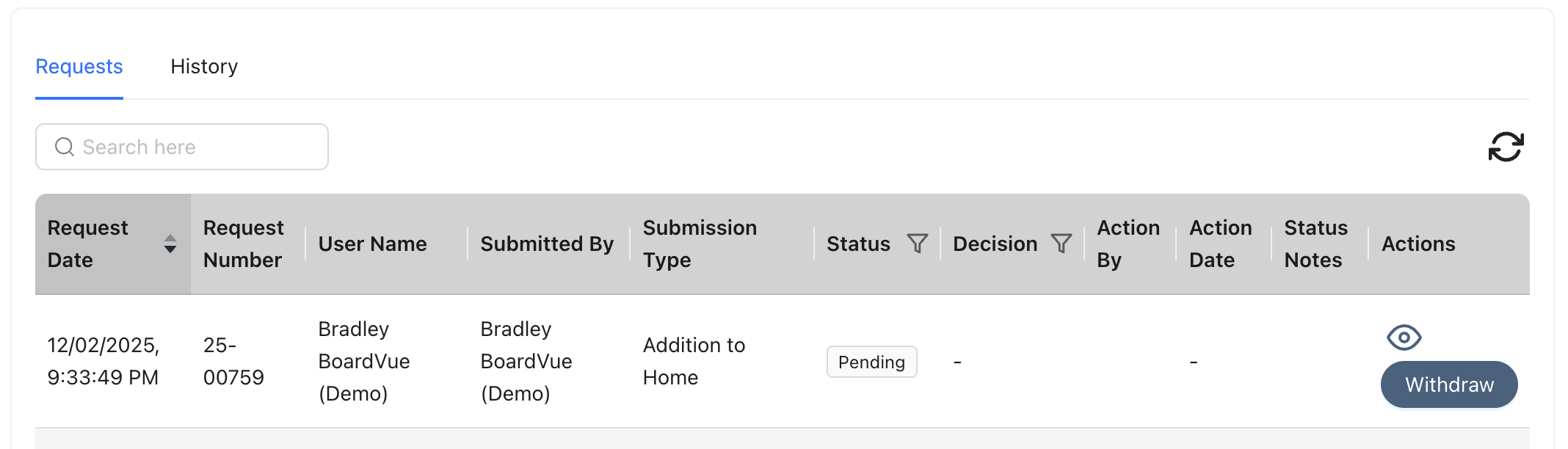
Your requests will be display on right side of screen. From here, you can see information about the request, including a column which tells you the Status
Return to User Guide
Was this article helpful?
That’s Great!
Thank you for your feedback
Sorry! We couldn't be helpful
Thank you for your feedback
Feedback sent
We appreciate your effort and will try to fix the article