As a Processor, one of your tasks will be to receive the architectural submissions. This means, checking for newly submitted architectural requests, verifying if necessary info is present and updating the Status.
To see new submissions, go to your ARC Central Dashboard and view requests in the Pending status. From here, you may select a submission to open the details.
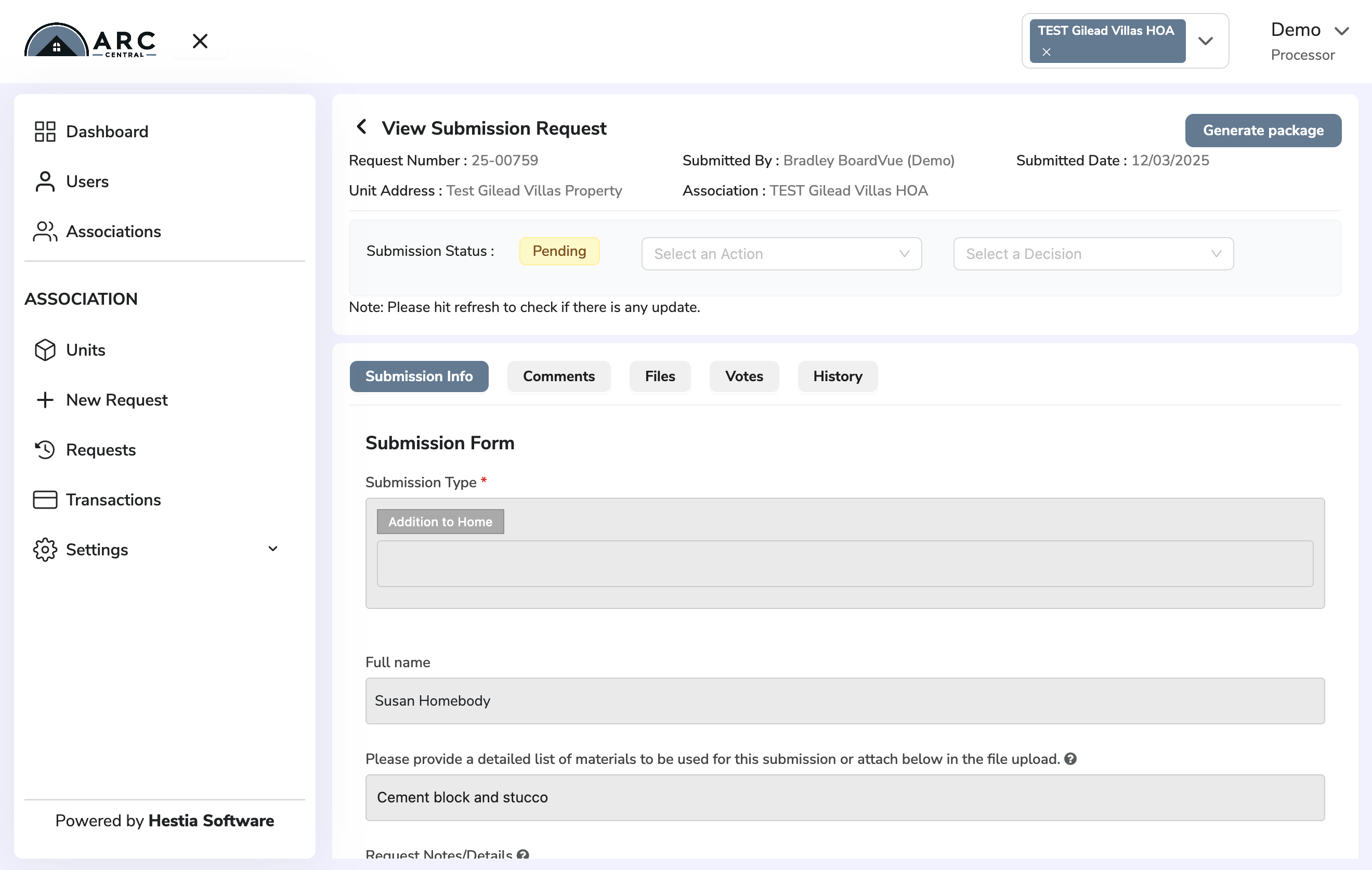
Update the Request Status
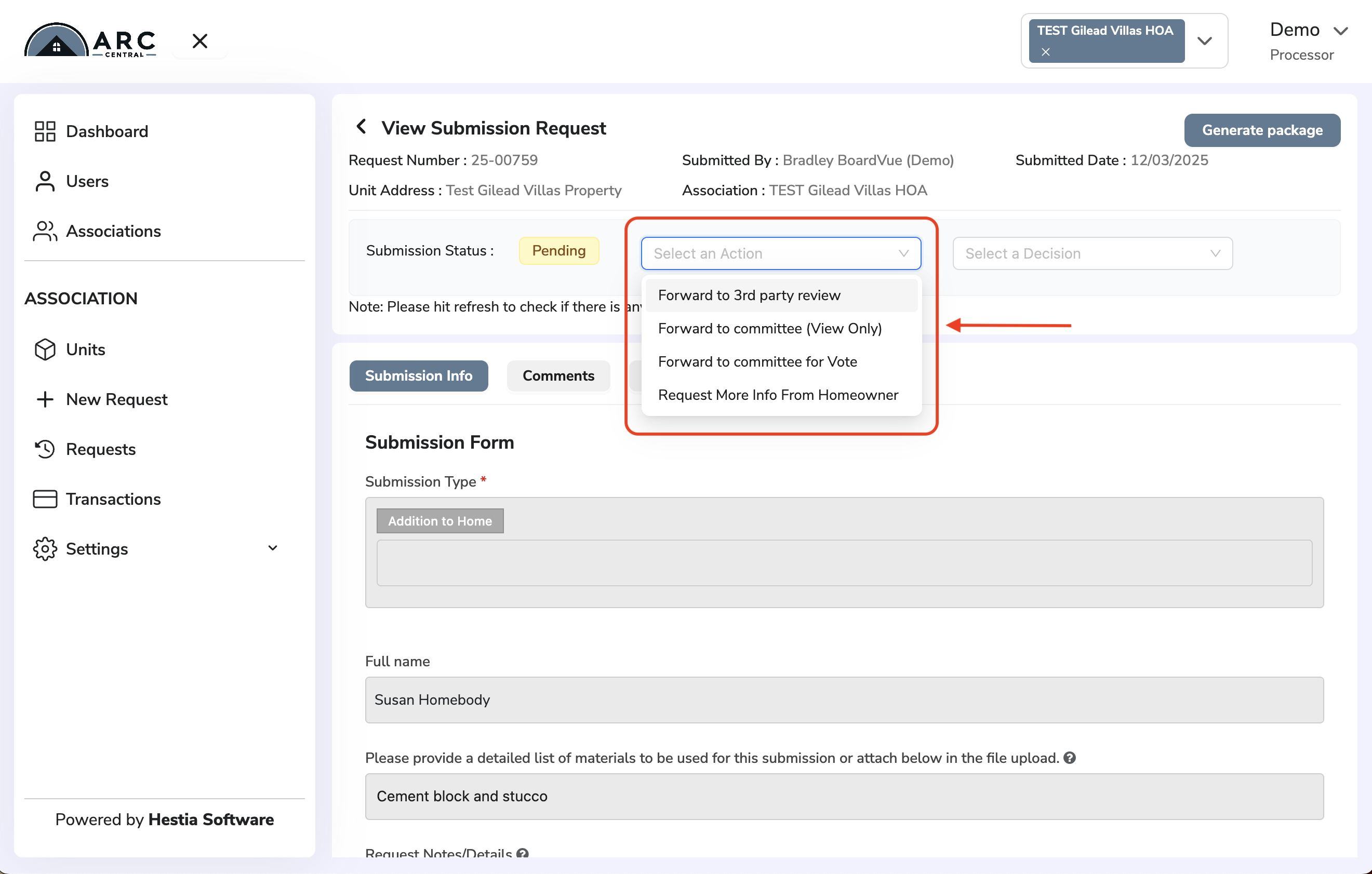
To update the request status, click on the drop down menu beside 'Submission Status' field. This dropdown menu is labelled 'Select Next Action' and your options include:
- Forward to 3rd party review, send the submission to people outside committee for review
- Forward to committee (View Only), send to Committee who will vote in-person
- Forward to committee for Vote, send to Committee who will vote online
- Request More Info From Homeowner, send submission back to homeowner if info is missing
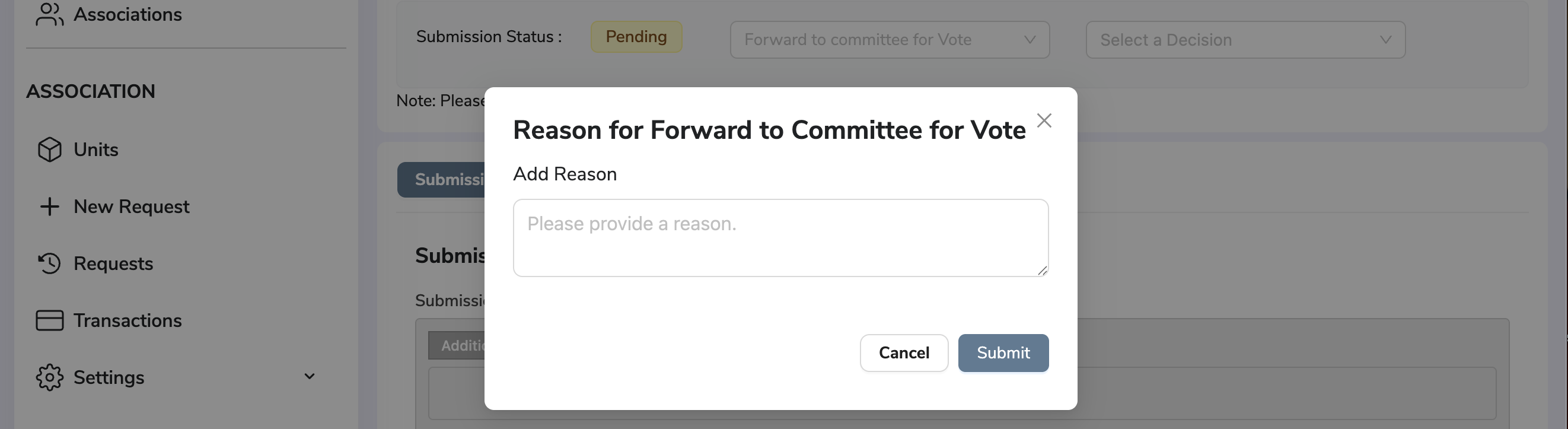
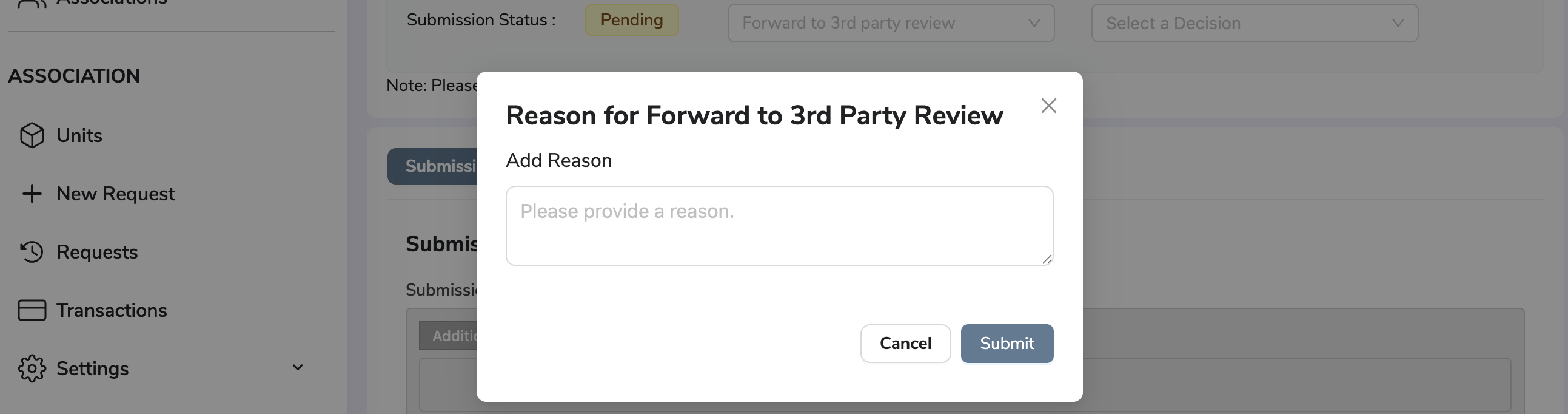
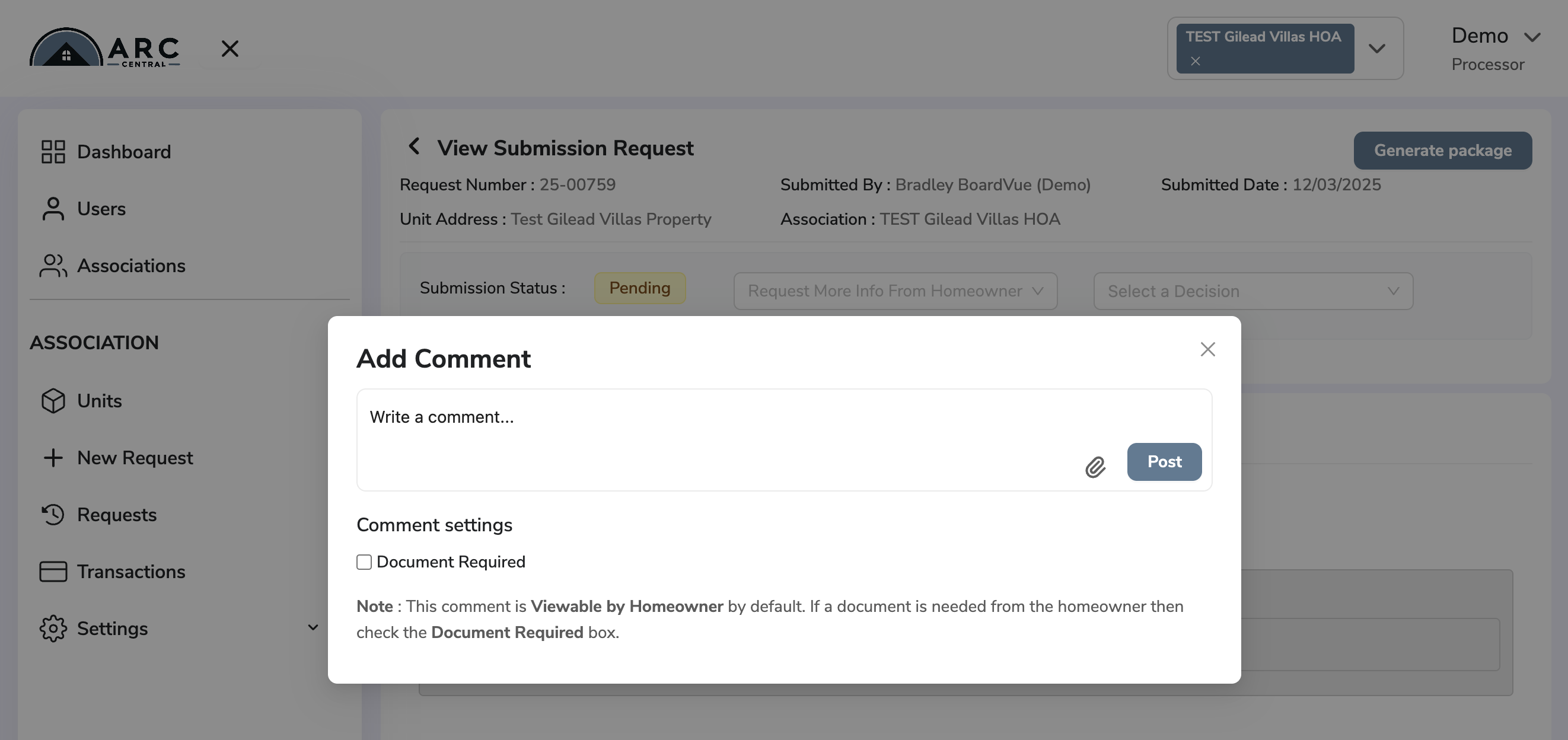
After choosing appropriate Action, you will be prompted to include a comment.
Example comment prompts are shown below.
The comment prompt for Sending Back to Homeowner has more options - like including an attachment in your comment (ie. form or guide) or requiring Homeowner adds a document in their re-submittal.
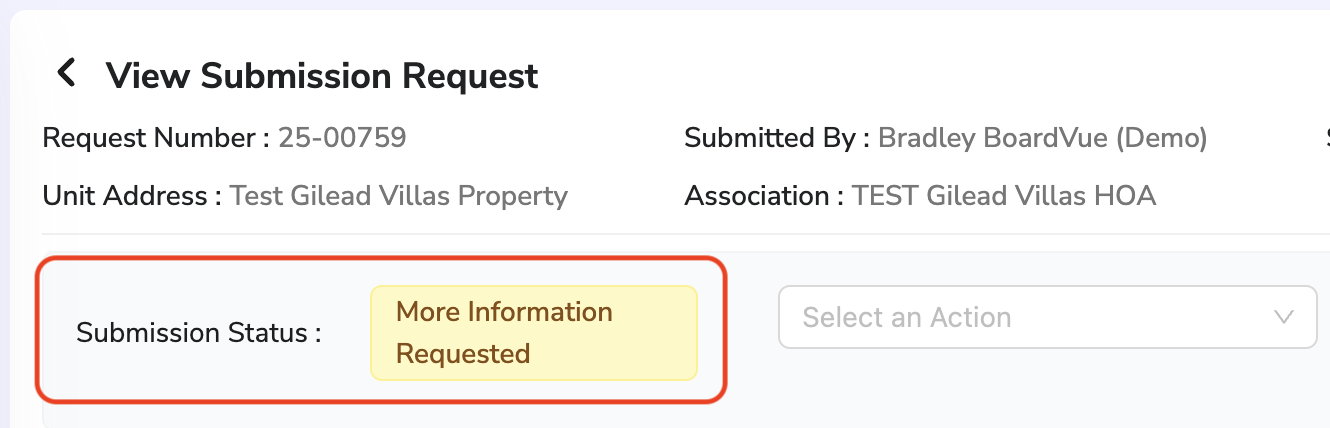
After a you have updated the Status, a new Submission Status will be displayed.
Return to Getting Started with ARC Central
Was this article helpful?
That’s Great!
Thank you for your feedback
Sorry! We couldn't be helpful
Thank you for your feedback
Feedback sent
We appreciate your effort and will try to fix the article